Introduction
The mobile computing landscape is changing rapidly. Smartphones are no longer niche devices reserved for technology enthusiasts or executive staff. Businesses are increasingly deploying mobile solutions for field employees, sales teams, service technicians, healthcare professionals, and customers who expect access to information regardless of location.
Developers, however, face a significant challenge. The mobile ecosystem has become increasingly fragmented. Apple's iPhone continues to gain popularity, Android devices are expanding quickly across multiple manufacturers, BlackBerry remains dominant within many enterprise environments, Nokia continues to maintain a significant global presence, and Windows Phone 7 is entering the market.
Building separate native applications for every platform requires multiple programming languages, development environments, testing strategies, and deployment processes. For many organizations, this significantly increases development costs and extends project timelines.
jQuery Mobile has emerged as an ambitious attempt to simplify mobile web application development. Built upon the success of the jQuery JavaScript library, it seeks to provide developers with a consistent framework for creating touch-friendly interfaces that work across a wide range of smartphones and mobile browsers.
As of October 2010, jQuery Mobile is still an emerging technology. While it is not intended to replace native applications in every scenario, it offers an attractive option for organizations seeking broader device compatibility without maintaining multiple codebases.
This article examines how jQuery Mobile works, its architectural principles, enterprise use cases, strengths, limitations, and recommendations for organizations evaluating mobile web technologies.
The Rise of Mobile Web Applications
Traditional desktop-oriented websites often perform poorly on mobile devices.
Common issues include:
- ◆Small navigation elements
- ◆Mouse-dependent interactions
- ◆Fixed-width layouts
- ◆Slow loading times
- ◆Difficult text input
- ◆Inconsistent browser behavior
Users increasingly expect interfaces specifically designed for touch interaction.
Rather than simply shrinking desktop websites, organizations must rethink the user experience for smaller screens.
Why Cross-Platform Development Matters
Supporting multiple mobile operating systems independently introduces significant complexity.
Development teams may need expertise in:
- ◆Objective-C for iPhone
- ◆Java for Android
- ◆BlackBerry Java
- ◆C# for Windows Phone
- ◆Various SDKs and deployment tools
Maintaining feature parity across multiple applications becomes increasingly difficult as projects grow.
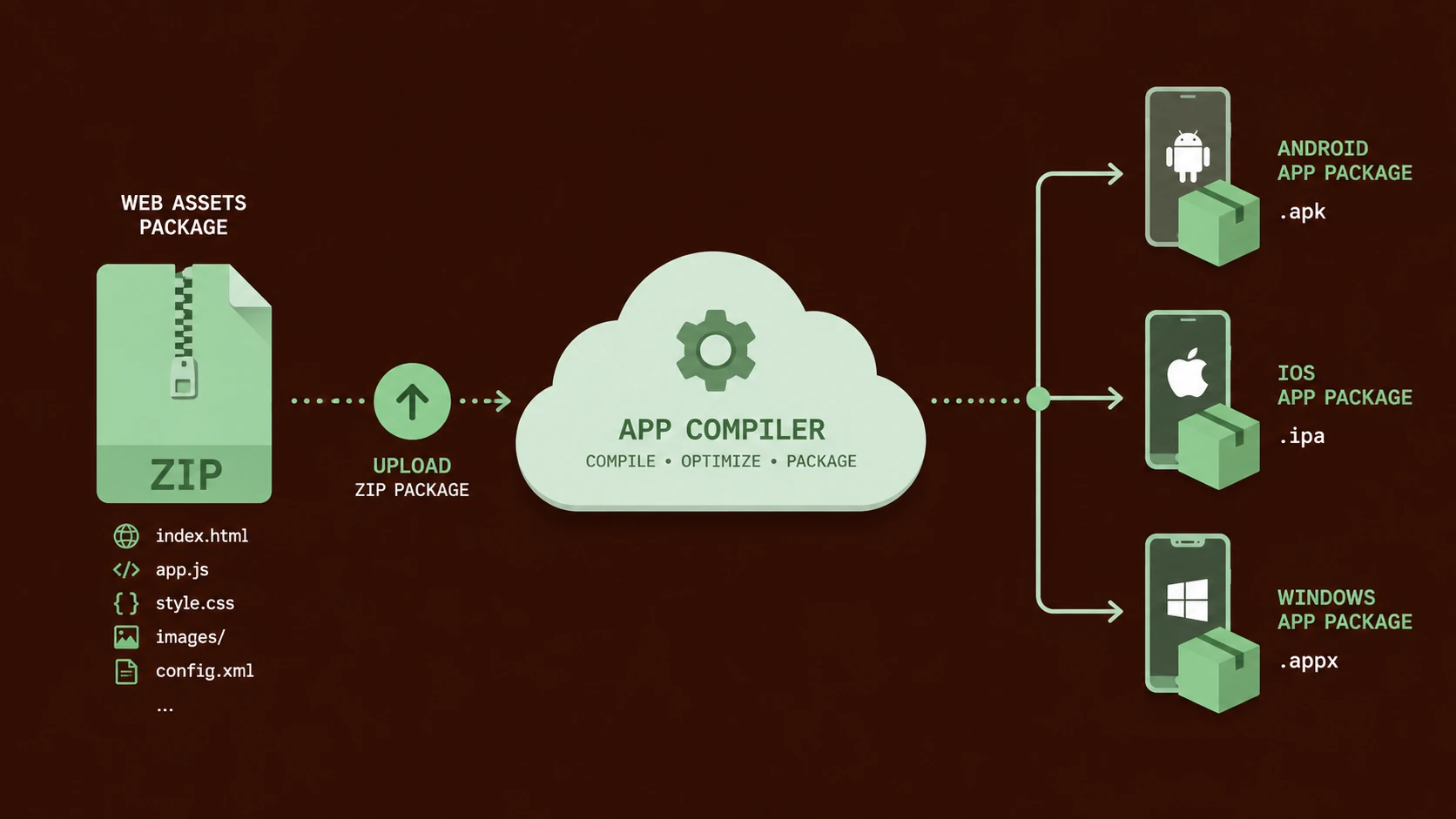
A web-based approach offers the possibility of writing a single application that operates across many supported devices.
What Is jQuery Mobile?
jQuery Mobile is a user interface framework built on top of jQuery.
Its primary goals include:
- ◆Cross-platform compatibility
- ◆Touch-optimized controls
- ◆Consistent user interface components
- ◆Progressive enhancement
- ◆Reduced browser-specific coding
Rather than requiring developers to build separate interfaces for every mobile platform, the framework provides reusable components that adapt to different devices.
Core Technologies
jQuery Mobile leverages familiar web standards.
These include:
- ◆HTML5
- ◆CSS3
- ◆JavaScript
- ◆jQuery
- ◆AJAX navigation
Organizations already developing web applications can often leverage existing skills when adopting the framework.
Touch-Friendly User Interface Components
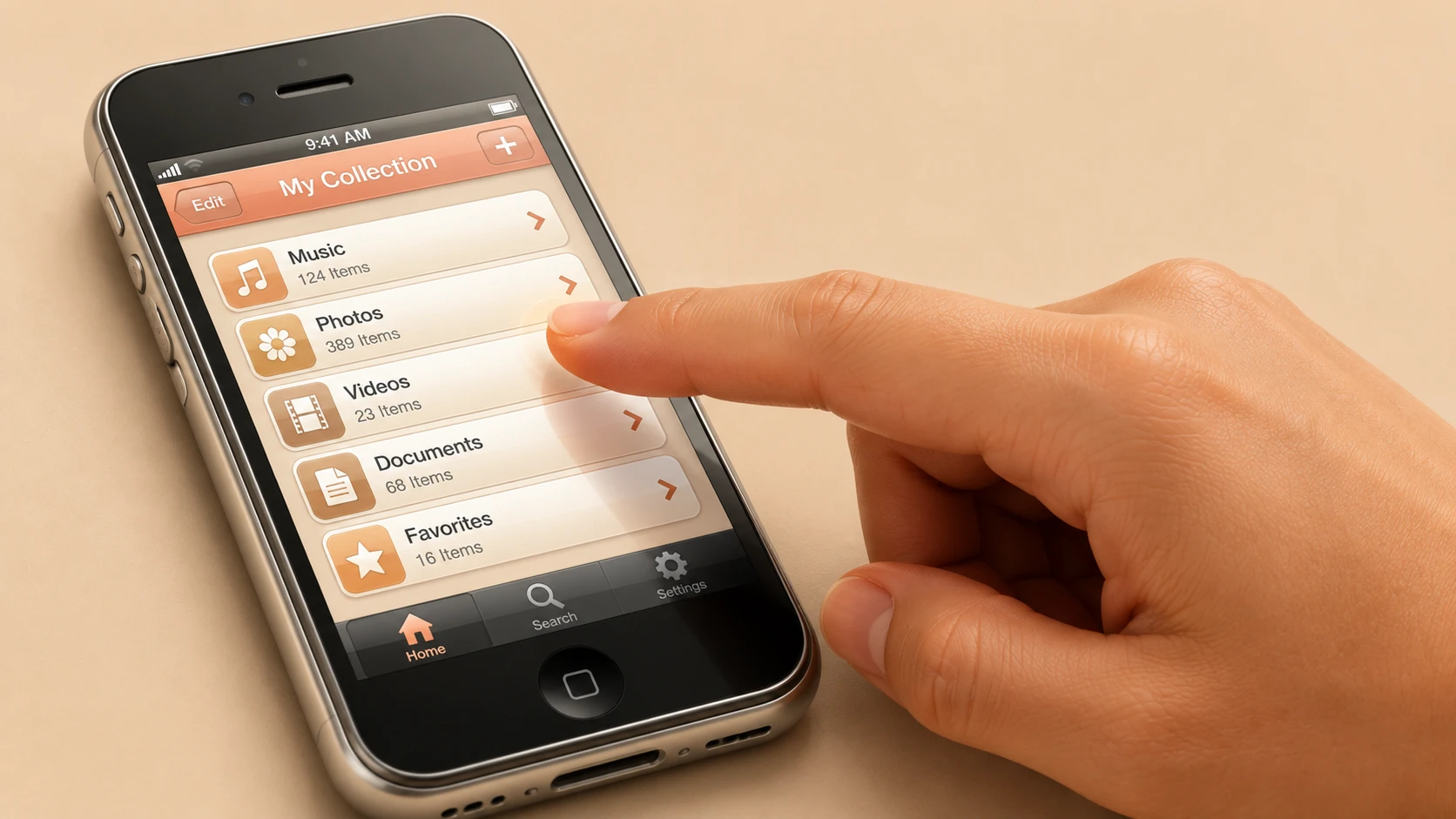
One of jQuery Mobile's primary objectives is simplifying touch interface development.
Built-in components include:
- ◆Buttons
- ◆Toolbars
- ◆Navigation bars
- ◆Lists
- ◆Forms
- ◆Dialogs
- ◆Pop-up pages
- ◆Content panels
These controls are optimized for finger-based interaction rather than mouse input.
Progressive Enhancement
An important design principle within jQuery Mobile is progressive enhancement.
Applications begin with standard semantic HTML.
The framework then enhances supported browsers with richer styling and interactions.
This approach offers several advantages:
- ◆Improved accessibility
- ◆Cleaner markup
- ◆Better compatibility
- ◆Easier maintenance
Developers can focus on application functionality while allowing the framework to manage many presentation concerns.
Simplified Page Structure
A typical jQuery Mobile page follows a structured layout.
<div data-role="page">

    <div data-role="header">
        <h1>Customer Portal</h1>
    </div>

    <div data-role="content">
        Content goes here.
    </div>

    <div data-role="footer">
        Footer Information
    </div>

</div>
Using data attributes, developers can rapidly construct mobile-friendly interfaces without extensive custom styling.
AJAX Navigation
jQuery Mobile makes extensive use of AJAX to improve navigation.
Instead of performing a complete page refresh, content can be loaded dynamically.
Potential benefits include:
- ◆Faster page transitions
- ◆Reduced bandwidth usage
- ◆Improved user experience
- ◆Smoother navigation
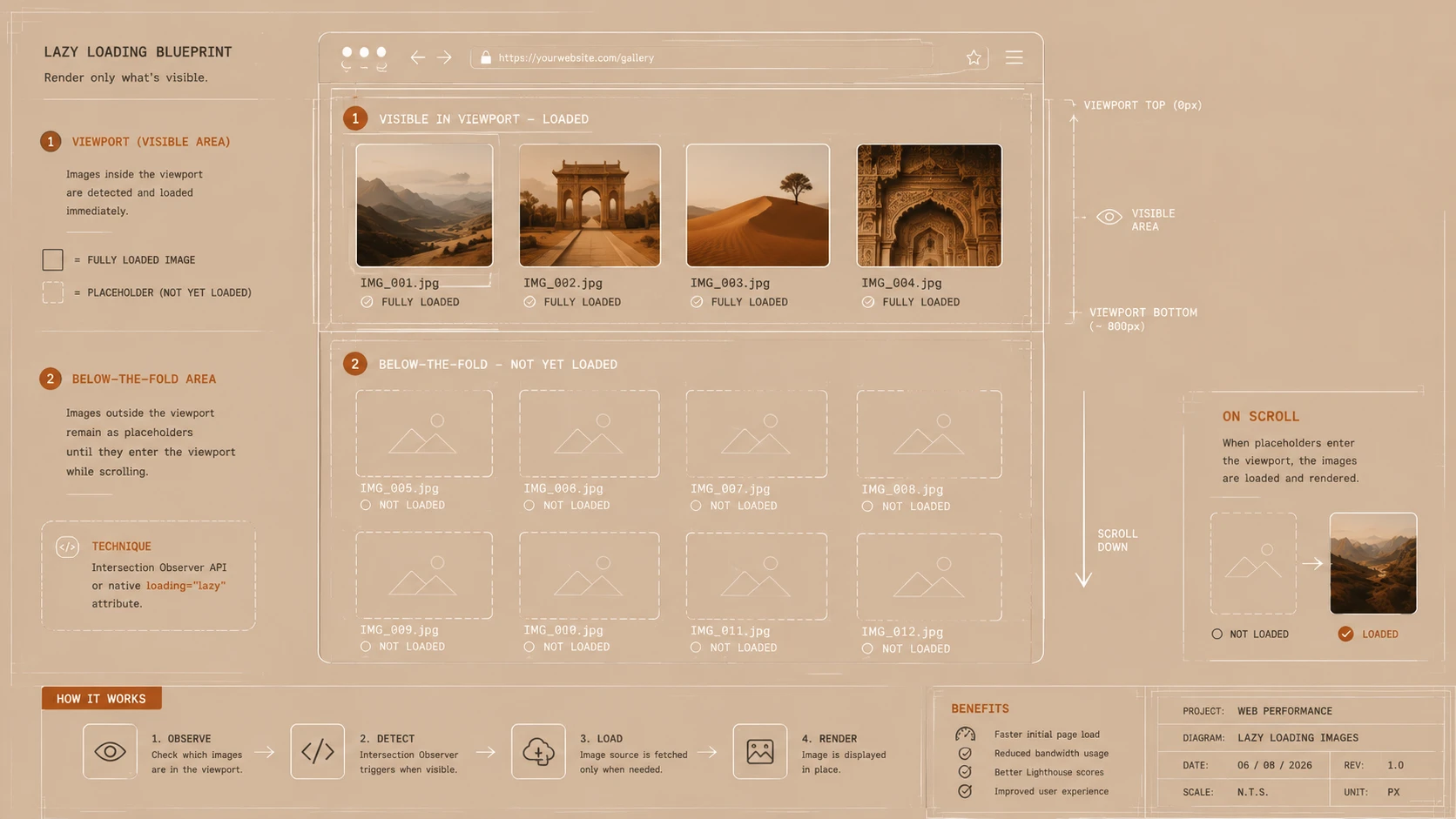
For mobile users operating on slower wireless connections, minimizing unnecessary page reloads can significantly improve perceived responsiveness.
Comparing Native Development and jQuery Mobile
| Feature | Native Applications | jQuery Mobile |
|---|---|---|
| Programming Languages | Platform Specific | HTML, CSS, JavaScript |
| Code Reuse | Limited | High |
| Cross-Platform Support | Separate Applications | Single Codebase |
| Deployment | Application Store | Web Server |
| User Interface | Platform Native | Framework Based |
| Maintenance | Multiple Versions | Centralized |
| Device Access | Extensive | Browser Capabilities |
| Development Cost | Higher | Potentially Lower |
Although native applications provide deeper hardware integration, web applications offer significant advantages in portability and maintenance.
Enterprise Architecture
A typical enterprise deployment may resemble:
Smartphone Browser
        |
   jQuery Mobile
        |
AJAX Requests
        |
Web Server
        |
Business Services
        |
Enterprise Database
This architecture allows organizations to leverage existing web infrastructure while extending access to mobile users.
Enterprise Use Cases
Sales Force Automation
Sales representatives can access customer information, product catalogs, and order entry systems from smartphones while traveling.
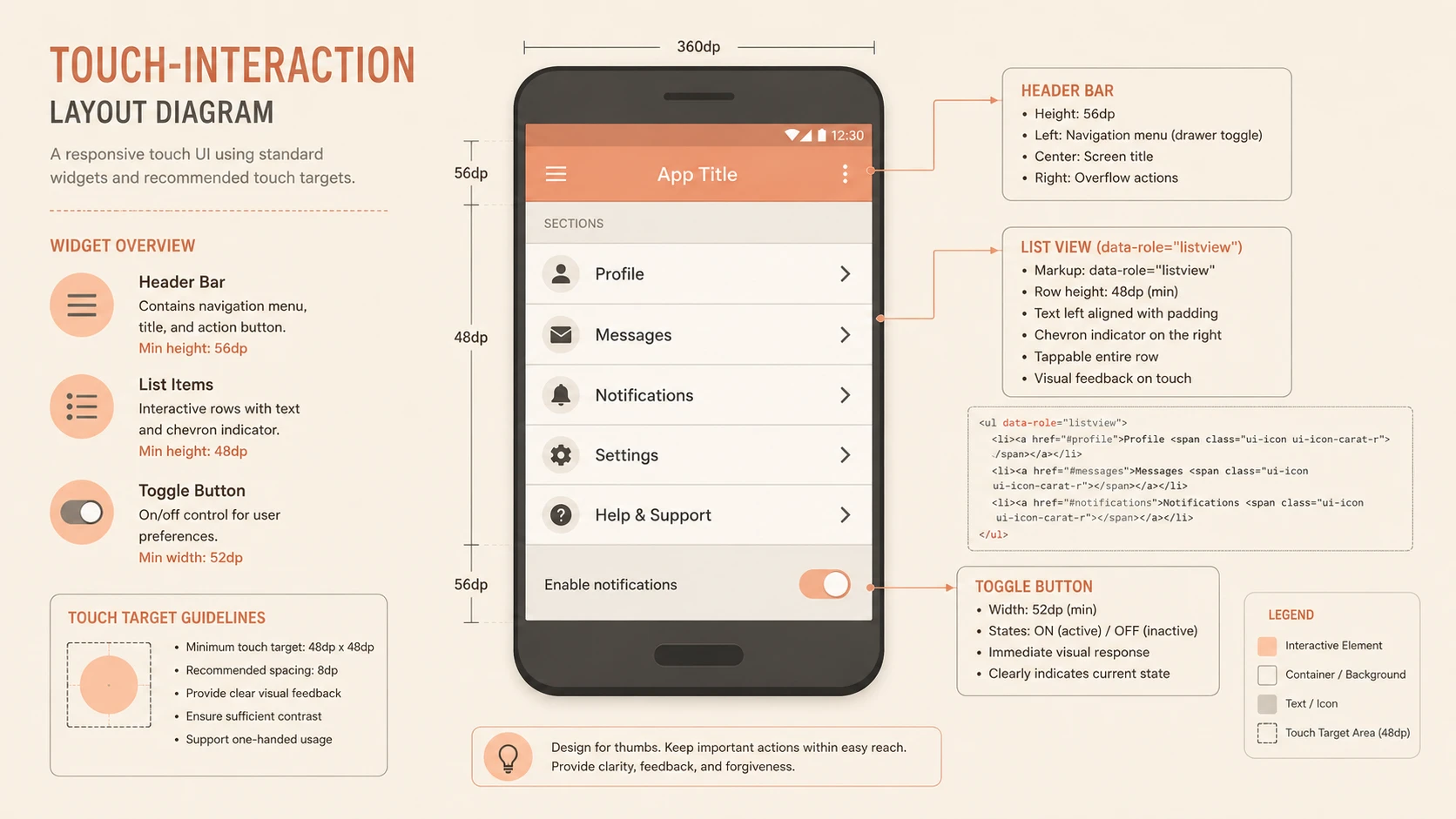
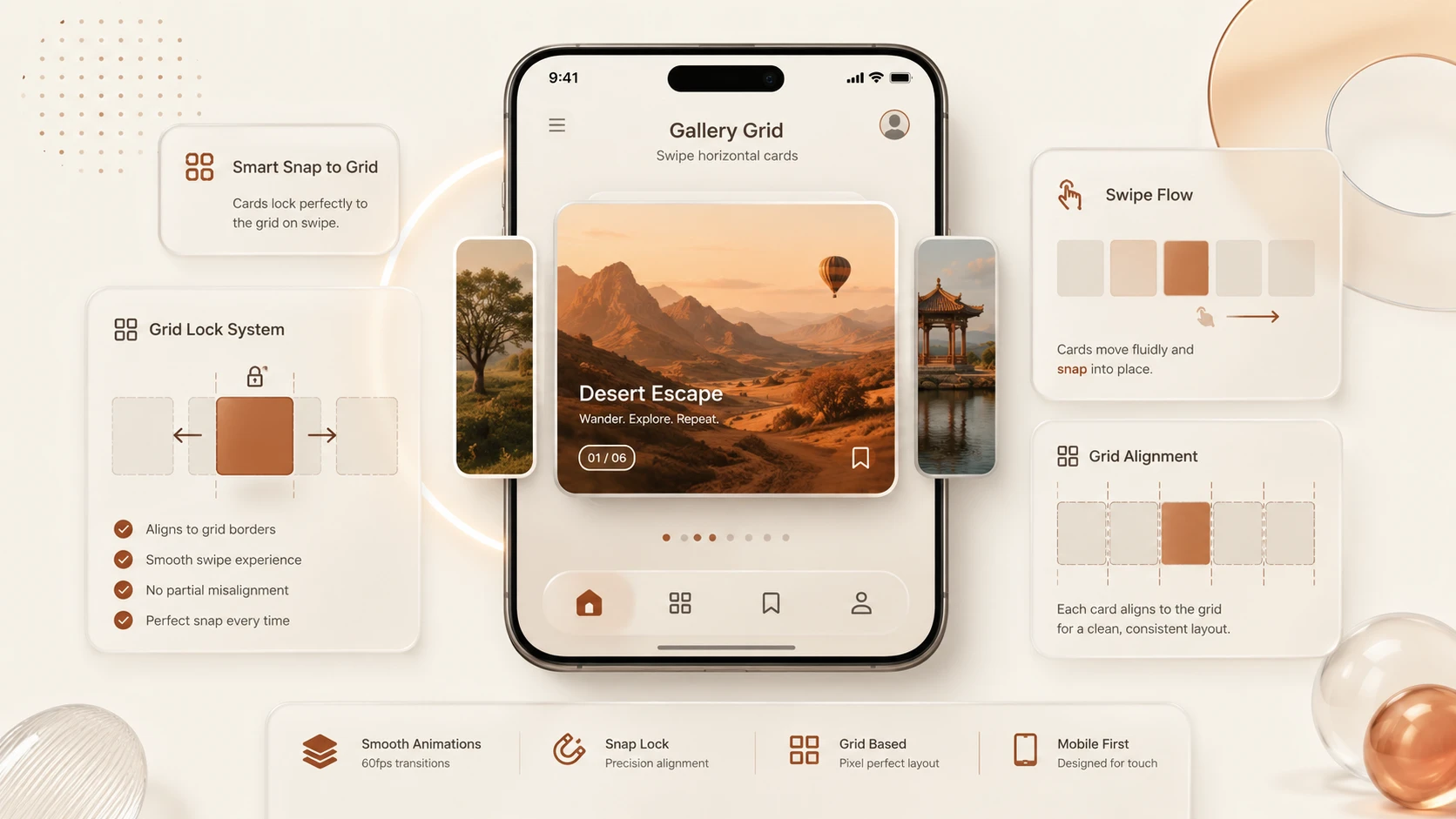
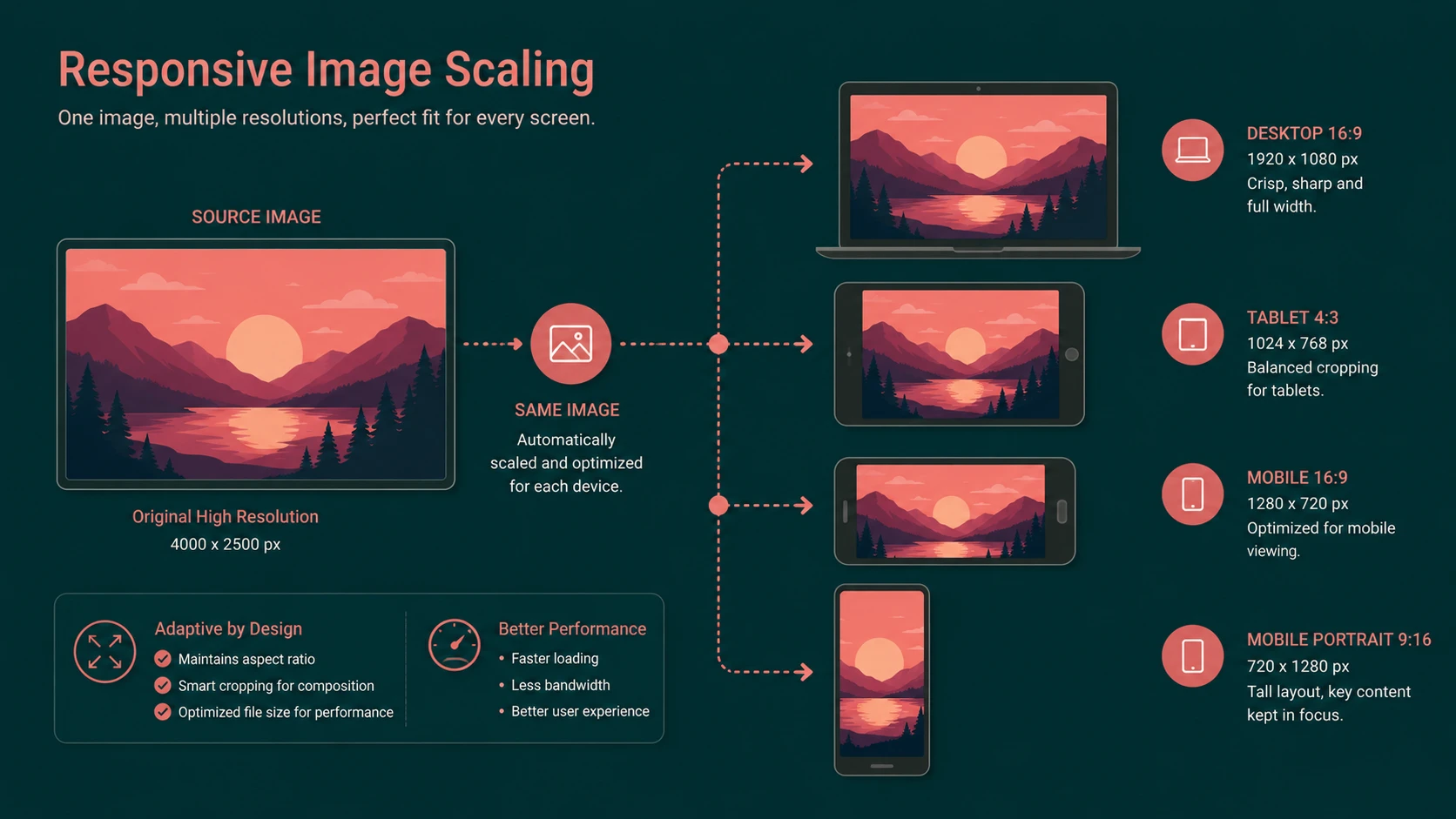
Viewport grid rendering of touch interfaces across cross-platform screen resolutions.
Field Service Applications
Technicians performing on-site maintenance can retrieve service histories, update work orders, and submit inspection results through mobile web interfaces.
Executive Dashboards
Business leaders increasingly require mobile access to operational metrics and reporting dashboards.
Employee Self-Service
Organizations can provide mobile access to leave requests, directory information, expense reporting, and internal announcements.
Customer Portals
Retailers, financial institutions, and service providers can deliver simplified mobile experiences without requiring platform-specific applications.
Benefits for Enterprise Development Teams
Several factors make jQuery Mobile attractive for enterprise adoption.
- ◆Familiar web technologies
- ◆Faster development cycles
- ◆Reduced training requirements
- ◆Shared code across devices
- ◆Simplified maintenance
- ◆Centralized deployment
- ◆Lower long-term support costs
These advantages allow organizations to deliver mobile functionality while maximizing existing investments in web development expertise.
Performance Considerations
Mobile devices continue to have more limited processing power and network bandwidth than desktop systems.
Development teams should therefore optimize:
- ◆Image sizes
- ◆JavaScript execution
- ◆CSS complexity
- ◆HTTP requests
- ◆Page transitions
Responsive interfaces depend upon careful performance optimization in addition to framework capabilities.
Challenges and Limitations
Despite its promise, jQuery Mobile introduces several considerations.
Browser Variability
Although the framework aims for broad compatibility, differences among mobile browsers still require thorough testing.
Hardware Integration
Browser-based applications cannot access every device capability available to native applications.
Performance
Highly interactive applications with extensive animations may perform better as native software on certain devices.
Network Dependency
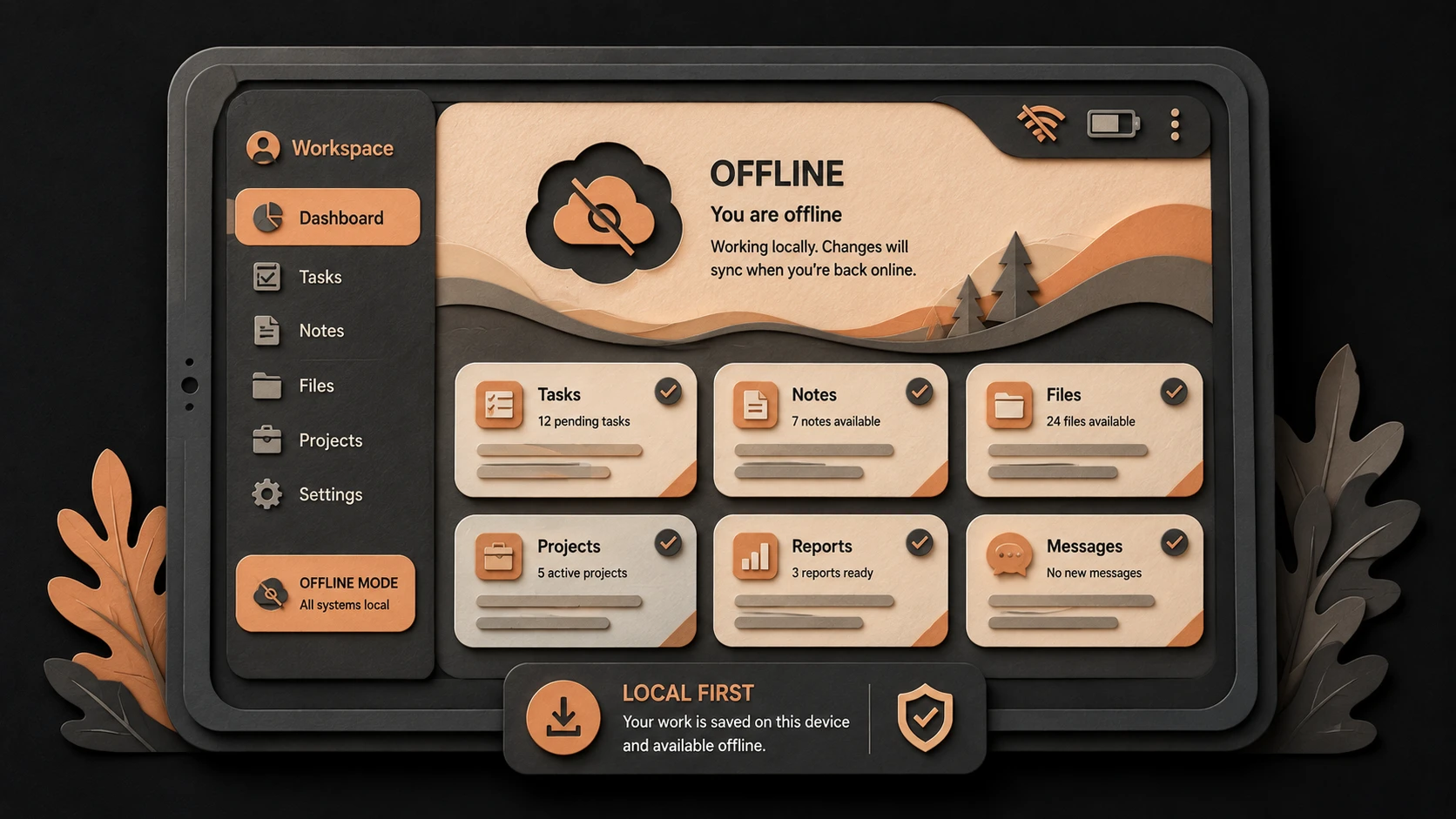
Many web applications rely upon continuous network connectivity, which may not always be available for mobile users.
Organizations should evaluate offline requirements during project planning.
Best Practices
Enterprise teams should follow several recommendations when adopting jQuery Mobile.
- ◆Design specifically for touch interaction.
- ◆Keep pages lightweight.
- ◆Minimize network requests.
- ◆Optimize graphics.
- ◆Validate forms on both client and server.
- ◆Test across supported devices.
- ◆Maintain consistent navigation.
- ◆Follow progressive enhancement principles.
- ◆Secure all communication using HTTPS where appropriate.
These practices improve usability while reducing operational complexity.
Common Mistakes
Organizations frequently encounter avoidable implementation issues.
Treating Mobile as Desktop
Interfaces designed for large monitors often become difficult to use on smartphones.
Ignoring Device Testing
Real devices frequently reveal usability issues that desktop browser emulators may not detect.
Large JavaScript Libraries
Loading unnecessary scripts increases startup time on slower mobile connections.
Overly Complex Navigation
Mobile users benefit from simple workflows with minimal navigation depth.
Poor Performance Optimization
Excessive images, animations, and page elements negatively affect responsiveness.
Adoption Recommendations
Organizations evaluating jQuery Mobile should adopt it incrementally.
Phase 1
- ◆Identify suitable mobile scenarios.
- ◆Train web development teams.
- ◆Develop internal prototypes.
Phase 2
- ◆Modernize existing customer portals.
- ◆Build employee self-service applications.
- ◆Gather usability feedback.
Phase 3
- ◆Expand mobile access to business systems.
- ◆Standardize development practices.
- ◆Optimize performance across supported devices.
Phase 4
- ◆Establish mobile governance.
- ◆Continue monitoring browser compatibility.
- ◆Evaluate emerging mobile technologies as the ecosystem evolves.
The Business Case for Mobile Web Applications
For many organizations, the greatest advantage of jQuery Mobile is not simply its user interface components but its ability to reduce the cost and complexity of supporting multiple mobile platforms.
By leveraging existing web technologies and enterprise infrastructure, organizations can deliver mobile solutions more quickly while reducing the operational burden associated with maintaining several native applications.
Although certain scenarios will continue to require platform-specific software, many enterprise applications can achieve their business objectives through standards-based mobile web development.
Looking Ahead
Mobile computing is rapidly becoming an essential part of enterprise IT strategy. As smartphones continue to gain adoption among employees and customers, organizations must evaluate efficient methods for delivering secure, responsive, and maintainable mobile applications.
jQuery Mobile represents an important step toward simplifying cross-platform mobile web development by combining familiar web technologies with touch-optimized user interface components and progressive enhancement principles. While it remains an emerging framework in October 2010, it provides enterprise development teams with a promising foundation for building mobile-friendly web applications that reach a broad range of devices without requiring multiple platform-specific codebases. Organizations that begin experimenting with mobile web technologies today will be better prepared to support the growing demand for enterprise mobility in the years immediately ahead.