Introduction
As enterprise applications continue to increase in complexity, developers are being asked to build software that remains responsive while performing more work in the background. Modern business applications routinely execute database queries, call web services, generate reports, process files, and communicate with multiple external systems—all without interrupting the user experience.
Achieving this responsiveness has traditionally required asynchronous programming techniques. Although the .NET Framework has supported asynchronous operations for many years through mechanisms such as delegates, events, worker threads, and the Task Parallel Library (TPL), writing asynchronous code often introduces additional complexity. Nested callbacks, manual continuation handling, and complicated exception management can make enterprise applications difficult to maintain.
Microsoft is addressing these challenges with the upcoming C# 5.0 language enhancements. The introduction of the async and await keywords, currently available for evaluation through Microsoft's Async CTP and incorporated into early Visual Studio 11 previews, aims to make asynchronous programming significantly easier while preserving the familiar sequential programming model.
As of December 2011, these features are still approaching general availability, and enterprise development teams are beginning to evaluate how they may influence future application design.
This article explores the principles behind async and await, compares them with traditional asynchronous programming techniques, discusses enterprise use cases, and provides practical recommendations for organizations planning future .NET development.
Why Asynchronous Programming Matters
Enterprise software increasingly depends on operations that spend considerable time waiting for external resources.
Examples include:
- ◆Database queries
- ◆Web service requests
- ◆Network communication
- ◆File uploads
- ◆Report generation
- ◆Email processing
- ◆Cloud service integration
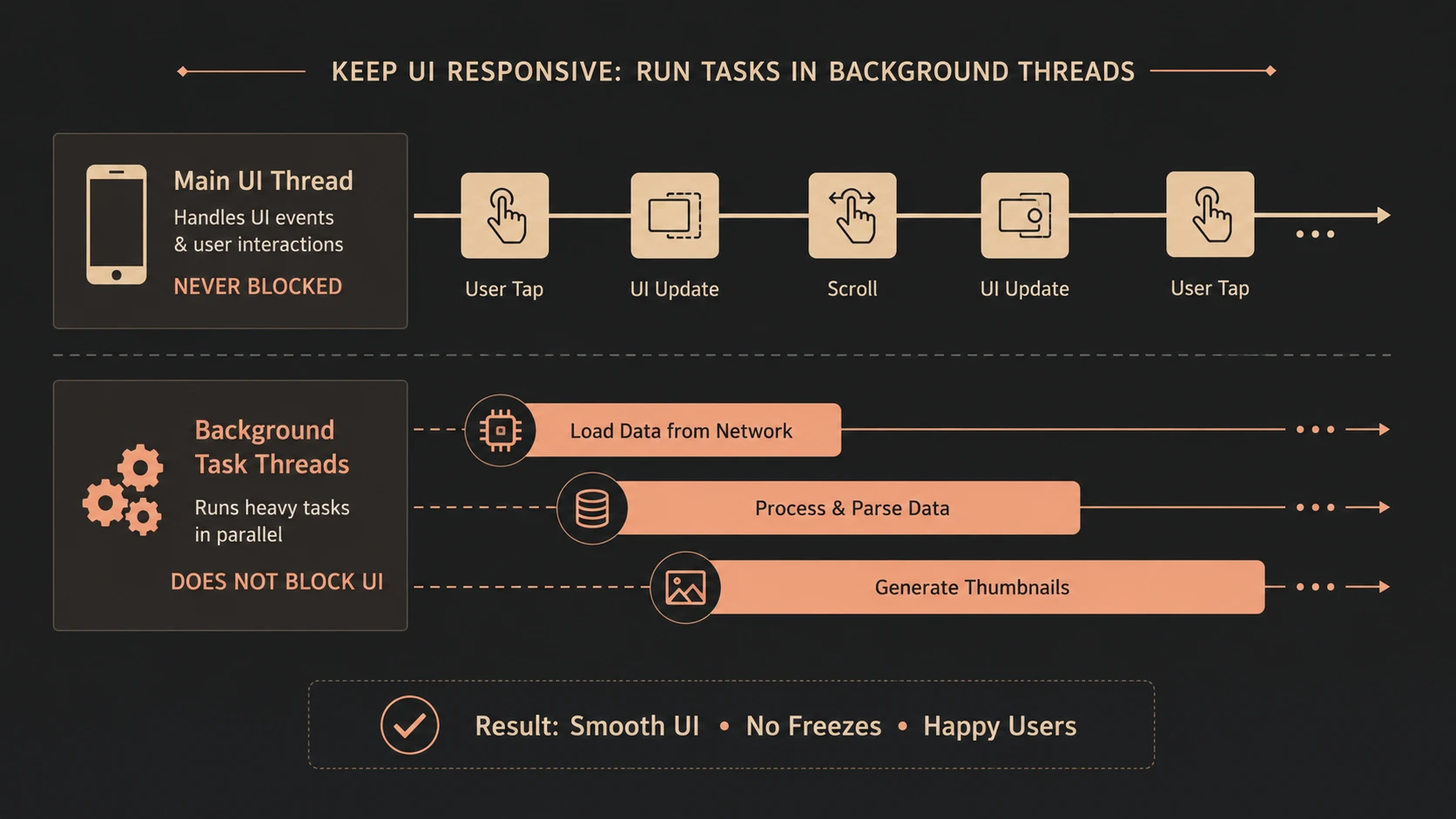
Blocking the main execution thread during these operations can reduce application responsiveness and negatively affect user productivity.
Asynchronous programming allows applications to continue performing useful work while waiting for external operations to complete.
Traditional Asynchronous Programming
Before async and await, developers commonly relied on approaches such as:
- ◆Begin/End asynchronous methods
- ◆Callback functions
- ◆Event-based asynchronous patterns
- ◆Task Parallel Library continuations
- ◆BackgroundWorker for desktop applications
While these techniques are effective, they often increase code complexity.
Developers must manually coordinate execution flow, manage callbacks, and propagate exceptions across asynchronous boundaries.
Introducing async and await
The upcoming C# 5.0 language introduces two complementary keywords.
- ◆async identifies methods capable of asynchronous execution.
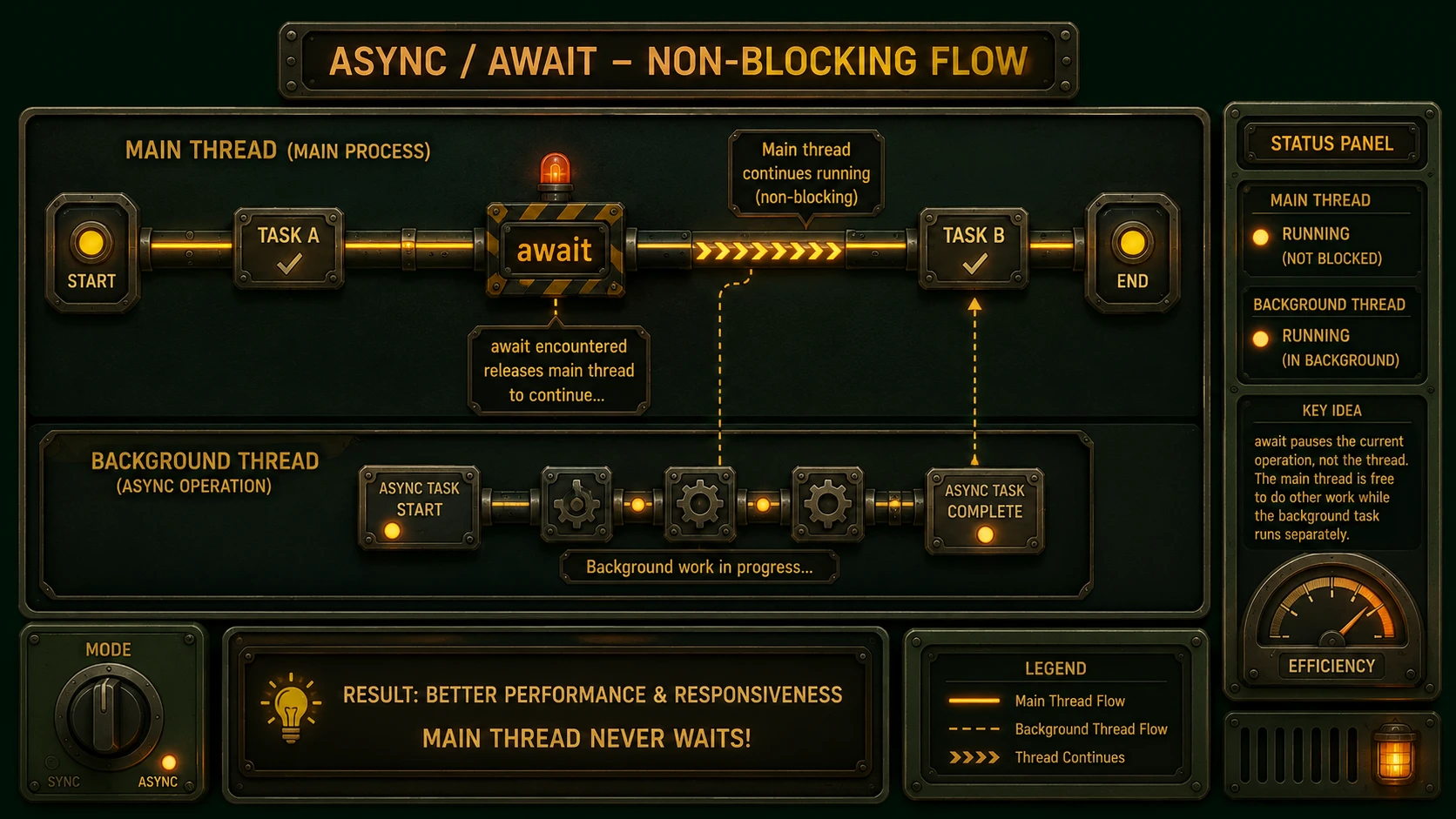
- ◆await pauses execution until an asynchronous operation completes without blocking the calling thread.
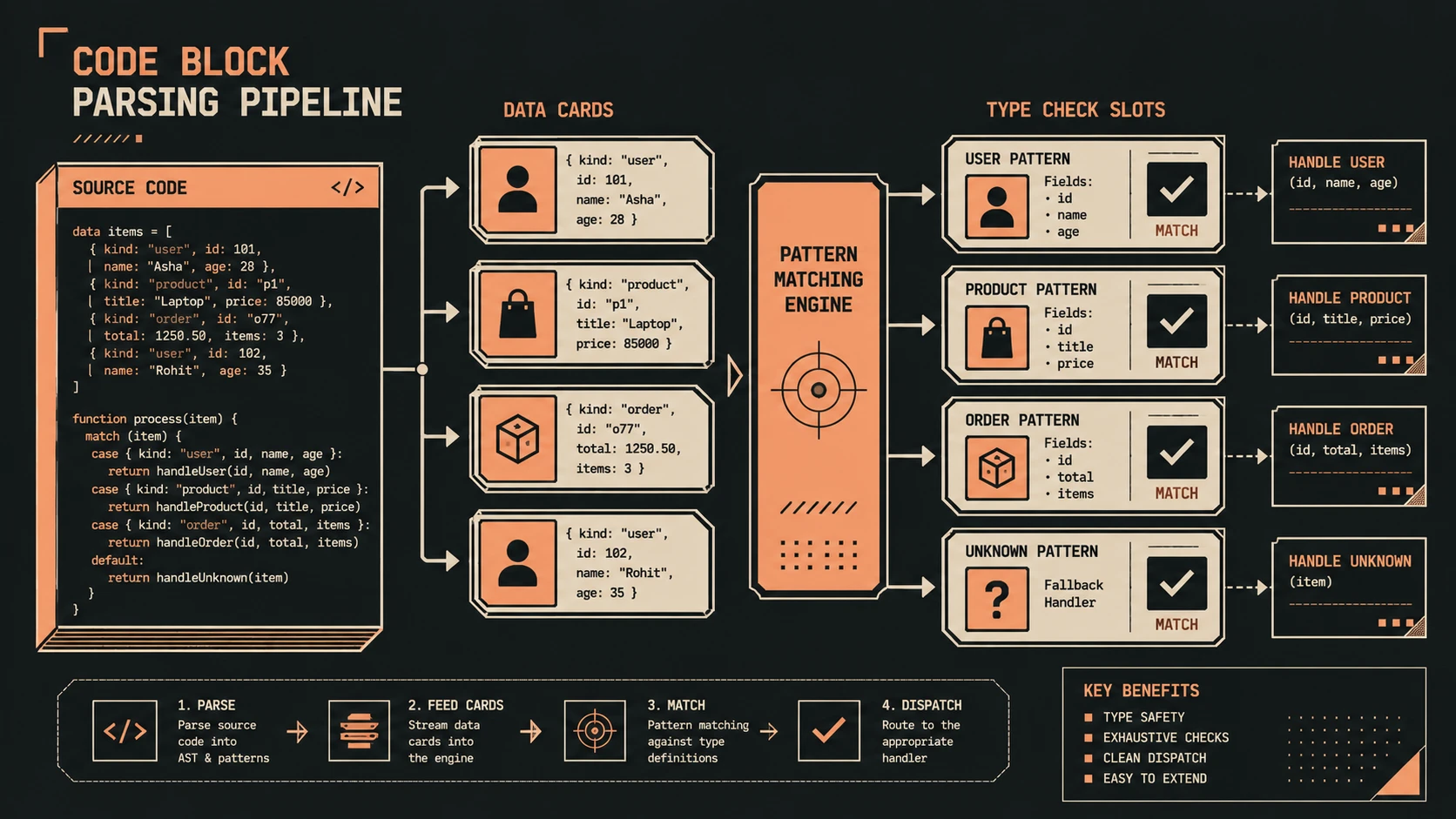
Rather than restructuring an entire method around callbacks, developers can write asynchronous logic using a style that closely resembles traditional sequential code.
A Simple Example
Traditional asynchronous implementations frequently separate the initiation of an operation from its completion.
With the new language syntax, code becomes considerably easier to follow.
public async Task<Customer> LoadCustomerAsync(int id)
{
    return await repository.GetCustomerAsync(id);
}
Although asynchronous execution still occurs, the code is easier to read and understand.
Comparing Traditional Patterns and async/await
| Feature | Traditional Asynchronous Code | async/await |
|---|---|---|
| Readability | Moderate | Improved |
| Callback Management | Manual | Simplified |
| Exception Handling | More Complex | More Natural |
| Sequential Logic | Difficult | Preserved |
| Maintainability | Moderate | Improved |
| Learning Curve | Higher | Lower |
| Compiler Support | Limited | Language Integrated |
The new language features aim to simplify development without changing the underlying asynchronous execution model.
Relationship with the Task Parallel Library
The Task Parallel Library introduced important abstractions for concurrent programming.
The async and await keywords build upon these capabilities rather than replacing them.
Tasks continue representing asynchronous work, while the language now provides a cleaner syntax for consuming those tasks.
This allows organizations already using TPL to adopt the new language features without redesigning their application architecture.
Enterprise Architecture Considerations
Asynchronous programming affects multiple layers of enterprise systems.
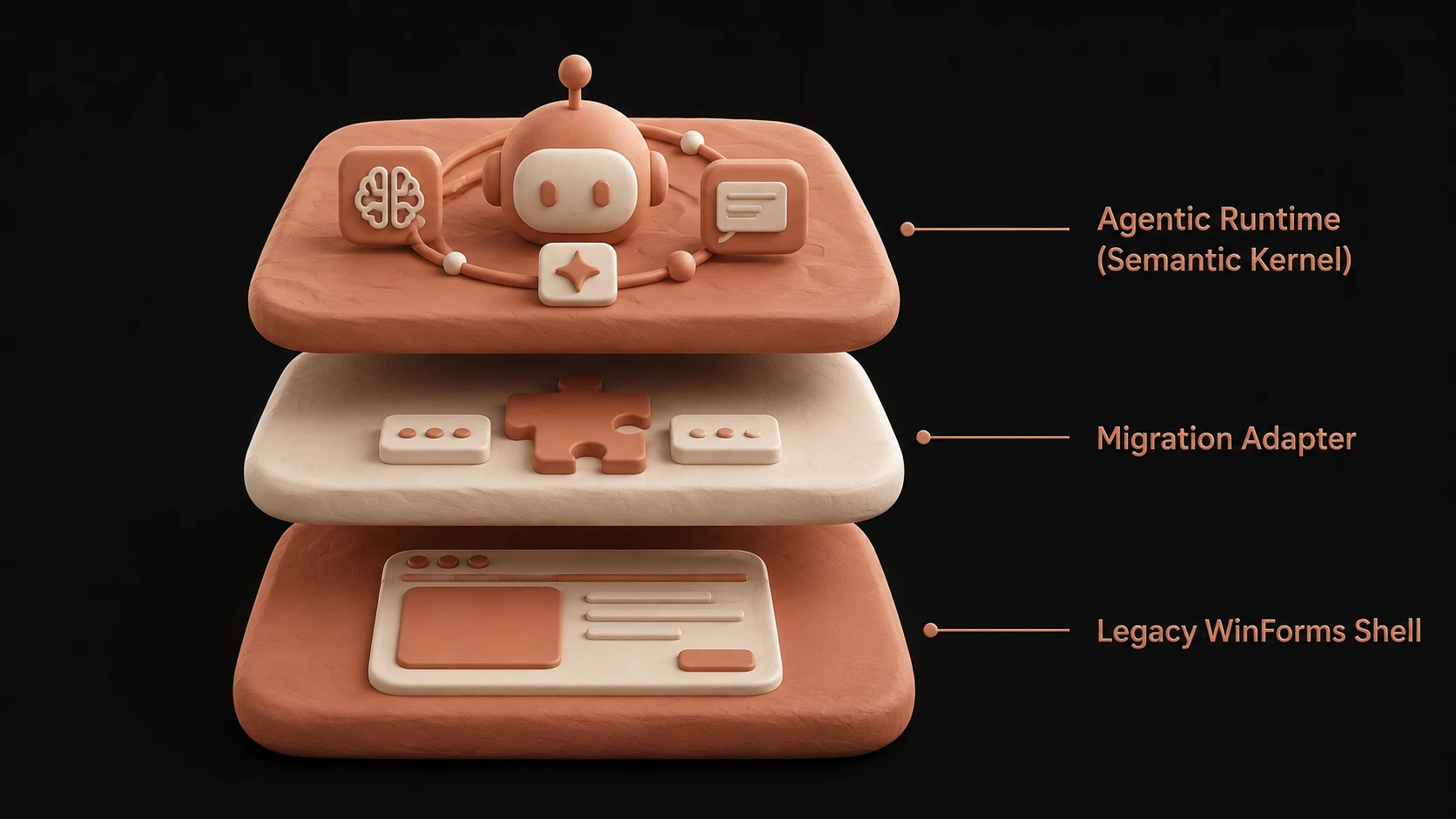
A simplified architecture may resemble:
Presentation Layer
        |
Application Services
        |
Async Business Operations
        |
-----------------------------
| Database |
| Web Services |
| File Storage |
| External Systems |
-----------------------------
Business operations remain logically separated while asynchronous execution improves application responsiveness.
Enterprise Use Cases
ASP.NET Applications
Web applications frequently perform database access, authentication, and external service communication.
Asynchronous processing may improve server responsiveness during long-running operations.
Desktop Applications
Windows Forms and WPF applications benefit from keeping the user interface responsive while background operations execute.
Service Integration
Enterprise systems commonly communicate with multiple internal and external services.
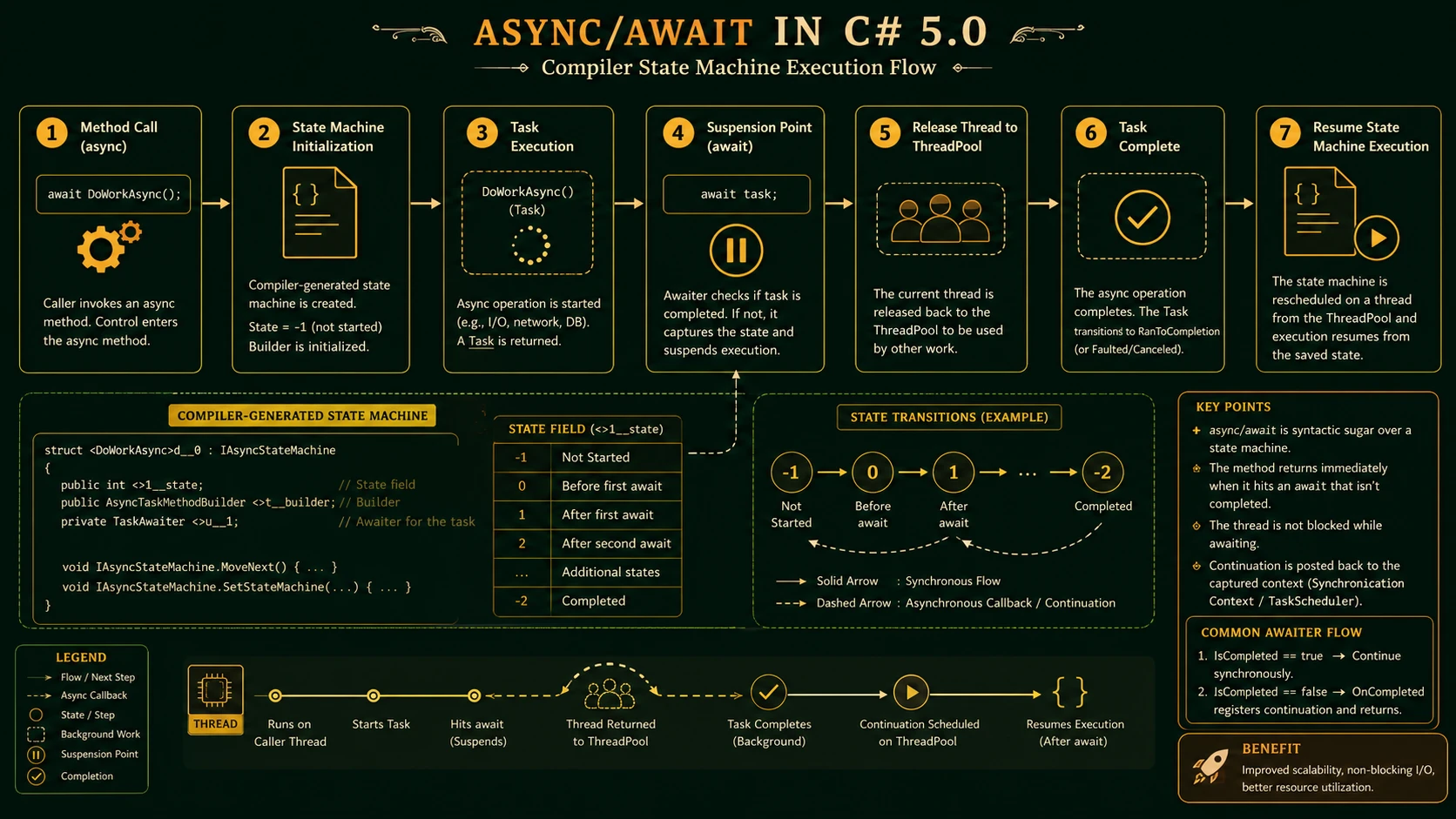
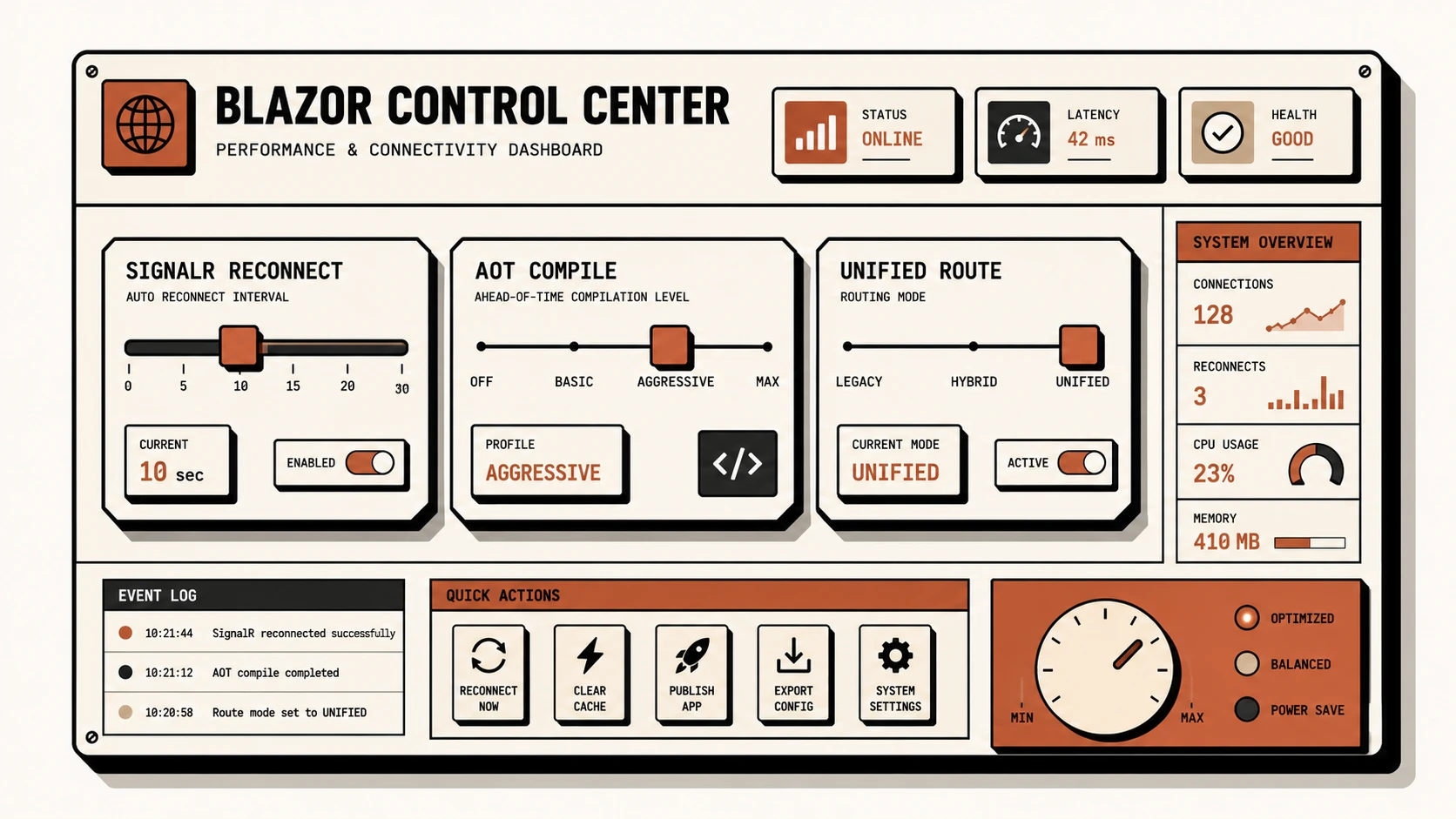
System architecture diagram and conceptual workflow layout for C# 5.0 Async and Await.
Async methods simplify orchestration without deeply nested callback logic.
File Processing
Document management systems often upload, download, and process large files.
Asynchronous operations improve user experience during lengthy transfers.
Cloud-Based Applications
Applications integrating with cloud-hosted services frequently perform network-bound operations that align naturally with asynchronous execution.
Performance Considerations
Async and await primarily improve scalability and responsiveness rather than raw computational performance.
Organizations should continue evaluating:
- ◆Database query efficiency
- ◆Network latency
- ◆Thread utilization
- ◆Service response times
- ◆Application architecture
Efficient asynchronous code complements—but does not replace—good system design.
Benefits for Enterprise Teams
Several factors make async and await particularly attractive.
- ◆Improved code readability
- ◆Reduced callback complexity
- ◆Better exception handling
- ◆Cleaner maintenance
- ◆Easier onboarding for developers
- ◆Improved application responsiveness
- ◆Strong compiler integration
- ◆Consistent programming model
These improvements can reduce long-term maintenance costs for large enterprise codebases.
Best Practices
Organizations preparing for C# 5.0 should consider the following recommendations.
- ◆Use asynchronous programming for I/O-bound operations.
- ◆Continue writing clear, maintainable methods.
- ◆Keep business logic separated from infrastructure concerns.
- ◆Handle exceptions carefully.
- ◆Benchmark application performance.
- ◆Train development teams on the new programming model.
- ◆Continue leveraging the Task Parallel Library where appropriate.
- ◆Review coding standards before organization-wide adoption.
- ◆Test asynchronous workflows thoroughly.
These practices encourage maintainable implementations while reducing migration risk.
Common Mistakes
Several implementation issues should be avoided.
Assuming async Improves Every Operation
CPU-intensive work may require different optimization strategies.
Converting Every Method Immediately
Organizations should adopt asynchronous programming where measurable value exists.
Ignoring Exception Handling
Asynchronous methods still require comprehensive error management.
Mixing Architectural Responsibilities
Language features should support—not replace—sound software architecture.
Skipping Performance Evaluation
Application responsiveness should be measured rather than assumed.
Adoption Recommendations
Enterprise organizations should approach the new language features incrementally.
Phase 1
- ◆Evaluate the Async CTP and available tooling.
- ◆Train developers.
- ◆Review existing asynchronous code.
Phase 2
- ◆Introduce async and await into prototype applications.
- ◆Compare maintainability with existing implementations.
- ◆Document coding standards.
Phase 3
- ◆Apply the new language features to selected production projects after platform availability.
- ◆Review application performance.
- ◆Refine development practices.
Phase 4
- ◆Standardize asynchronous programming guidelines.
- ◆Expand adoption where business benefits are demonstrated.
- ◆Continue monitoring updates to Microsoft's development platform.
A phased adoption strategy enables organizations to gain practical experience while minimizing operational risk.
Simplifying Asynchronous Development
The most significant contribution of async and await is not simply reducing the amount of code developers write. Instead, these language features improve the clarity of asynchronous programming by allowing developers to express asynchronous workflows using familiar sequential logic.
This improvement has the potential to make enterprise applications easier to understand, maintain, and evolve over time while continuing to leverage the scalability benefits of asynchronous execution.
Looking Ahead
The introduction of async and await represents one of the most important language enhancements planned for C# in recent years. By integrating asynchronous programming directly into the language, Microsoft is addressing long-standing challenges associated with callback-based development while building upon the capabilities already introduced through the Task Parallel Library.
As organizations prepare for the next generation of .NET development throughout late 2011, these new language features deserve careful evaluation. While production adoption should follow platform availability and internal testing, development teams that begin understanding async and await today will be well positioned to build more responsive, maintainable, and scalable enterprise applications as C# 5.0 reaches general availability.