Introduction
Android application development has matured considerably over the past decade. Enterprise organizations increasingly depend on Android applications to support customer engagement, employee productivity, logistics, healthcare, finance, retail, and field operations. As these applications continue growing in complexity, developers face ongoing challenges related to lifecycle management, navigation, background processing, testing, and application architecture.
Historically, Android developers relied on a combination of platform APIs, support libraries, and third-party frameworks to solve these problems. While effective, these approaches often resulted in inconsistent architectural practices across projects.
Announced during Google I/O 2018, Android Jetpack represents Google's effort to provide an official collection of libraries, tools, and architectural guidance that simplifies Android development while remaining compatible across Android platform versions.
Rather than introducing an entirely new application framework, Jetpack builds upon existing Android Architecture Components and expands them into a broader development platform that emphasizes maintainability, lifecycle awareness, modularity, and developer productivity.
For enterprise development teams, Android Jetpack offers a standardized foundation for building scalable Android applications with reduced maintenance costs and improved code quality.
Industry Background
Enterprise Android applications increasingly support:
- ◆Banking platforms
- ◆Healthcare systems
- ◆Retail applications
- ◆Logistics solutions
- ◆Customer self-service portals
- ◆Enterprise mobility platforms
- ◆Field workforce management
- ◆Business intelligence dashboards
These applications often include offline functionality, background synchronization, authentication, navigation, and persistent local storage.
Managing these capabilities consistently has become one of the largest challenges in Android development.
The Business Problem
Large Android projects frequently encounter:
- ◆Complex Activity lifecycle management
- ◆Fragment transaction errors
- ◆Inconsistent navigation implementation
- ◆Background task reliability issues
- ◆Duplicate architectural patterns
- ◆Difficult maintenance
- ◆Limited testability
Organizations require a standardized architecture that improves consistency while reducing development complexity.
Understanding Android Jetpack
Android Jetpack is a collection of Android development libraries organized into four major categories:
- ◆Foundation
- ◆Architecture
- ◆Behavior
- ◆UI
The objective is to simplify common development tasks while encouraging best practices across Android applications.
Jetpack emphasizes:
- ◆Lifecycle awareness
- ◆Modular architecture
- ◆Backward compatibility
- ◆Reduced boilerplate code
- ◆Improved testing
- ◆Better developer productivity
Core Architecture
| Component | Responsibility |
|---|---|
| ViewModel | Stores UI state |
| LiveData | Lifecycle-aware observable data |
| Room | Local database abstraction |
| WorkManager | Background work scheduling |
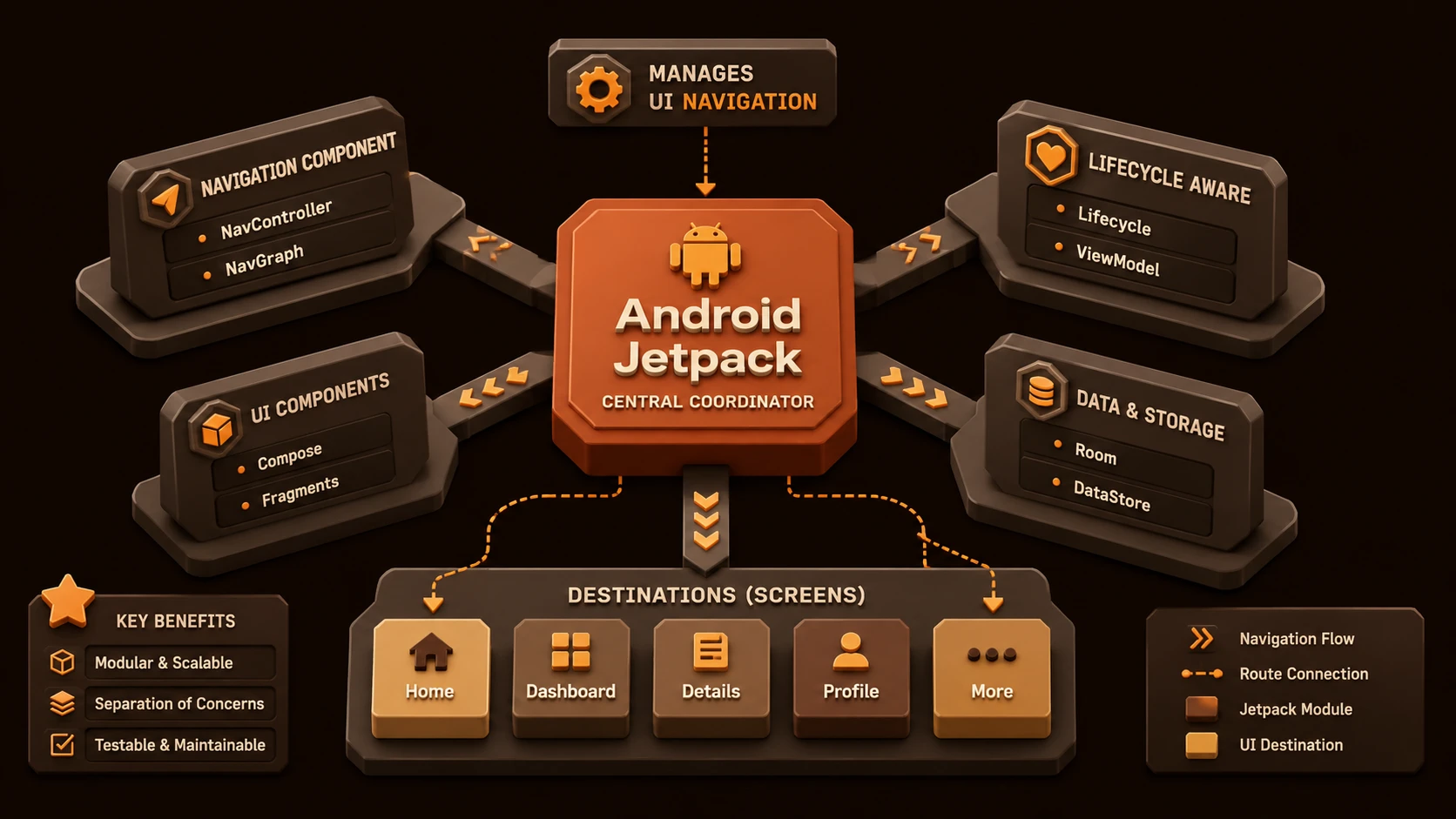
| Navigation Component | Navigation management |
| Lifecycle | Lifecycle event handling |
| Paging | Efficient large dataset loading |
| Android Studio | Development environment |
Together these libraries encourage a consistent application architecture.
How Android Jetpack Works
A typical application workflow includes:
- 1.User interacts with the application.
- 2.Navigation Component manages screen transitions.
- 3.ViewModel stores presentation state.
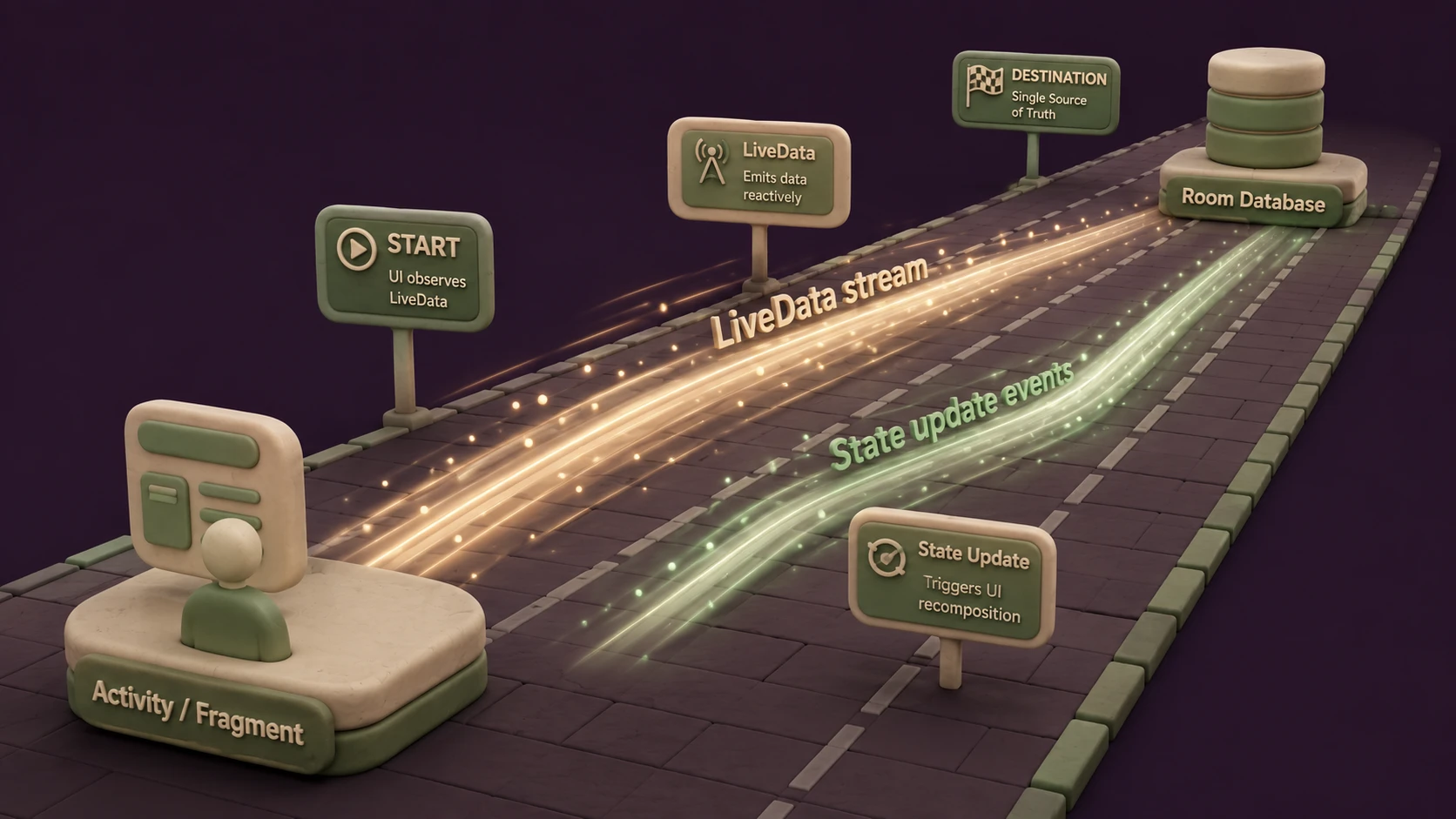
- 4.LiveData notifies the user interface of updates.
- 5.Room manages local persistence.
- 6.WorkManager schedules background operations.
- 7.Lifecycle-aware components automatically respond to Activity and Fragment state changes.
This separation improves maintainability while reducing lifecycle-related bugs.
WorkManager
One of Jetpack's most significant additions is WorkManager.
Background processing has historically required developers to choose among APIs such as:
- ◆JobScheduler
- ◆Firebase JobDispatcher
- ◆AlarmManager
- ◆Broadcast Receivers
Selecting the appropriate implementation often depended upon Android version and application requirements.
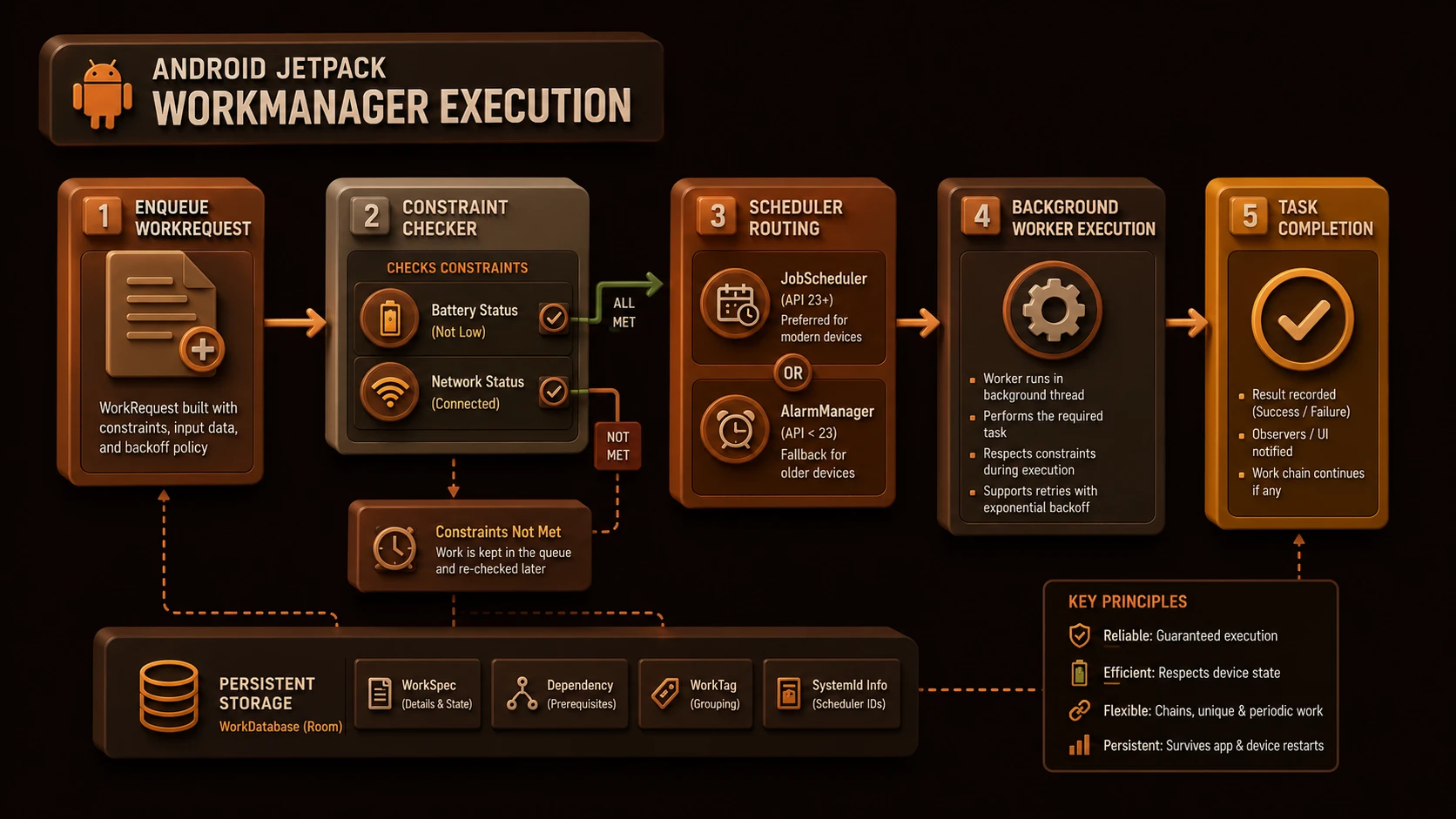
WorkManager provides a higher-level API for scheduling deferrable background work while allowing the framework to determine the appropriate execution mechanism.
Potential enterprise use cases include:
- ◆Data synchronization
- ◆Image uploads
- ◆Log collection
- ◆Scheduled maintenance
- ◆Offline transaction submission
Navigation Component
Fragment navigation has historically been one of Android's more complex development tasks.
The Navigation Component introduces a structured navigation model designed to simplify:
- ◆Screen transitions
- ◆Back stack management
- ◆Deep links
- ◆Navigation graphs
- ◆Consistent application flow
By defining navigation declaratively, applications become easier to understand and maintain.
Other Important Jetpack Libraries
Jetpack also includes several complementary libraries.
ViewModel
Stores user interface state independently from Activities and Fragments.
LiveData
Provides lifecycle-aware observable data updates.
Room
Simplifies SQLite database access through an abstraction layer.
Paging
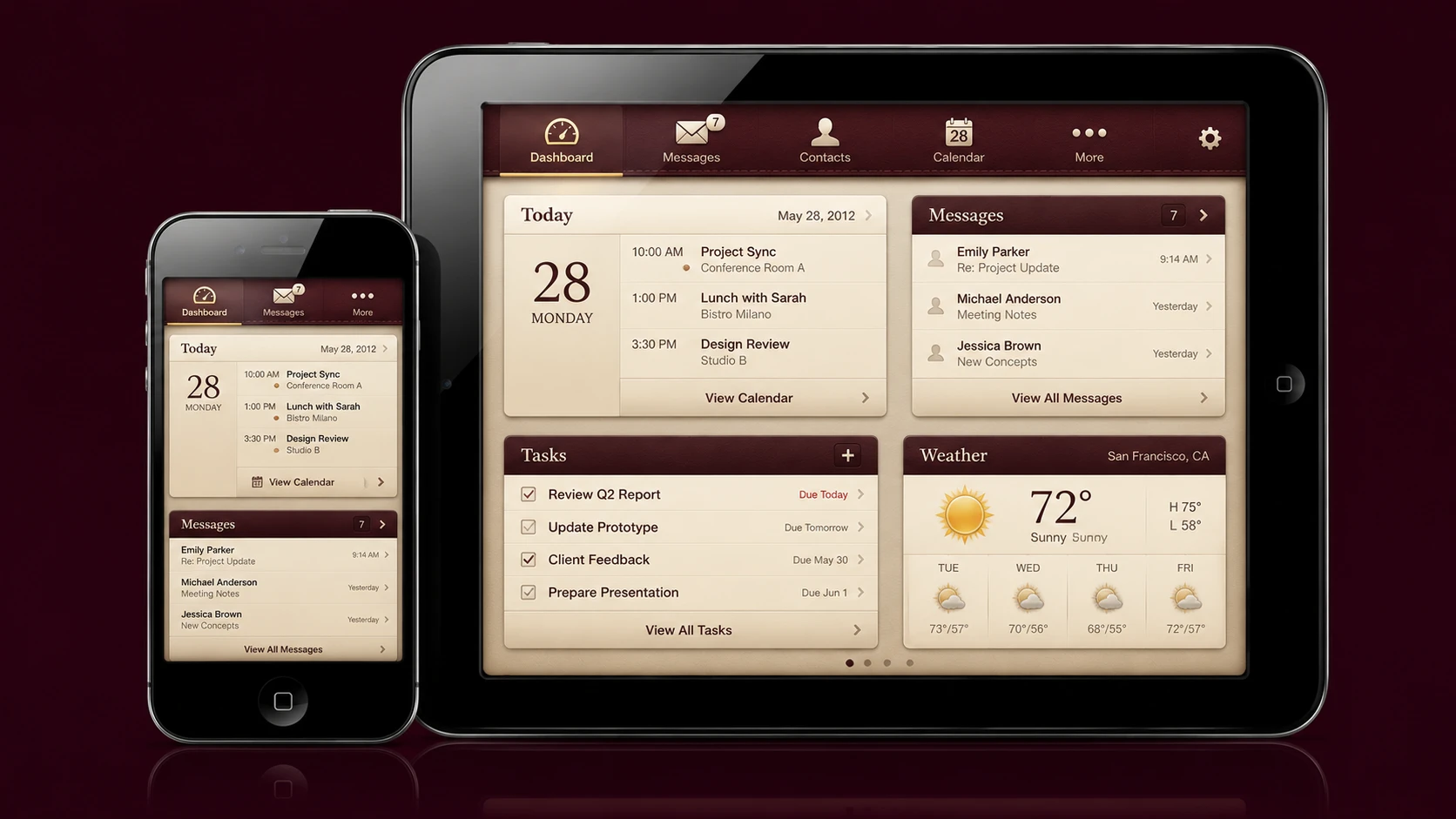
SDK framework stack showing unified platform layouts for unified target devices.
Improves the handling of large datasets by loading information incrementally.
Lifecycle
Allows application components to react automatically to lifecycle changes.
Key Features
Lifecycle-Aware Development
Components automatically respect Activity and Fragment lifecycle states.
Consistent Architecture
Google now provides official guidance for enterprise Android application structure.
Reduced Boilerplate
Jetpack simplifies common application patterns.
Background Processing
WorkManager standardizes deferred task execution.
Simplified Navigation
Navigation graphs reduce Fragment management complexity.
Enterprise Use Cases
Enterprise Business Applications
Standardized architecture improves long-term maintainability.
Banking Applications
Reliable background synchronization simplifies transaction processing.
Healthcare Systems
Lifecycle-aware components reduce application instability.
Retail Applications
Offline synchronization improves customer experience.
Logistics Platforms
Navigation Component simplifies complex workflow applications.
Performance Considerations
Jetpack primarily improves application architecture rather than raw execution speed.
Organizations should evaluate:
- ◆Background task scheduling
- ◆Database performance
- ◆Navigation efficiency
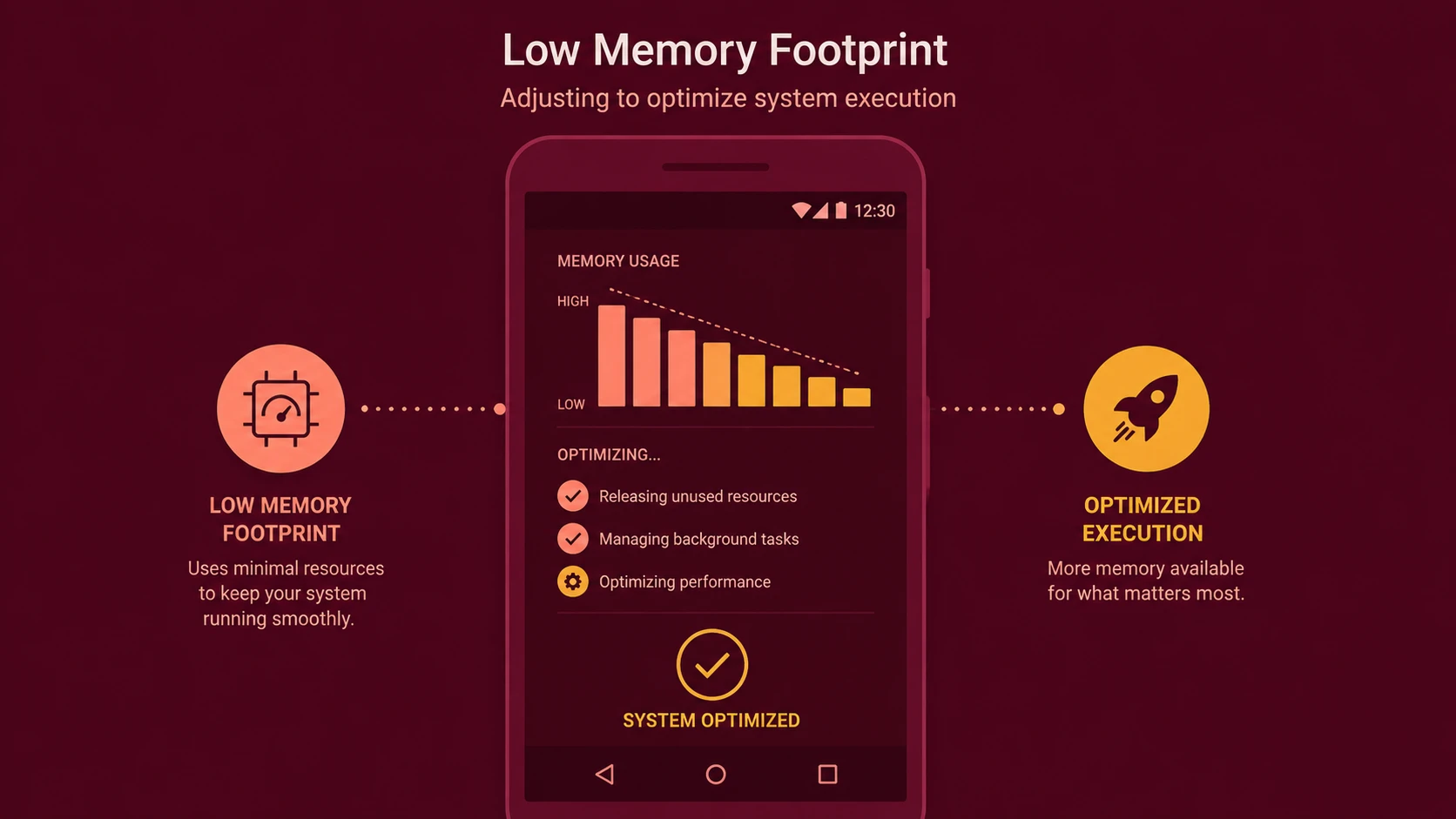
- ◆Memory utilization
- ◆Lifecycle event handling
- ◆Large dataset loading
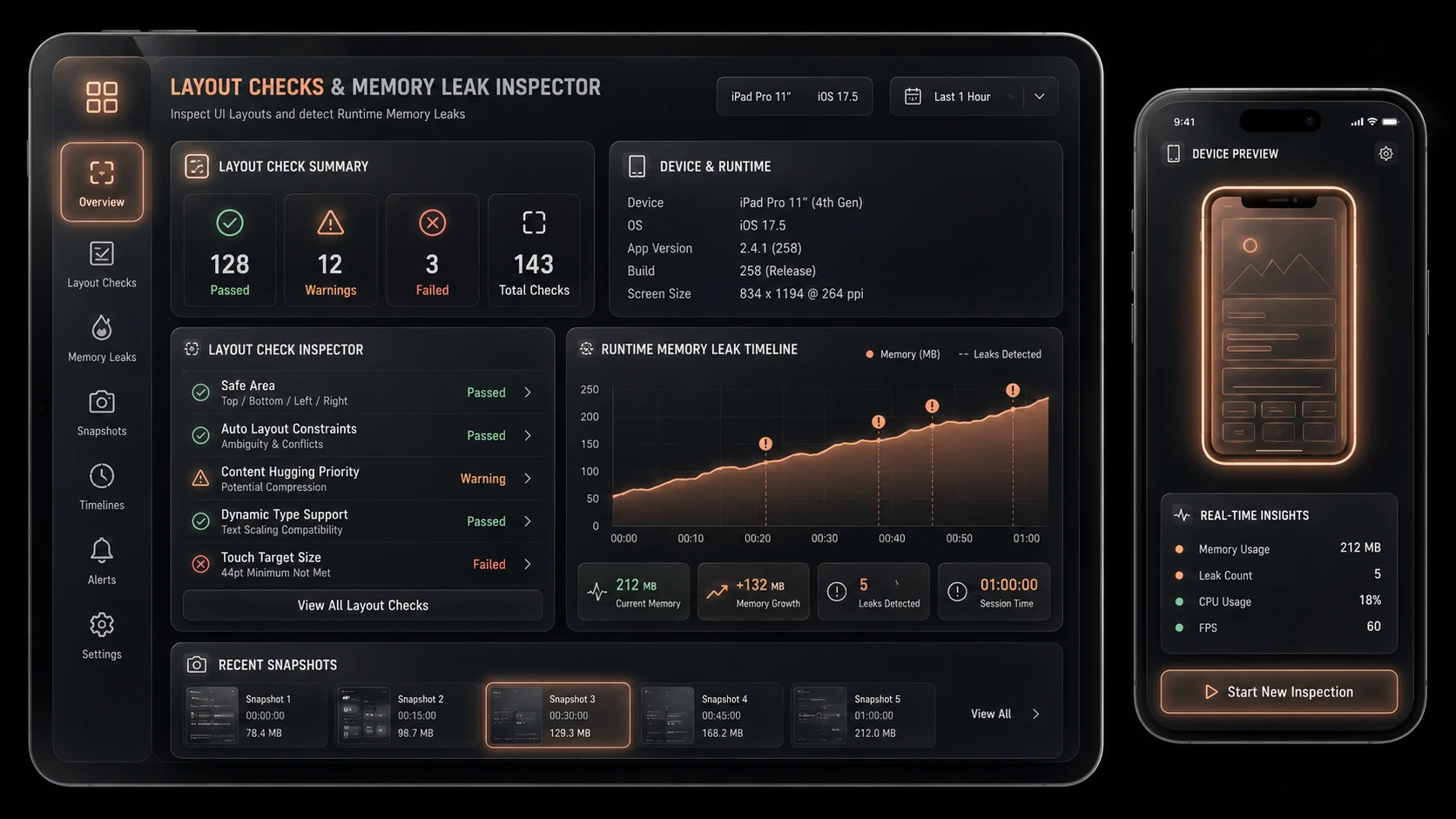
Profiling remains essential when optimizing production applications.
Security Considerations
Jetpack complements Android security rather than replacing it.
Enterprise applications should continue implementing:
- ◆Authentication
- ◆Authorization
- ◆HTTPS communication
- ◆Local data encryption where appropriate
- ◆Secure credential storage
- ◆Input validation
Background processing should respect application security policies.
Scalability
Jetpack improves long-term scalability through:
- ◆Modular architecture
- ◆Reusable components
- ◆Official development guidance
- ◆Easier testing
- ◆Consistent code organization
- ◆Simplified maintenance
These characteristics are particularly valuable for enterprise development teams maintaining applications across multiple release cycles.
Best Practices
- ◆Adopt ViewModel for presentation logic.
- ◆Use LiveData for observable application state.
- ◆Centralize persistence using Room.
- ◆Introduce WorkManager for deferred background work.
- ◆Define navigation through Navigation graphs.
- ◆Separate UI from business logic.
- ◆Write automated tests for architecture components.
- ◆Introduce Jetpack libraries incrementally into existing projects.
Common Mistakes
| Mistake | Enterprise Impact |
|---|---|
| Continuing to place business logic inside Activities | Poor maintainability |
| Ignoring lifecycle-aware components | Increased memory leaks |
| Mixing multiple navigation approaches | Complex application flow |
| Misusing background execution APIs | Reduced reliability |
| Overcomplicating architecture | Lower developer productivity |
| Neglecting testing | Reduced software quality |
Technology Comparison
| Capability | Traditional Android Development | Android Jetpack |
|---|---|---|
| Lifecycle Management | Manual | Lifecycle-Aware |
| Background Tasks | Multiple APIs | WorkManager |
| Navigation | Manual Fragment Transactions | Navigation Component |
| Local Persistence | SQLite APIs | Room |
| Architecture Guidance | Developer Defined | Official Libraries |
| Maintainability | Varies | Improved |
Adoption Strategy
- 1.Review existing Android architecture.
- 2.Introduce ViewModel and LiveData into new modules.
- 3.Evaluate WorkManager for background processing.
- 4.Adopt Navigation Component in new application flows.
- 5.Standardize Room for persistence.
- 6.Train development teams on Jetpack architecture.
- 7.Measure improvements in maintainability.
- 8.Expand adoption incrementally across enterprise projects.
Limitations
As of May 2018, Android Jetpack is newly introduced and several libraries, including WorkManager and Navigation Component, are still in early development stages. APIs may continue evolving, and organizations should evaluate stability before adopting every Jetpack component in mission-critical production applications. Incremental adoption provides the lowest-risk migration path.
Looking Ahead
From the perspective of May 2018, Android Jetpack represents one of the most significant advancements in Android development since the introduction of Architecture Components. By providing official libraries for lifecycle management, background processing, navigation, persistence, and application architecture, Google is establishing a more consistent foundation for enterprise Android development. As Jetpack continues to mature, organizations can expect it to become the recommended approach for building scalable, maintainable, and modern Android applications.