The personal computing landscape is undergoing one of its most significant transitions since the widespread adoption of graphical user interfaces. Tablets have rapidly gained popularity, smartphones have become indispensable business tools, and touch interaction is beginning to influence expectations across nearly every category of computing device.
Microsoft's introduction of the Windows 8 Developer Preview marks a major milestone in this evolution. Rather than treating touch as an optional enhancement, Windows 8 places touch interaction at the center of its user experience through a completely new interface known as Metro.
Metro represents much more than a visual redesign. It introduces a new philosophy centered on content, simplicity, typography, motion, and immersive applications. For enterprise architects and software developers, Windows 8 raises important questions regarding desktop application architecture, user experience design, deployment strategies, and future application development.
Although Windows 8 remains in preview, Microsoft's direction is becoming increasingly clear. Organizations planning future desktop applications should begin evaluating how Metro may influence enterprise software over the coming years.
Why User Interface Design Is Changing
Traditional desktop computing evolved around:
- ◆Keyboard input
- ◆Mouse interaction
- ◆Overlapping windows
- ◆Toolbars
- ◆Nested menus
- ◆Dialog boxes
This interaction model has served desktop productivity well for decades.
However, the rapid growth of tablets and touch-enabled devices has demonstrated that users increasingly expect software to support direct manipulation through gestures rather than relying exclusively on traditional desktop controls.
Microsoft's response is a new design language intended to work across multiple device categories.
Introducing Metro
Metro is Microsoft's modern design language emphasizing simplicity and content-first experiences.
Rather than reproducing traditional desktop metaphors, Metro applications prioritize:
- ◆Clean typography
- ◆Minimal visual clutter
- ◆Large touch targets
- ◆Full-screen experiences
- ◆Smooth transitions
- ◆Information-rich layouts
The objective is to reduce unnecessary interface complexity while allowing users to focus on their tasks.
The Start Screen Replaces the Traditional Start Menu
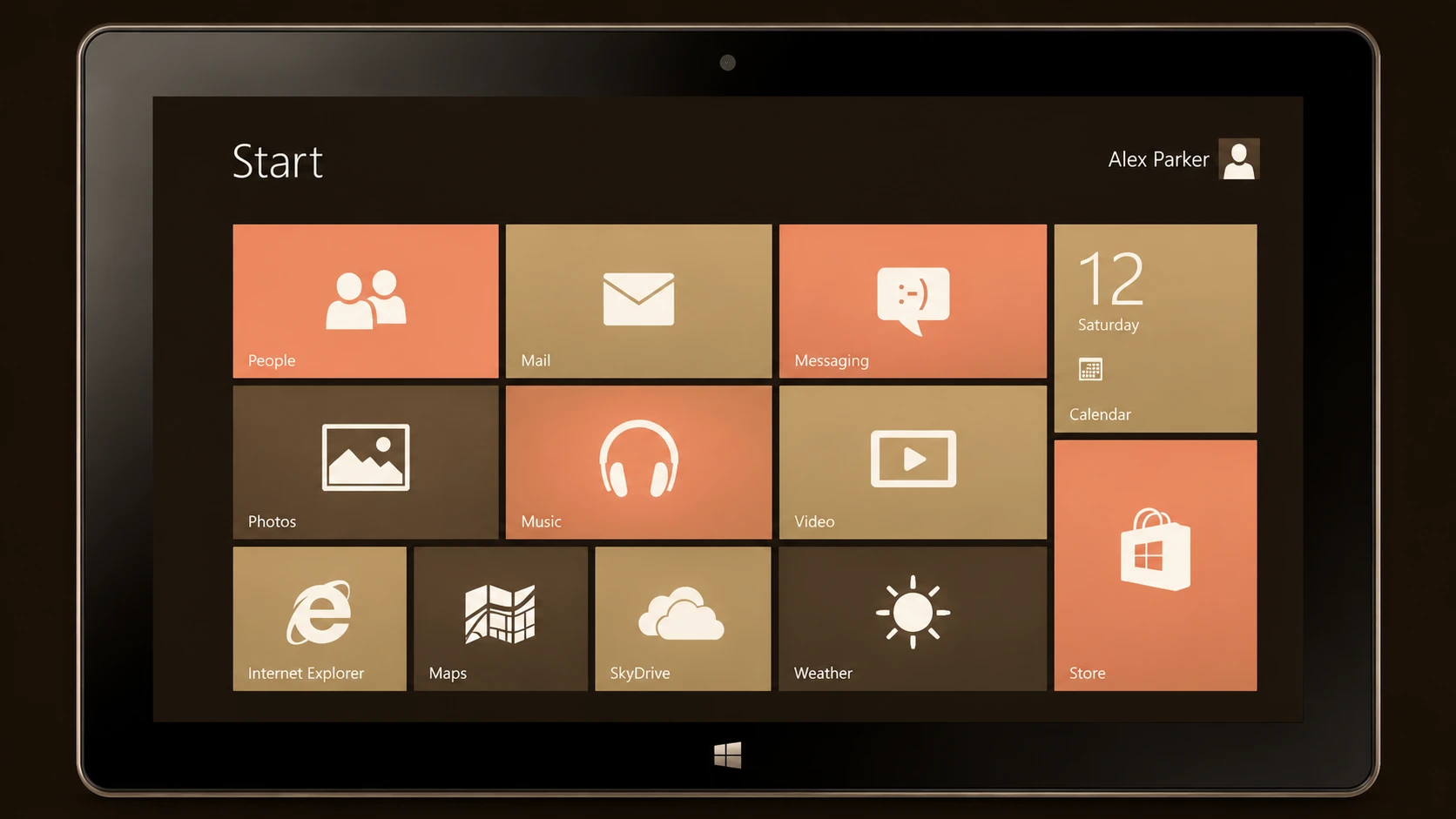
One of the most visible changes in Windows 8 is the replacement of the traditional Start Menu with a new Start Screen.
The Start Screen presents applications using dynamic tiles that may display updated information.
Potential advantages include:
- ◆Faster access to applications
- ◆Personalized layouts
- ◆Live information display
- ◆Improved touch interaction
For enterprise software vendors, this introduces new opportunities to surface business information directly from the application's entry point.
Touch-First Design Philosophy
Metro applications are designed with touch interaction as a primary consideration.
Important design principles include:
- ◆Large interactive controls
- ◆Gesture-based navigation
- ◆Reduced interface clutter
- ◆Consistent spacing
- ◆Simplified workflows
Applications should remain usable with keyboard and mouse while providing an optimized touch experience.
Enterprise Architecture Implications
Although Metro changes the presentation layer, enterprise architectural principles remain familiar.
Typical architecture:
Metro Application
        |
Windows Runtime APIs
        |
HTTP / Web Services
        |
Enterprise Application Server
        |
Business Services
        |
Enterprise Database
Separating user interface concerns from business logic allows organizations to adapt presentation technologies without redesigning core enterprise systems.
A New Application Model
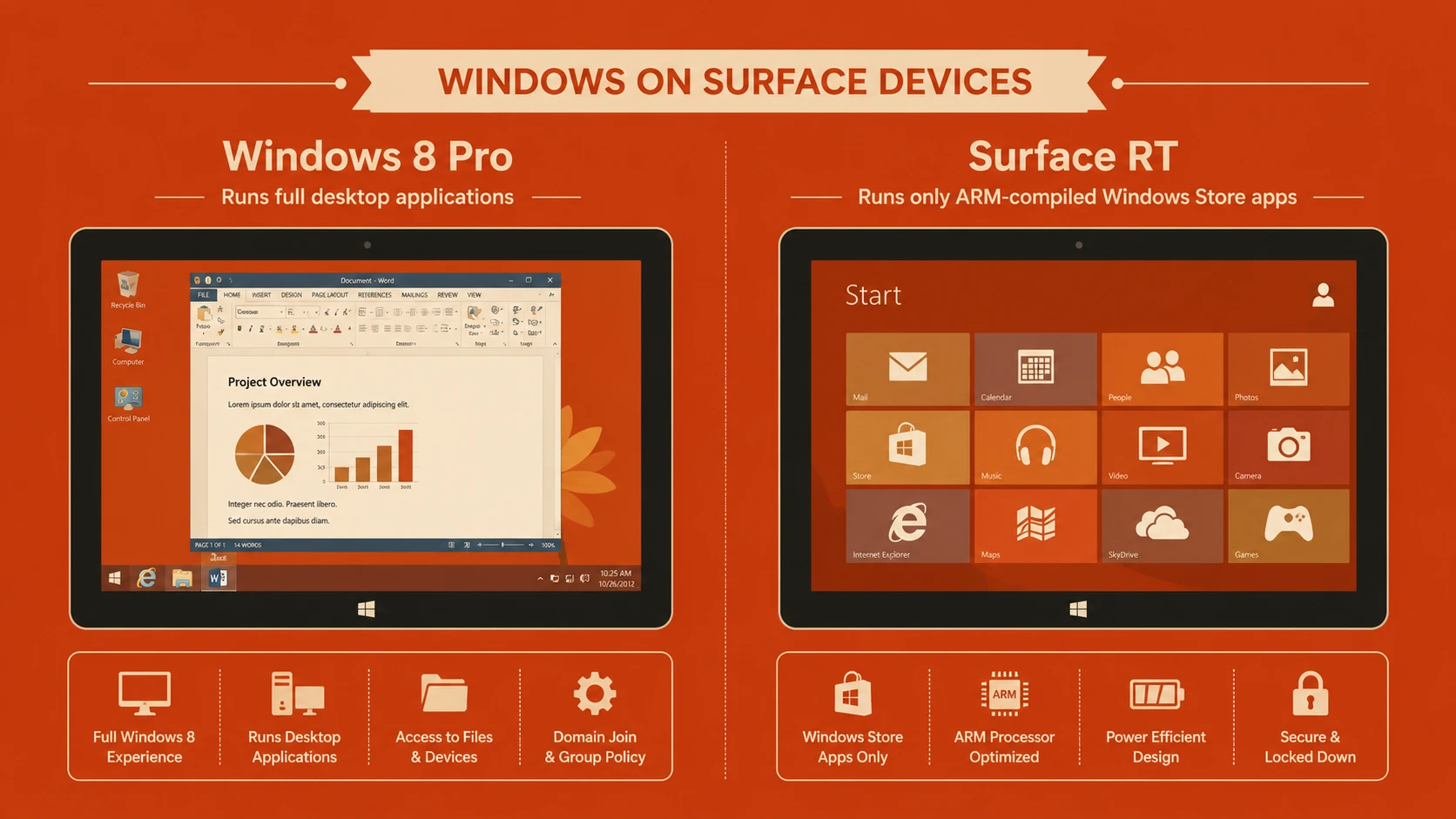
Windows 8 introduces a new application model for Metro-style applications alongside the traditional desktop environment.
This allows organizations to:
- ◆Continue supporting existing desktop software.
- ◆Explore new Metro experiences.
- ◆Evaluate touch-enabled business scenarios.
- ◆Gradually modernize applications.
The coexistence of both environments provides flexibility during the transition period.
User Experience Principles
Metro encourages designers to focus on content rather than interface decoration.
Recommended characteristics include:
- ◆Clear typography
- ◆Consistent navigation
- ◆Simple layouts
- ◆Fast responsiveness
- ◆Reduced visual noise
Applications should communicate information efficiently while minimizing unnecessary controls.
Live Tiles
Unlike traditional desktop icons, Metro tiles can display changing information.
Potential enterprise scenarios include:
- ◆Sales performance summaries
- ◆Calendar reminders
- ◆Workflow notifications
- ◆Inventory alerts
- ◆Customer requests
Live information may improve user productivity by surfacing relevant business data without requiring users to launch the application.
Enterprise Use Cases
Executive Dashboards
Metro applications can provide executives with real-time business metrics through visually rich dashboards.
Healthcare
Healthcare organizations may develop touch-friendly applications supporting patient records, scheduling, and clinical workflows.
Retail
Retail businesses can deploy touch-enabled point-of-sale or inventory management applications on compatible hardware.
Manufacturing
Production monitoring, equipment management, and operational dashboards may benefit from simplified touch interaction on industrial devices.
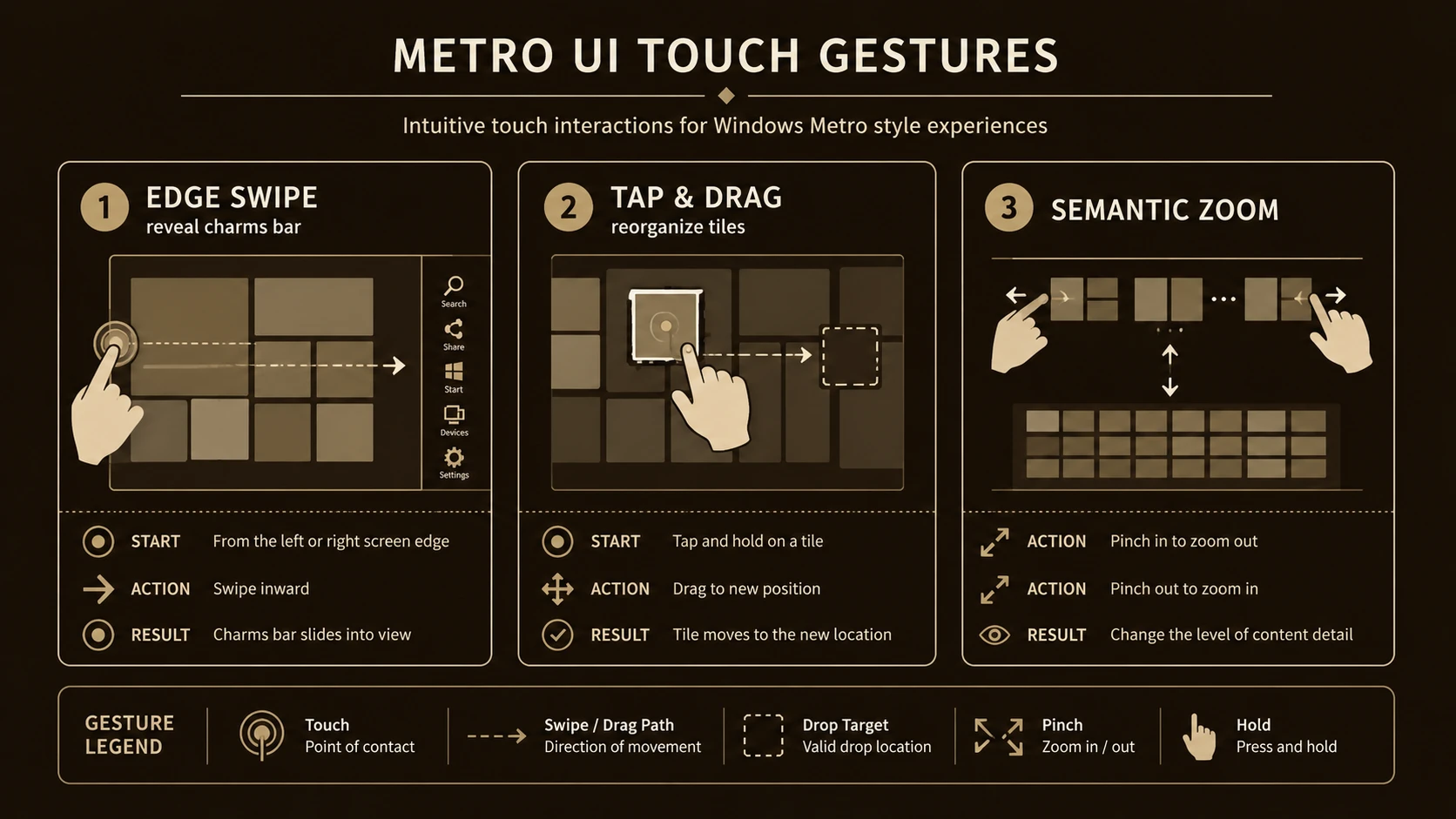
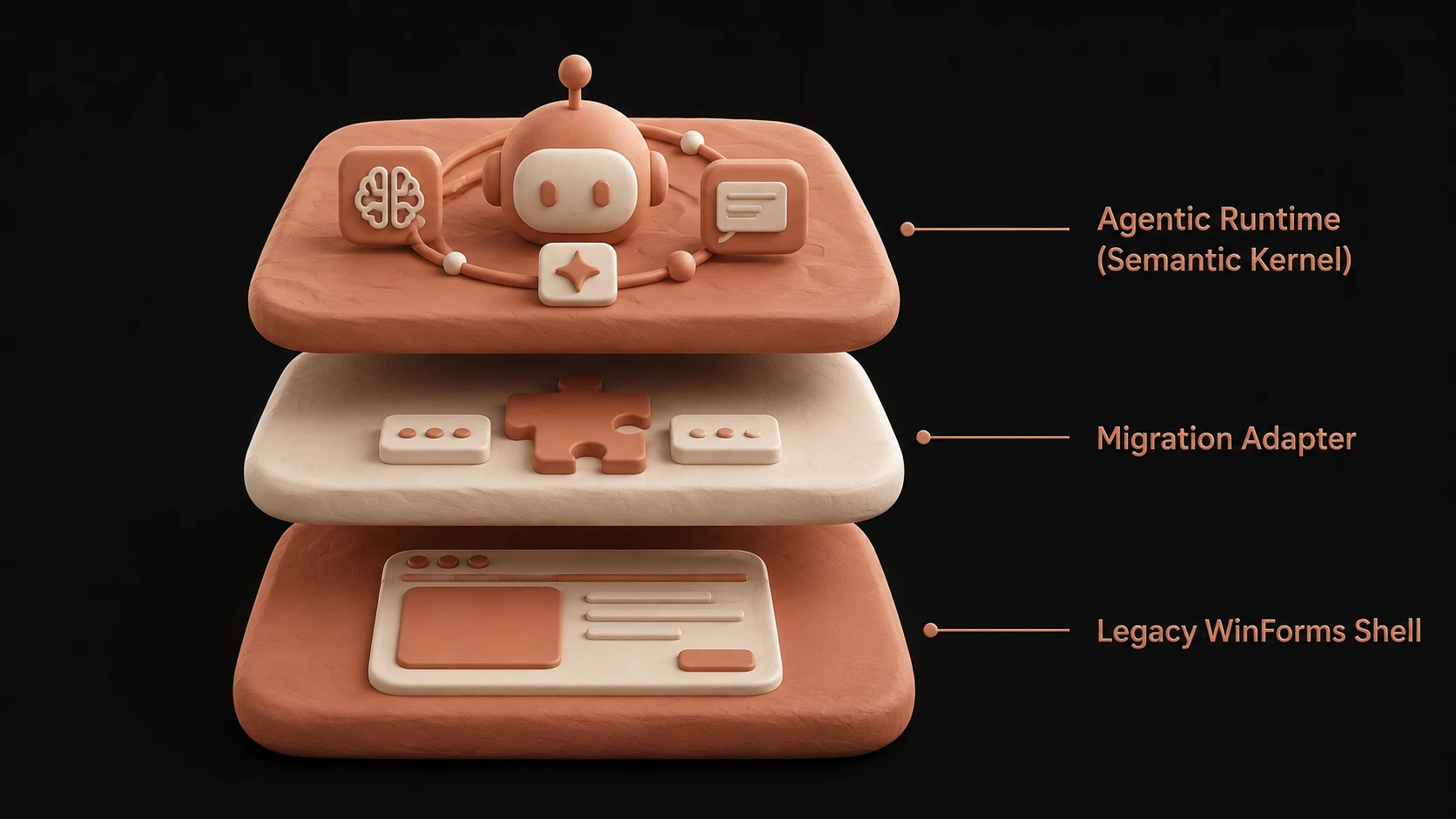
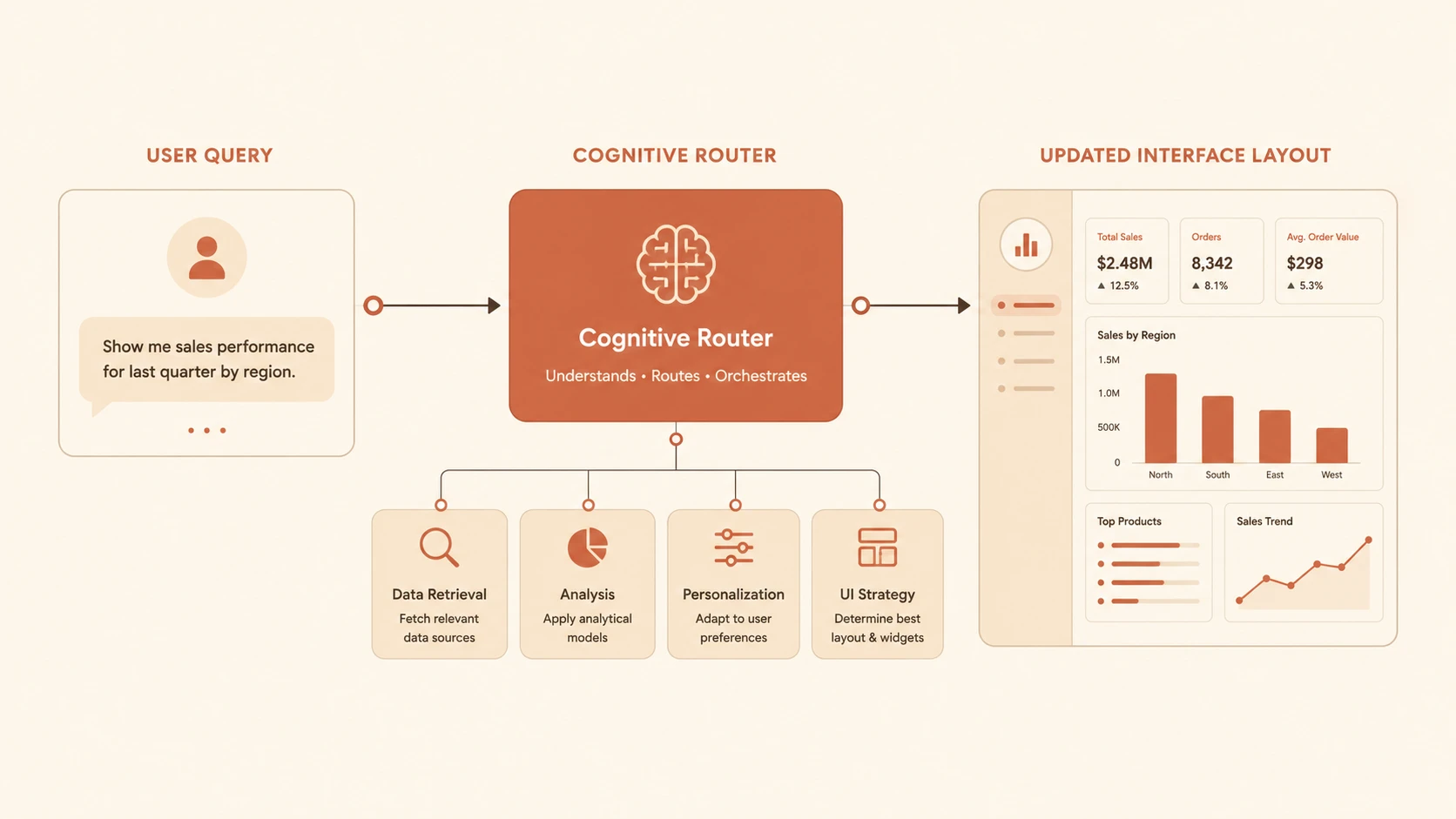
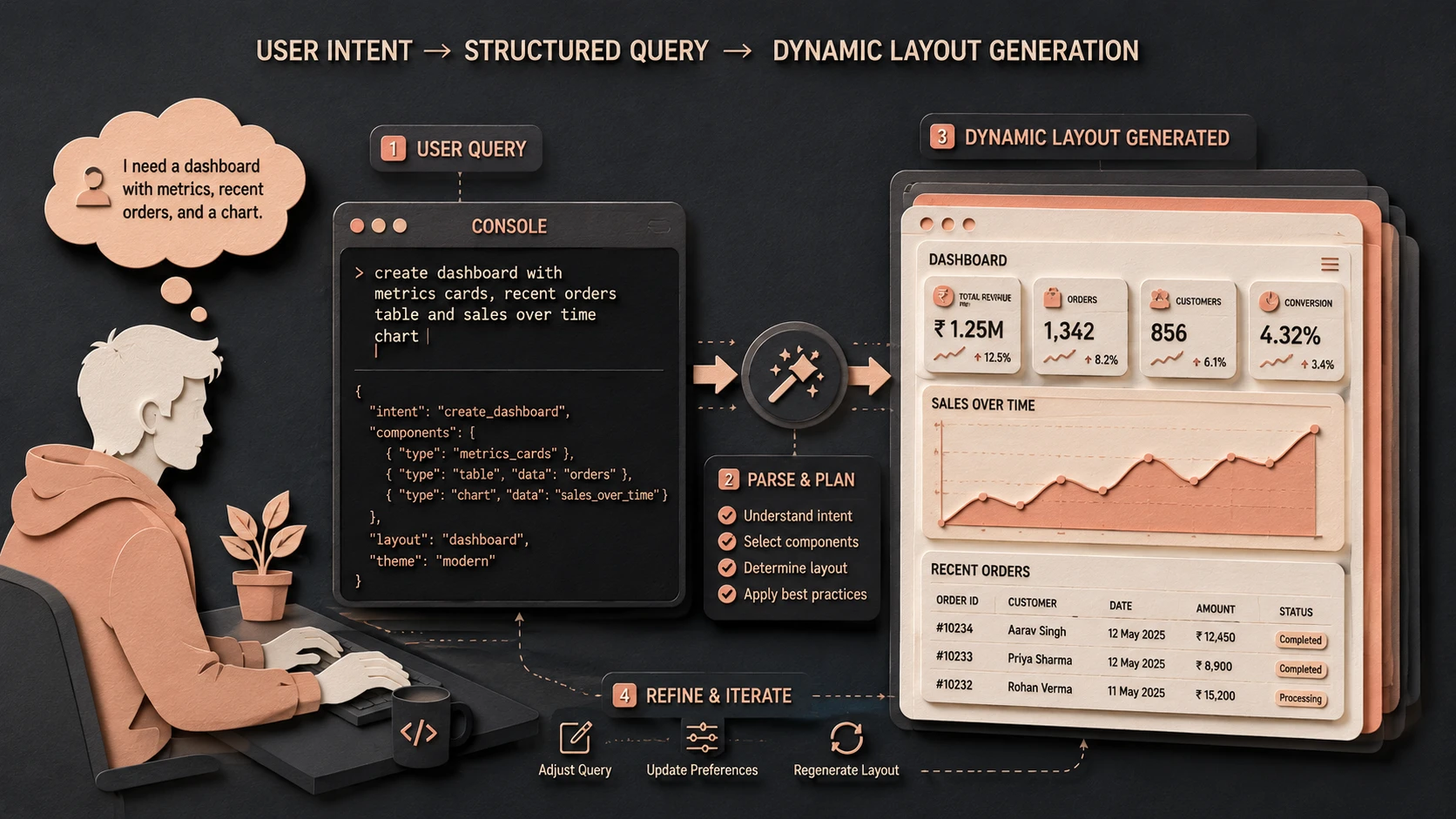
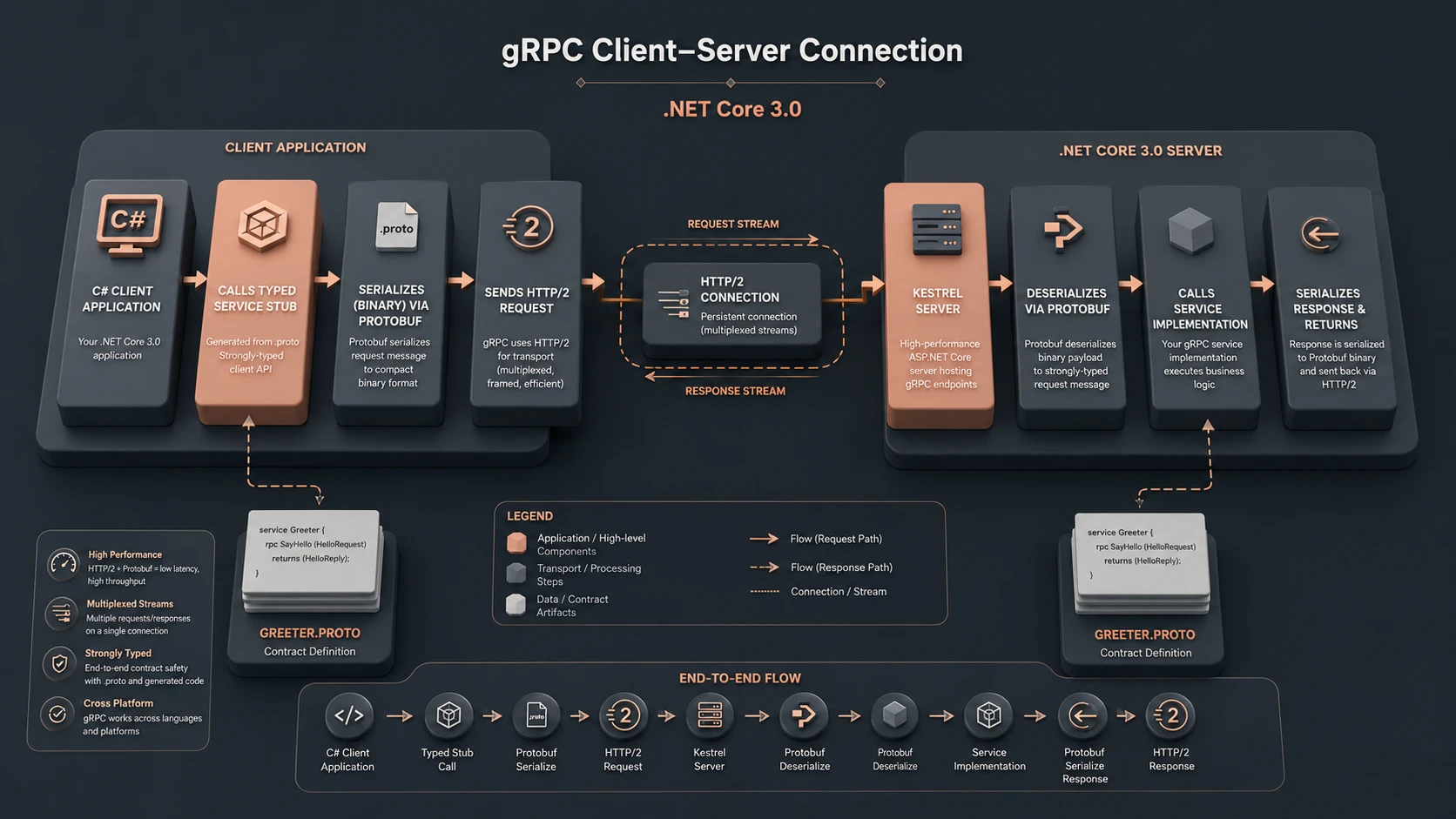
System architecture diagram and conceptual workflow layout for Windows 8 Metro UI.
Designing for Multiple Input Methods
Although touch receives significant attention, enterprise applications should continue supporting:
- ◆Keyboard
- ◆Mouse
- ◆Touch
Business users frequently alternate between these input methods depending on their environment.
Successful applications should accommodate each naturally.
Performance Considerations
Responsive interfaces are essential for productive software.
Developers should focus on:
- ◆Efficient rendering
- ◆Background processing
- ◆Responsive navigation
- ◆Optimized network requests
- ◆Efficient memory usage
Fast interaction contributes directly to user satisfaction.
Integration with Enterprise Services
Metro applications should leverage existing enterprise investments whenever practical.
Typical integrations include:
- ◆WCF services
- ◆REST-style HTTP APIs
- ◆Authentication systems
- ◆SharePoint
- ◆SQL Server
- ◆ERP platforms
Service-oriented architectures simplify support for multiple client technologies.
Metro Versus Traditional Desktop Applications
| Traditional Desktop | Metro Applications |
|---|---|
| Window-based interface | Immersive full-screen experience |
| Mouse-first interaction | Touch-first design |
| Dense menus and toolbars | Simplified navigation |
| Static desktop shortcuts | Live tiles |
| Traditional desktop workflow | Modern application model |
Each approach addresses different usage scenarios and user expectations.
Best Practices
Organizations evaluating Metro should consider several recommendations.
Focus on Business Tasks
Applications should prioritize user objectives rather than reproducing desktop layouts.
Separate Business Logic
Keep presentation independent from enterprise services.
Design for Touch
Interactive controls should accommodate finger input while remaining accessible with keyboard and mouse.
Maintain Consistency
Follow Microsoft's design guidance to create predictable user experiences.
Evaluate Performance Early
Touch interfaces should remain responsive throughout normal business operations.
Common Mistakes
Enterprise teams experimenting with Metro may encounter several challenges.
Simply Recreating Desktop Interfaces
Metro applications should embrace the new design philosophy rather than copying traditional desktop layouts.
Ignoring Keyboard Users
Many enterprise employees continue relying heavily on keyboard input.
Overloading the Interface
Metro emphasizes clarity and simplicity.
Excessive controls reduce usability.
Embedding Business Logic in the UI
Application logic should remain independent of presentation technology.
Delaying User Testing
Touch-enabled interfaces should be evaluated with representative business users throughout development.
Migration Strategy
Organizations considering Windows 8 should adopt an incremental approach.
Recommended roadmap:
- 1.Review existing desktop applications.
- 2.Identify touch-friendly business scenarios.
- 3.Separate presentation from business services.
- 4.Prototype Metro interfaces.
- 5.Gather user feedback.
- 6.Continue supporting existing desktop applications where appropriate.
- 7.Expand Metro adoption based on business value.
This strategy allows organizations to explore new capabilities while protecting existing software investments.
Adoption Recommendations
Enterprise architects should view Metro as an opportunity to modernize user experience rather than simply redesign application appearance.
Key priorities include:
- ◆Invest in user-centered design.
- ◆Reuse existing enterprise services.
- ◆Standardize application architecture.
- ◆Train development teams on Metro design principles.
- ◆Validate applications with business users.
- ◆Prepare for a mixed desktop and touch environment.
Thoughtful planning will help organizations transition smoothly as Windows 8 continues to mature.
Looking Ahead
The Windows 8 Developer Preview introduces one of Microsoft's most ambitious changes to desktop computing in many years. Metro represents a clear shift toward touch-enabled, content-focused, and immersive application experiences while preserving support for traditional desktop computing.
Although the platform is still in preview during September 2011, enterprise development teams should begin evaluating how touch-first design, modern application architecture, and service-oriented integration can influence future software projects. Organizations that experiment early, gather user feedback, and build flexible architectures will be well positioned to take advantage of Microsoft's evolving desktop platform as Windows 8 progresses toward release.