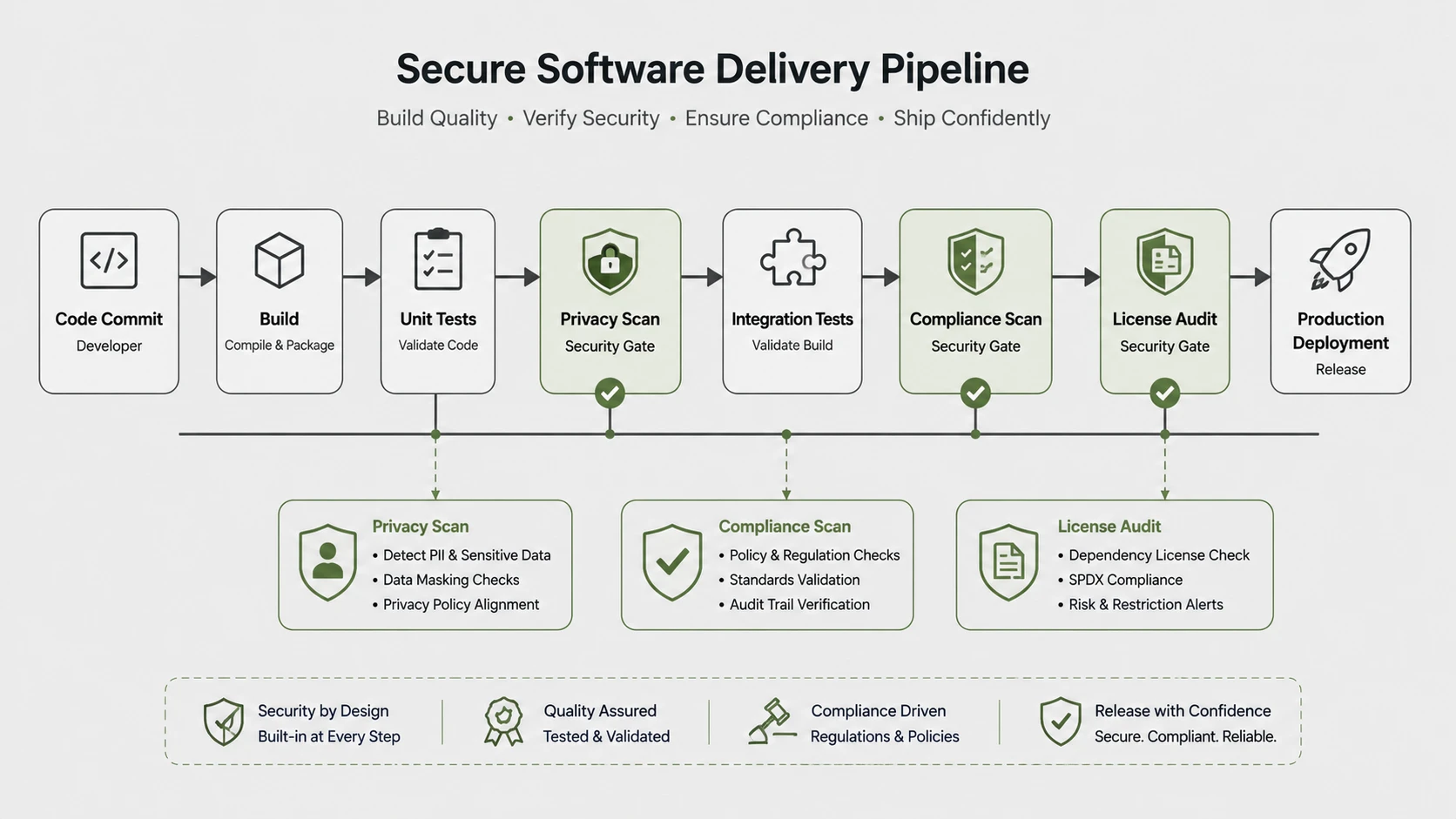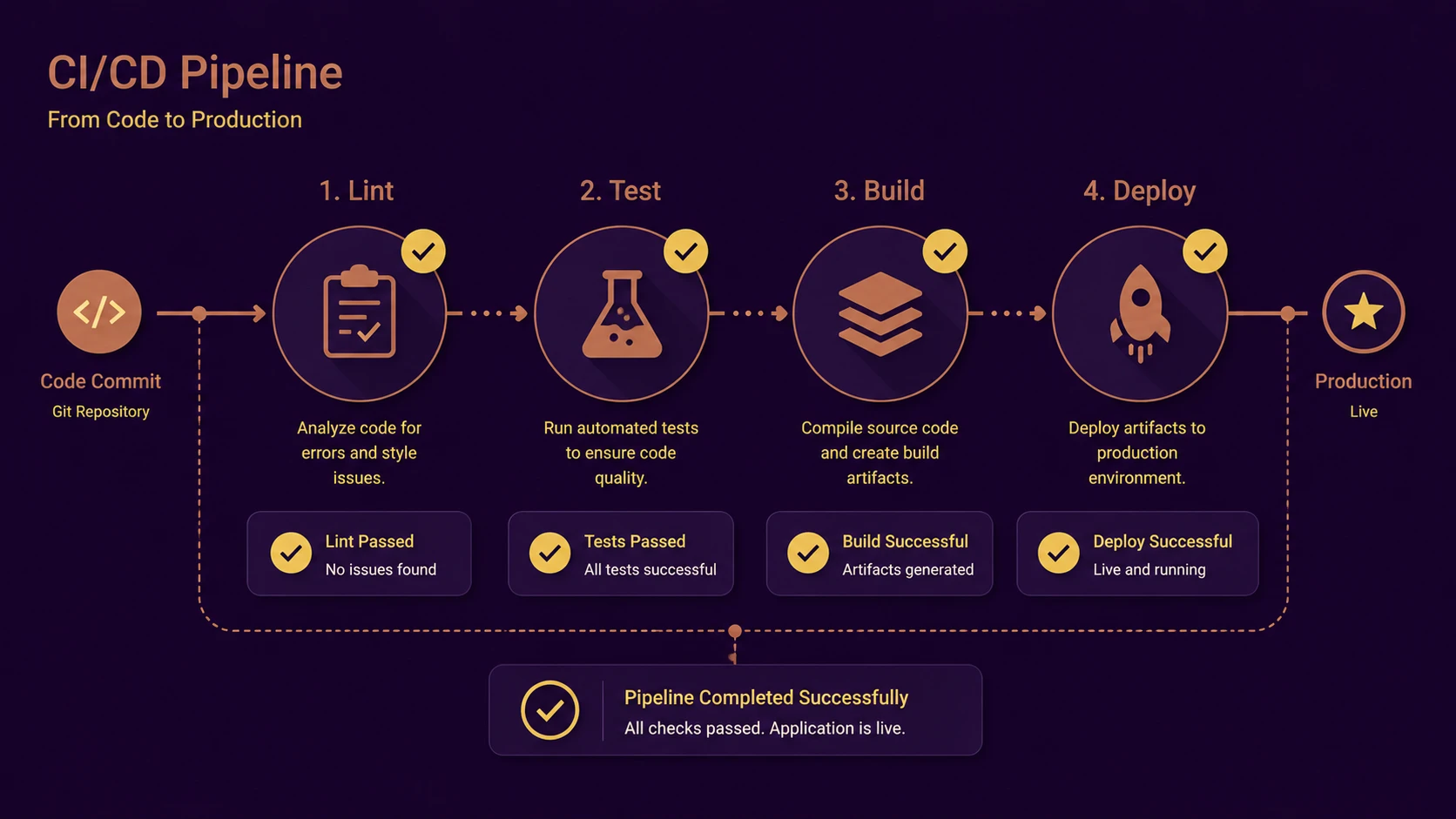
Introduction
As enterprise software systems continue to grow in complexity, the traditional practice of manually compiling applications and executing release validation is becoming increasingly unsustainable. Development teams now integrate code multiple times each day, making rapid feedback essential for maintaining application quality.
Jenkins has emerged as one of the leading Continuous Integration (CI) servers, enabling organizations to automate compilation, unit testing, static code analysis, packaging, and artifact publication. By integrating these activities into repeatable build pipelines, Jenkins reduces integration failures while improving deployment confidence.
From the perspective of August 2013, Jenkins has evolved beyond a simple build automation tool into a central orchestration platform for modern software engineering workflows.
Industry Background
Agile development practices have significantly shortened feature delivery cycles. However, faster development introduces new operational challenges if validation remains largely manual.
Development teams increasingly require:
- ◆Automated builds.
- ◆Continuous unit testing.
- ◆Static code analysis.
- ◆Artifact versioning.
- ◆Repeatable deployment preparation.
- ◆Rapid developer feedback.
Continuous Integration addresses these requirements by automatically validating every source code change before it progresses toward production.
Jenkins has become particularly attractive because of its extensibility, platform independence, and broad ecosystem of integration plugins.
The Business Problem
Manual software validation creates several operational risks.
Organizations commonly experience:
- ◆Delayed defect discovery.
- ◆Integration conflicts.
- ◆Inconsistent build environments.
- ◆Forgotten deployment steps.
- ◆Unverified software packages.
- ◆Long stabilization periods.
- ◆Increased operational costs.
As engineering teams grow, maintaining consistent software quality requires standardized automation rather than individual developer practices.
Understanding the Technology
Jenkins is an automation server that continuously monitors source code repositories and executes predefined build jobs whenever changes occur.
Typical CI activities include:
- ◆Source code checkout.
- ◆Dependency restoration.
- ◆Application compilation.
- ◆Unit test execution.
- ◆Linting and static analysis.
- ◆Package creation.
- ◆Artifact publication.
- ◆Build reporting.
The objective is to ensure every software revision is automatically validated before becoming available for further testing or deployment.
Core Architecture
A typical Jenkins-based Continuous Integration environment consists of several integrated components.
| Component | Responsibility |
|---|---|
| Source Control Repository | Stores application code |
| Jenkins Server | Coordinates build execution |
| Build Agents | Execute compilation tasks |
| Unit Test Framework | Validates application behavior |
| Static Analysis Tools | Evaluate code quality |
| Artifact Repository | Stores generated packages |
| Reporting Dashboard | Displays build results |
Jenkins coordinates these components to create a repeatable software validation pipeline.
Key Features
Automated Builds
Every source code change can automatically trigger application compilation, eliminating manual build procedures.
Continuous Unit Testing
Automated test execution verifies application correctness immediately after each build.
Linting and Static Analysis
Coding standards and potential programming issues are identified early in the development lifecycle.
Artifact Storage
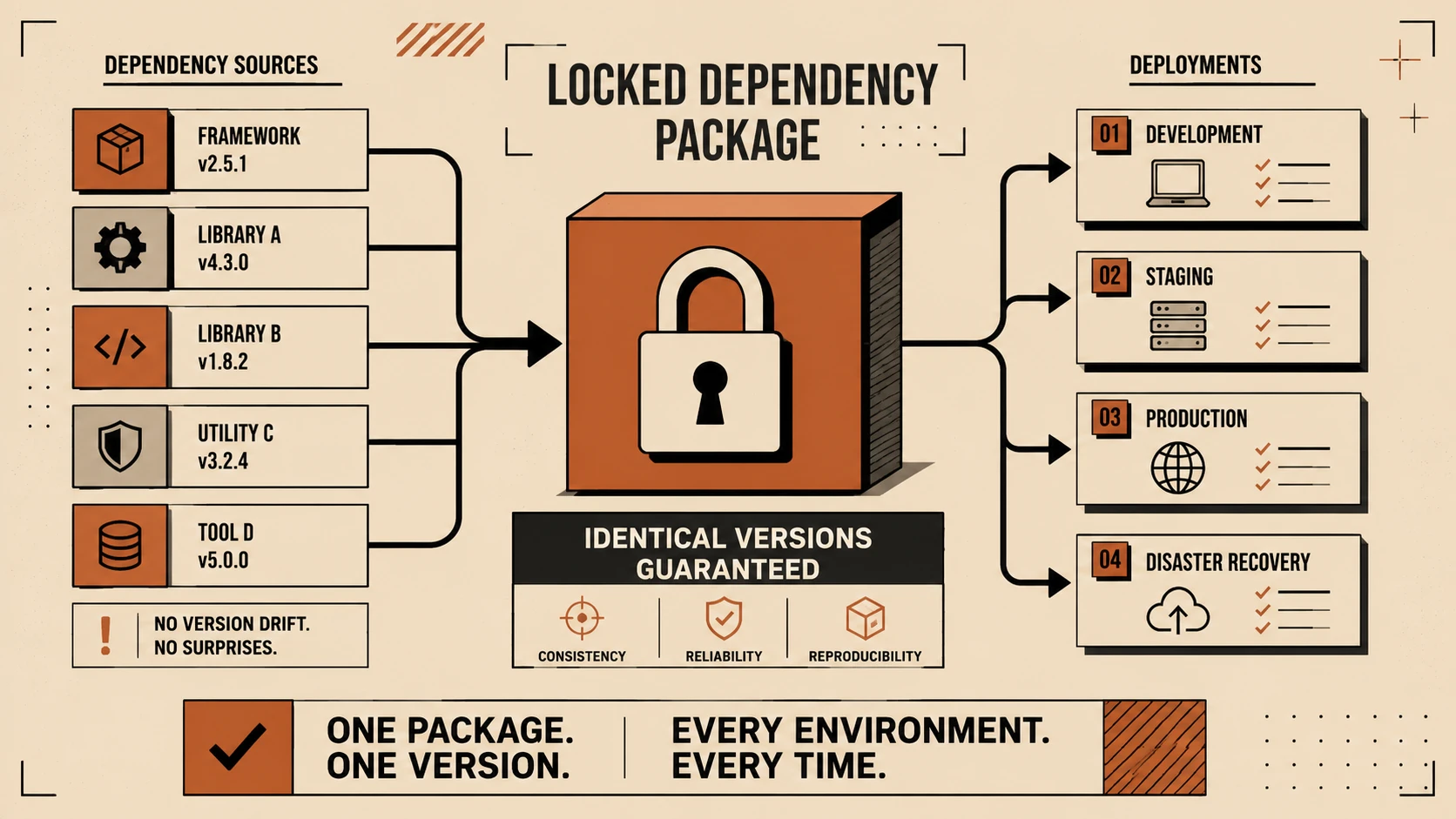
Successfully generated binaries can be archived, versioned, and reused throughout later deployment stages.
Build History
Jenkins maintains historical information that assists with troubleshooting failed builds and tracking software quality trends.
Extensible Plugin Architecture
Support for numerous development tools enables integration with diverse enterprise technology stacks.
How It Works
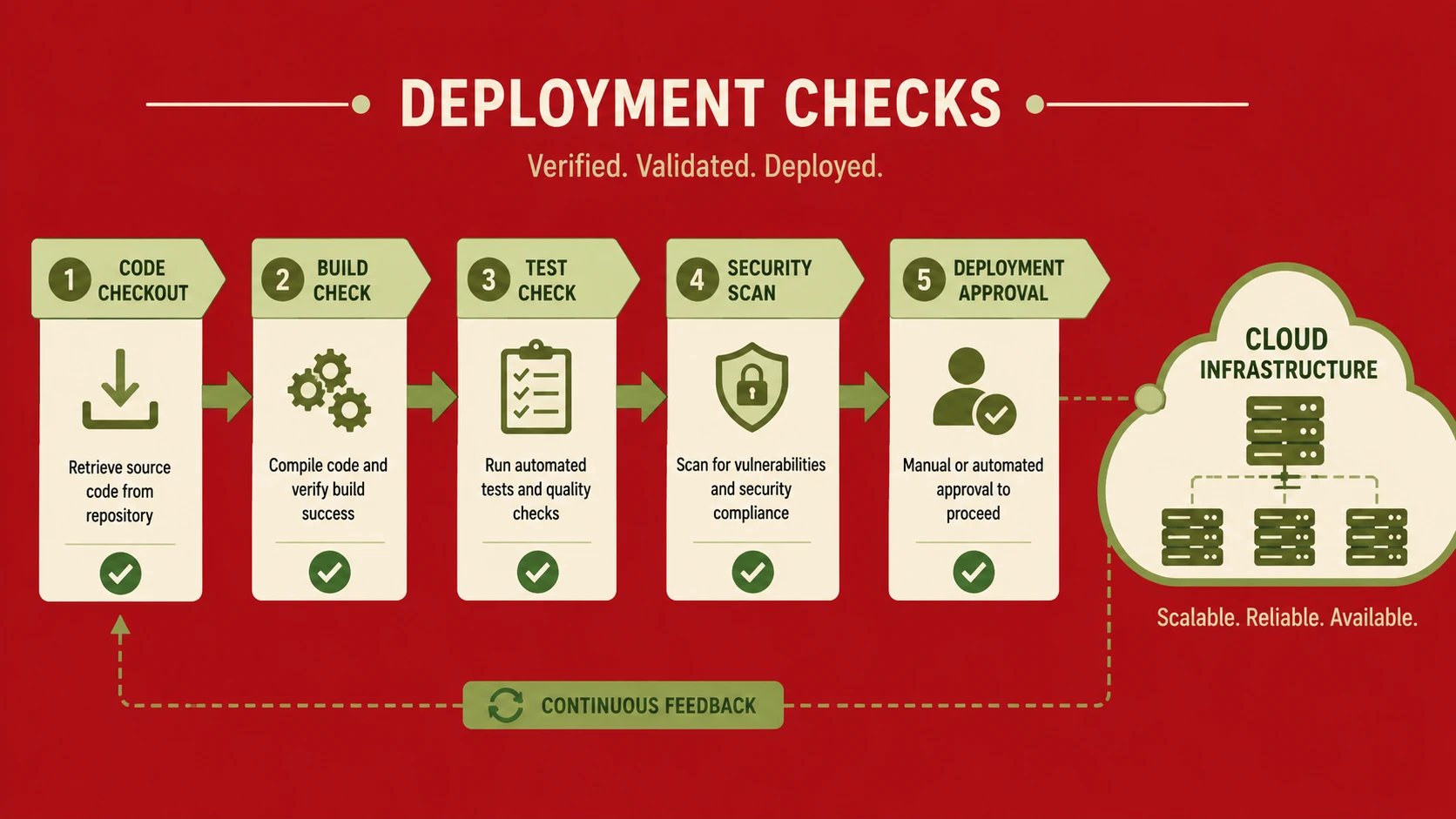
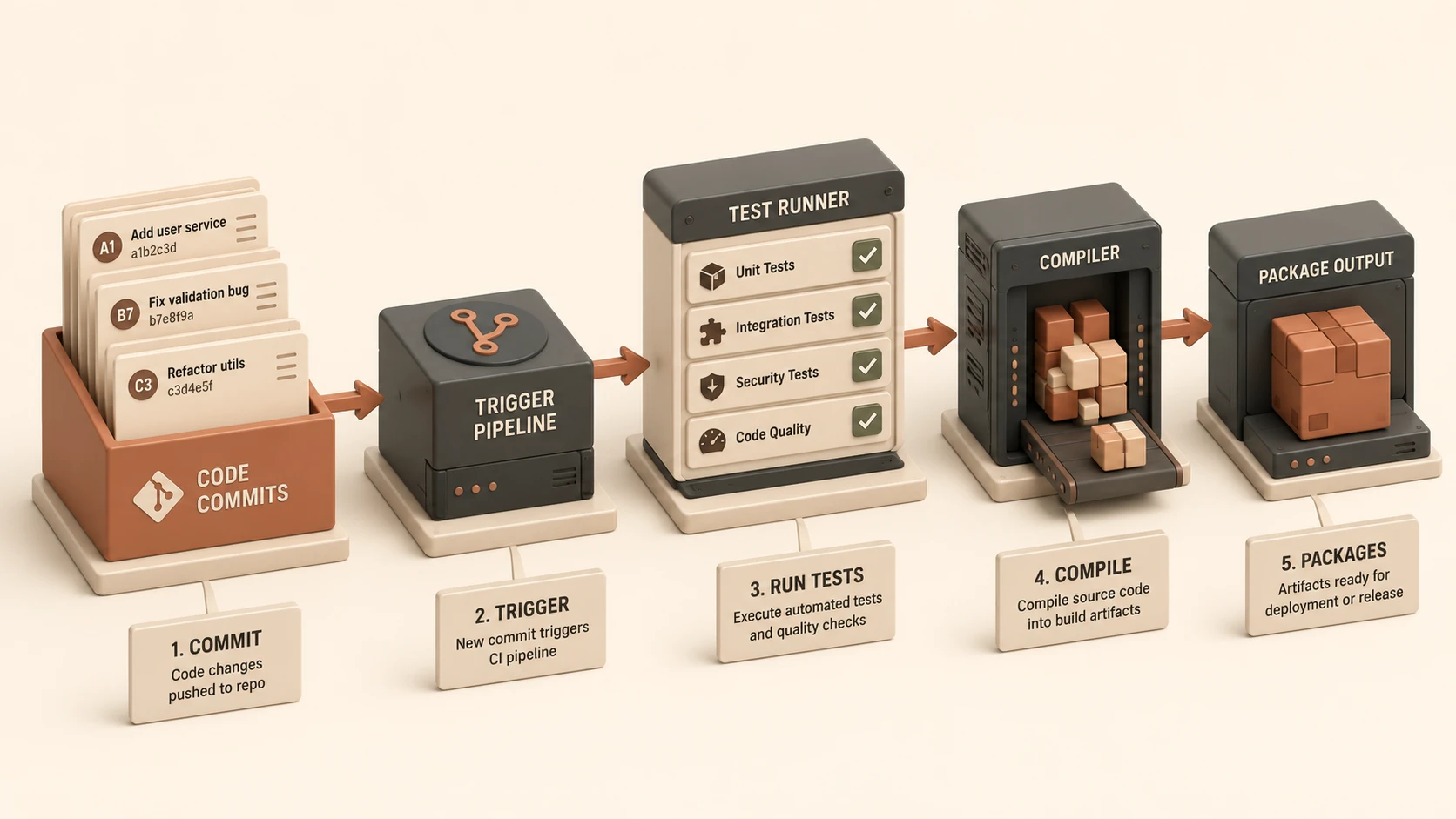
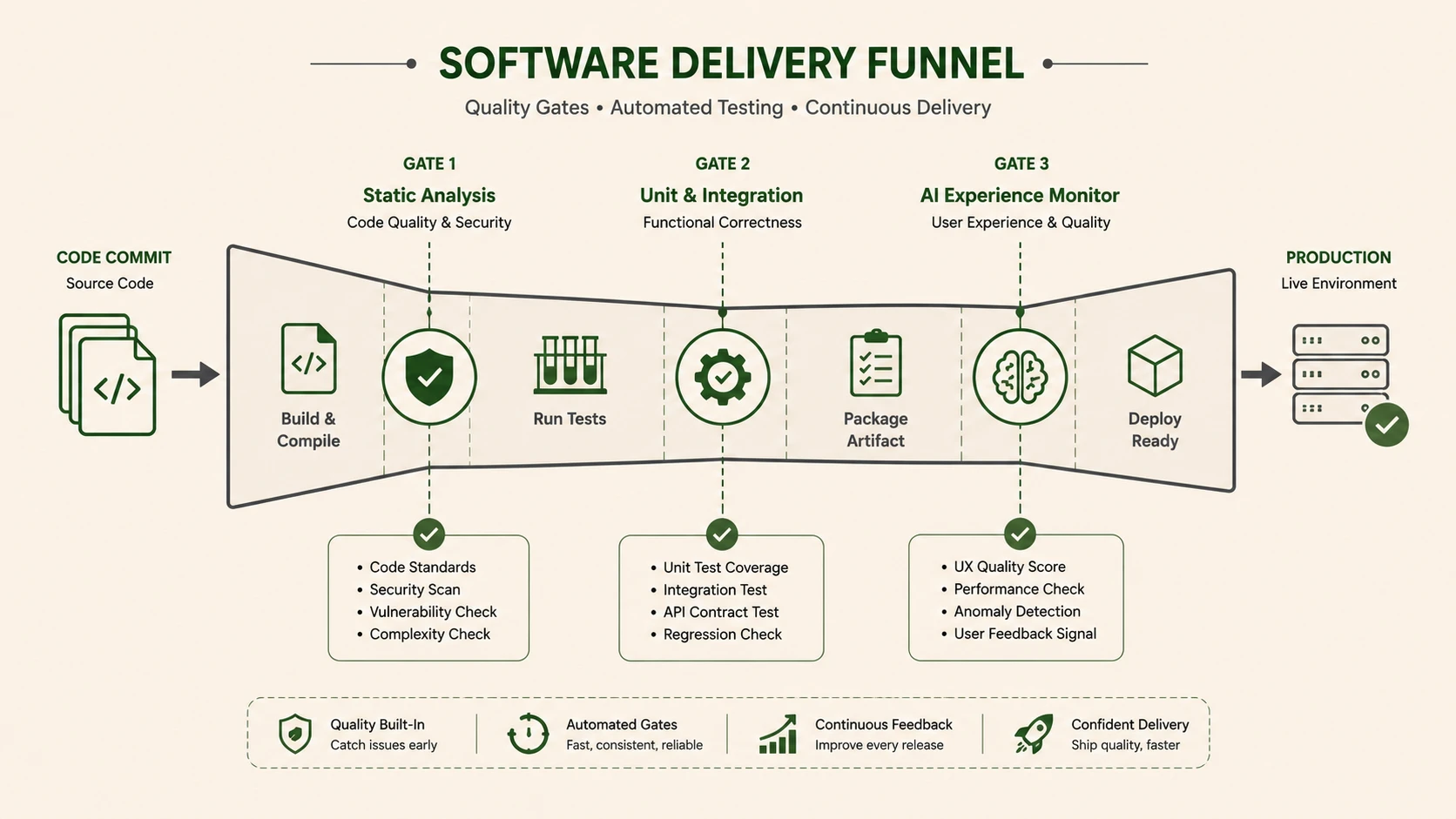
A simplified Continuous Integration workflow appears below.
Developer
      |
Source Code Commit
      |
Version Control Repository
      |
Jenkins Build Trigger
      |
Compile Application
      |
Run Unit Tests
      |
Execute Linting
      |
Create Build Artifact
      |
Artifact Repository
      |
Build Report
Each successful build produces validated software packages suitable for further testing or controlled deployment.
Enterprise Use Cases
Jenkins supports numerous enterprise software development scenarios.
Enterprise Web Applications
Automated validation ensures application quality before deployment into testing environments.
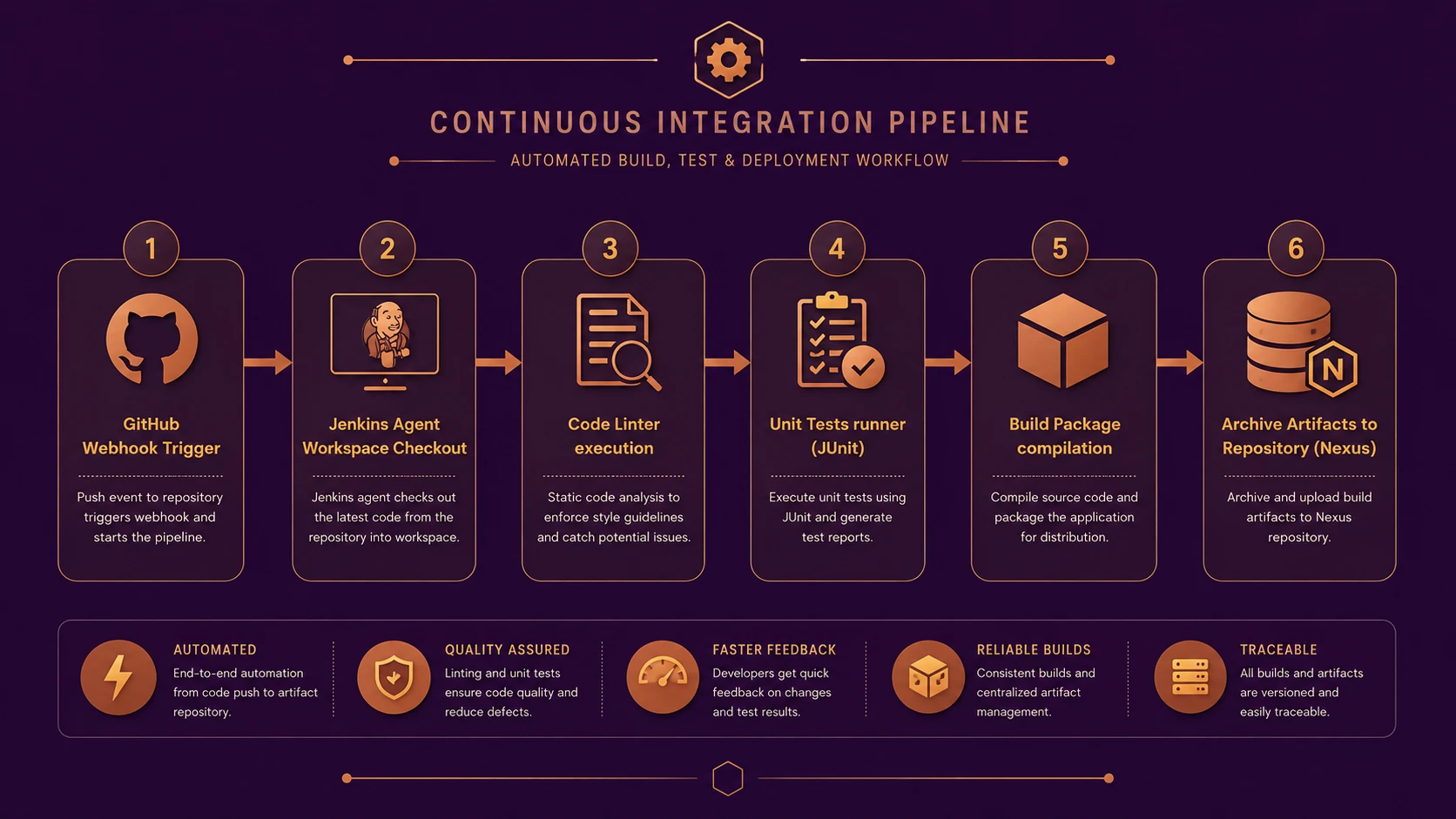
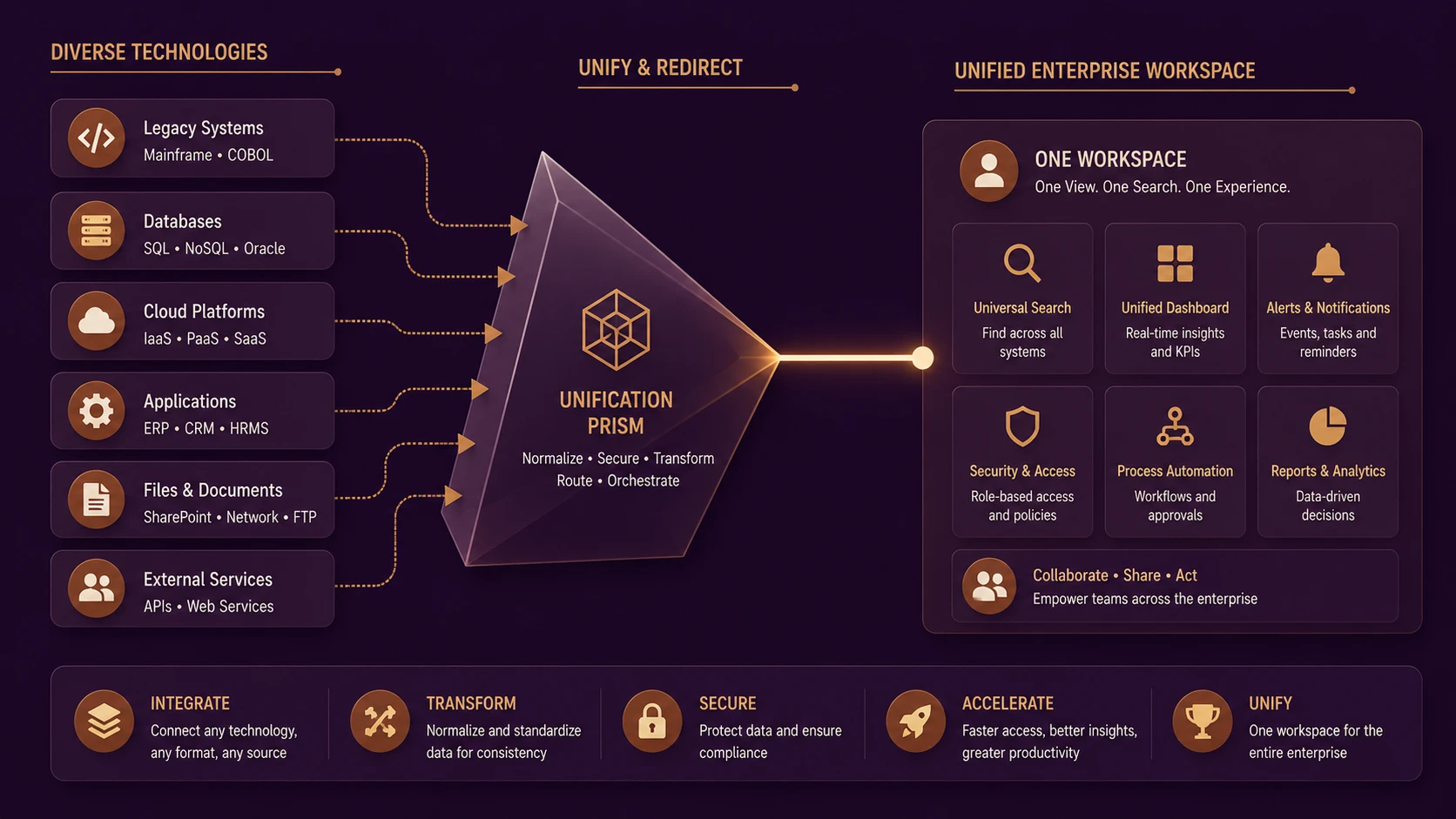
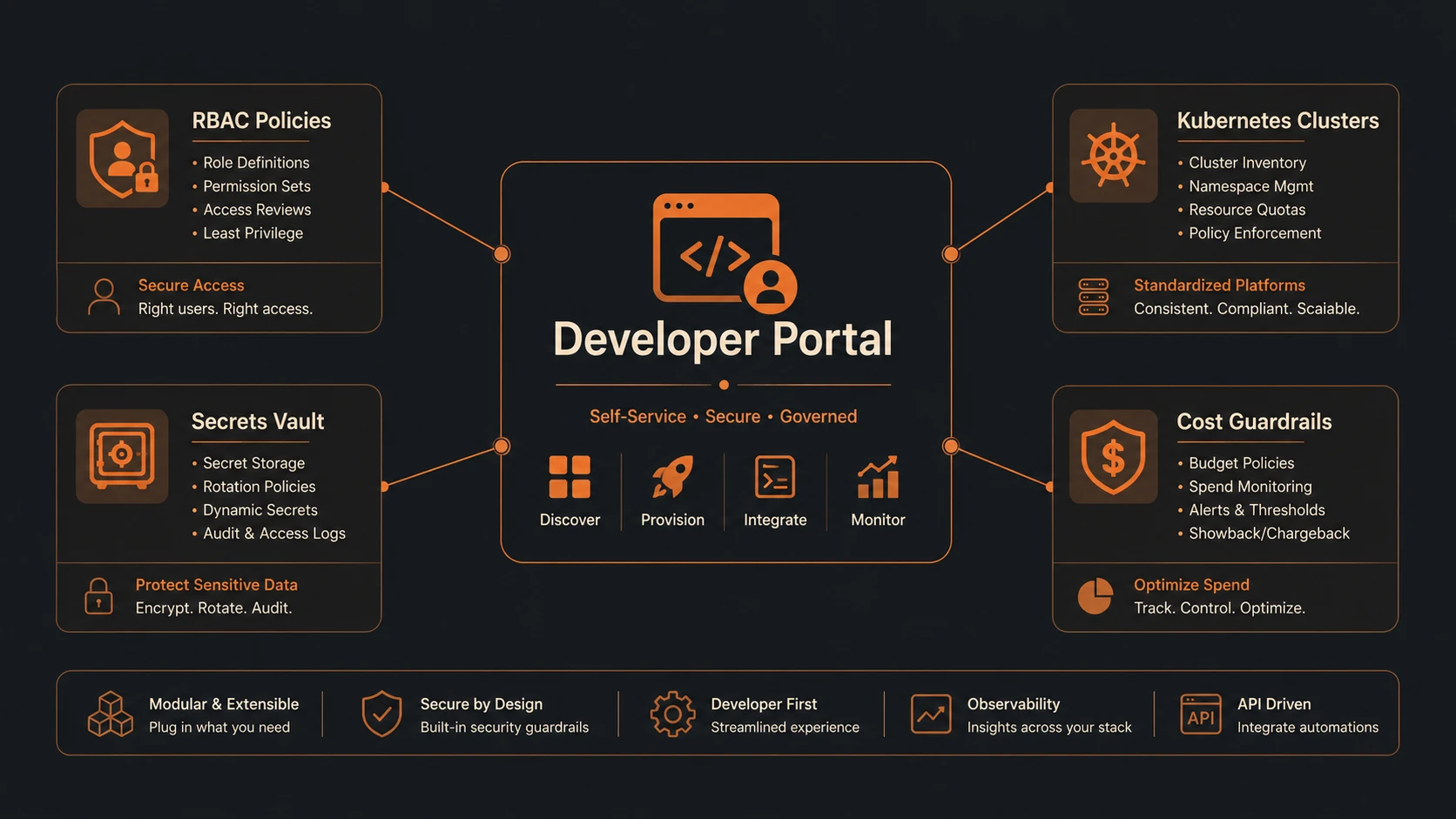
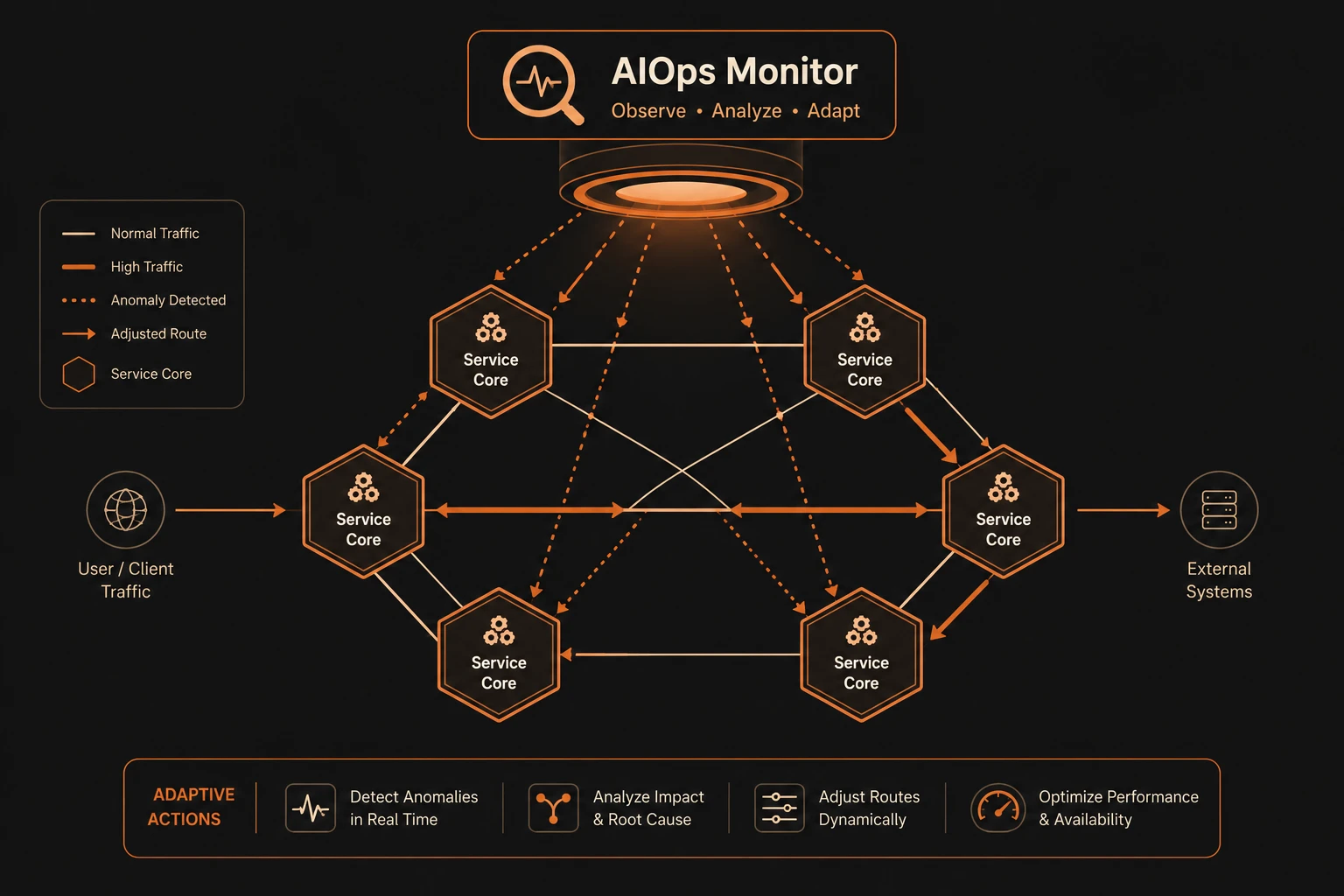
System architecture diagram and conceptual workflow layout for Jenkins CI Pipelines.
Java Enterprise Systems
Maven and Ant-based projects benefit from automated dependency management and repeatable builds.
.NET Development
Build automation improves consistency across enterprise Windows development teams.
Open Source Projects
Distributed contributors receive immediate feedback following source code integration.
Service-Oriented Architectures
Independent services can be validated continuously while maintaining separate release schedules.
Performance Considerations
Efficient pipeline execution improves developer productivity.
Important considerations include:
- ◆Build duration.
- ◆Test execution time.
- ◆Parallel build capacity.
- ◆Artifact storage efficiency.
- ◆Source repository performance.
Organizations should continually optimize build pipelines to reduce developer waiting time while maintaining adequate validation coverage.
Security Considerations
Because Jenkins automates software delivery, securing the build infrastructure is essential.
Recommended practices include:
- ◆Role-based administrative access.
- ◆Secure source repository authentication.
- ◆Protected build credentials.
- ◆Encrypted communication.
- ◆Build audit logging.
- ◆Controlled plugin installation.
Build servers should be treated as critical infrastructure within the enterprise development environment.
Scalability
Jenkins scales effectively through distributed build execution.
Scalable deployment characteristics include:
- ◆Multiple build agents.
- ◆Parallel job execution.
- ◆Dedicated testing environments.
- ◆Centralized artifact storage.
- ◆Modular project organization.
These capabilities enable organizations to support increasing development activity without significantly increasing build times.
Best Practices
Development teams should:
- ◆Commit source code frequently.
- ◆Keep build pipelines reproducible.
- ◆Automate unit testing.
- ◆Enforce coding standards through linting.
- ◆Archive build artifacts consistently.
- ◆Monitor build health continuously.
- ◆Investigate failed builds immediately.
A disciplined Continuous Integration process improves both software quality and engineering efficiency.
Common Mistakes
| Mistake | Business Impact |
|---|---|
| Ignoring failing builds | Reduced software quality |
| Long-running build pipelines | Slower developer feedback |
| Manual release packaging | Inconsistent deployments |
| Missing automated tests | Increased production defects |
| Poor artifact versioning | Difficult release management |
| Uncontrolled plugin installation | Operational instability |
Avoiding these practices helps maintain a reliable CI environment.
Technology Comparison
| Characteristic | Manual Build Process | Jenkins Continuous Integration |
|---|---|---|
| Build Execution | Manual | Automated |
| Unit Testing | Developer initiated | Automatic |
| Linting | Optional | Pipeline integrated |
| Artifact Creation | Manual | Automatic |
| Feedback Speed | Slow | Immediate |
| Build Consistency | Variable | Repeatable |
Jenkins enables software validation to become a continuous engineering activity rather than an occasional release task.
Adoption Strategy
Organizations implementing Jenkins should proceed incrementally.
Recommended roadmap:
- 1.Centralize source code management.
- 2.Automate application compilation.
- 3.Integrate unit testing.
- 4.Add linting and static analysis.
- 5.Standardize artifact publication.
- 6.Expand automation across additional projects.
Incremental adoption allows teams to improve engineering maturity while minimizing operational disruption.
Limitations
Although Jenkins provides significant automation capabilities, organizations should recognize several considerations.
- ◆Initial pipeline configuration requires planning.
- ◆Plugin management should be governed carefully.
- ◆Poorly designed pipelines can become difficult to maintain.
- ◆Automated testing quality depends on comprehensive test coverage.
- ◆Build infrastructure requires ongoing operational maintenance.
Successful Continuous Integration depends on disciplined engineering practices rather than automation alone.
Looking Ahead
From the perspective of August 2013, Jenkins has established itself as one of the most influential tools supporting Continuous Integration in enterprise software development. Its flexible architecture, extensive plugin ecosystem, and ability to automate compilation, testing, linting, and artifact management make it well suited for organizations adopting Agile and Continuous Delivery practices.
As software delivery cycles continue to shorten and engineering teams increasingly emphasize automation, Jenkins is well positioned to remain a central component of enterprise build infrastructure. Organizations that invest in reliable CI pipelines today can expect improved software quality, faster developer feedback, and more predictable release processes as their development practices continue to mature.