Introduction
Modern web applications increasingly resemble full-featured desktop software. Enterprise dashboards, financial systems, collaboration platforms, analytics portals, customer relationship management solutions, and cloud management consoles routinely render thousands of React components while processing frequent state updates and asynchronous data.
As applications grow, optimizing rendering performance becomes significantly more difficult than simply reducing JavaScript execution time. Developers must understand which components re-render, how long rendering takes, and whether UI updates provide measurable value.
React's Fiber architecture established the foundation for better scheduling and future rendering improvements. React 16.5 builds upon that foundation by introducing standardized performance profiling capabilities that allow engineering teams to better understand rendering behavior.
The introduction of the Profiler API represents an important milestone for performance engineering. Rather than relying entirely on manual timing or browser-level profiling tools, developers can now gather rendering metrics directly from React itself.
From the perspective of August 2018, React 16.5 demonstrates the framework's increasing focus on enterprise observability, performance optimization, and long-term maintainability.
Industry Background
Enterprise React applications continue increasing in both scale and complexity.
Organizations commonly develop:
- ◆Software-as-a-Service platforms.
- ◆Business intelligence dashboards.
- ◆Financial trading systems.
- ◆Customer portals.
- ◆Healthcare applications.
- ◆E-commerce platforms.
- ◆Internal enterprise tools.
These applications frequently contain:
- ◆Large component hierarchies.
- ◆Dynamic state updates.
- ◆Frequent user interactions.
- ◆Real-time data streams.
- ◆Complex rendering logic.
Performance optimization has therefore become an essential part of enterprise software development rather than a late-stage activity.
The Business Problem
Large React applications frequently encounter several performance challenges.
Organizations commonly experience:
- ◆Unnecessary component renders.
- ◆Slow interface responsiveness.
- ◆Complex rendering trees.
- ◆Difficult performance debugging.
- ◆Inefficient state updates.
- ◆Large application bundles.
- ◆Limited visibility into rendering costs.
Traditional browser profiling tools provide valuable runtime information but often make it difficult to identify React-specific rendering behavior.
React 16.5 addresses this challenge through integrated profiling capabilities.
Understanding the Technology
React 16.5 expands the framework's performance engineering capabilities.
Major improvements include:
- ◆Profiler API.
- ◆react-dom/profiling build.
- ◆Enhanced React Developer Tools integration.
- ◆Improved rendering measurement.
- ◆Fiber scheduling refinements.
- ◆Better performance diagnostics.
These capabilities help engineering teams understand how React spends rendering time during application execution.
Core Architecture
A simplified profiling architecture appears below.
| Component | Responsibility |
|---|---|
| React Components | Application UI |
| Fiber Scheduler | Coordinates rendering work |
| Profiler Component | Collects rendering metrics |
| React Developer Tools | Displays profiling information |
| Browser | Executes application |
| Engineering Team | Analyzes performance data |
The Profiler collects rendering information without changing the application's functional behavior.
Key Features
Profiler API
The defining capability of React 16.5 is the introduction of the Profiler API.
Developers can wrap portions of a component tree with a <Profiler> component to collect information about rendering behavior.
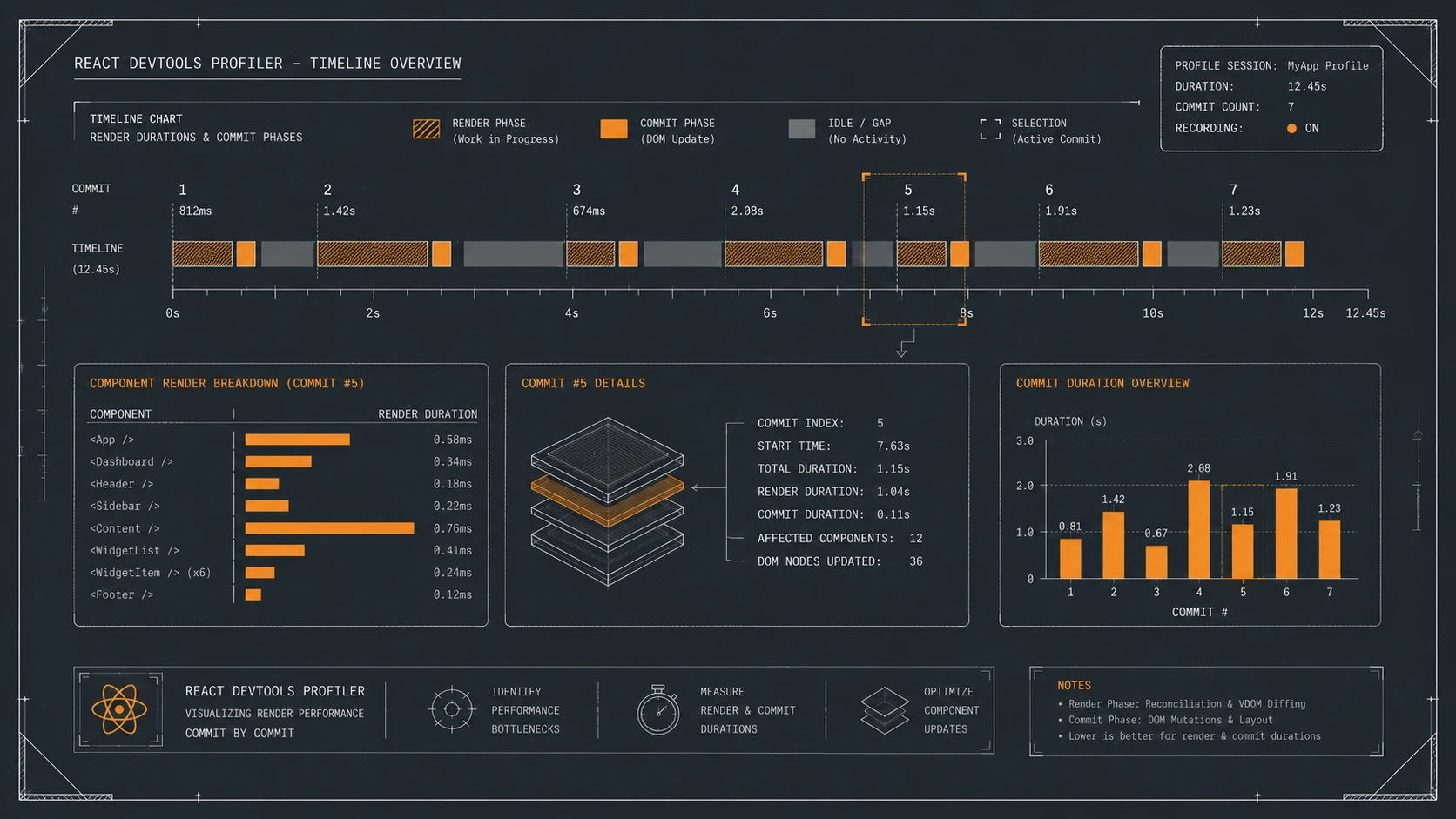
Measurements include rendering duration and commit timing, allowing teams to identify components that require optimization.
This creates a standardized workflow for measuring UI performance.
React Developer Tools Integration
The new profiling capabilities integrate naturally with React Developer Tools.
Developers gain improved visibility into:
- ◆Rendering frequency.
- ◆Component update duration.
- ◆Rendering hierarchy.
- ◆Performance bottlenecks.
These insights simplify investigation of large component trees.
Fiber-Based Measurement
Because the Profiler operates on top of the Fiber architecture, measurements accurately reflect React's rendering pipeline.
Developers can evaluate rendering costs using framework-aware metrics instead of relying exclusively on browser execution timelines.
Production Profiling Build
React introduces a specialized react-dom/profiling package intended for gathering accurate performance measurements.
This enables organizations to evaluate rendering behavior using tooling specifically designed for performance analysis.
Better Optimization Workflow
Performance improvements become measurable rather than speculative.
Engineering teams can validate optimization efforts through profiling data instead of assumptions.
Improved Developer Productivity
Standardized performance tooling reduces the time required to identify inefficient rendering behavior during application development.
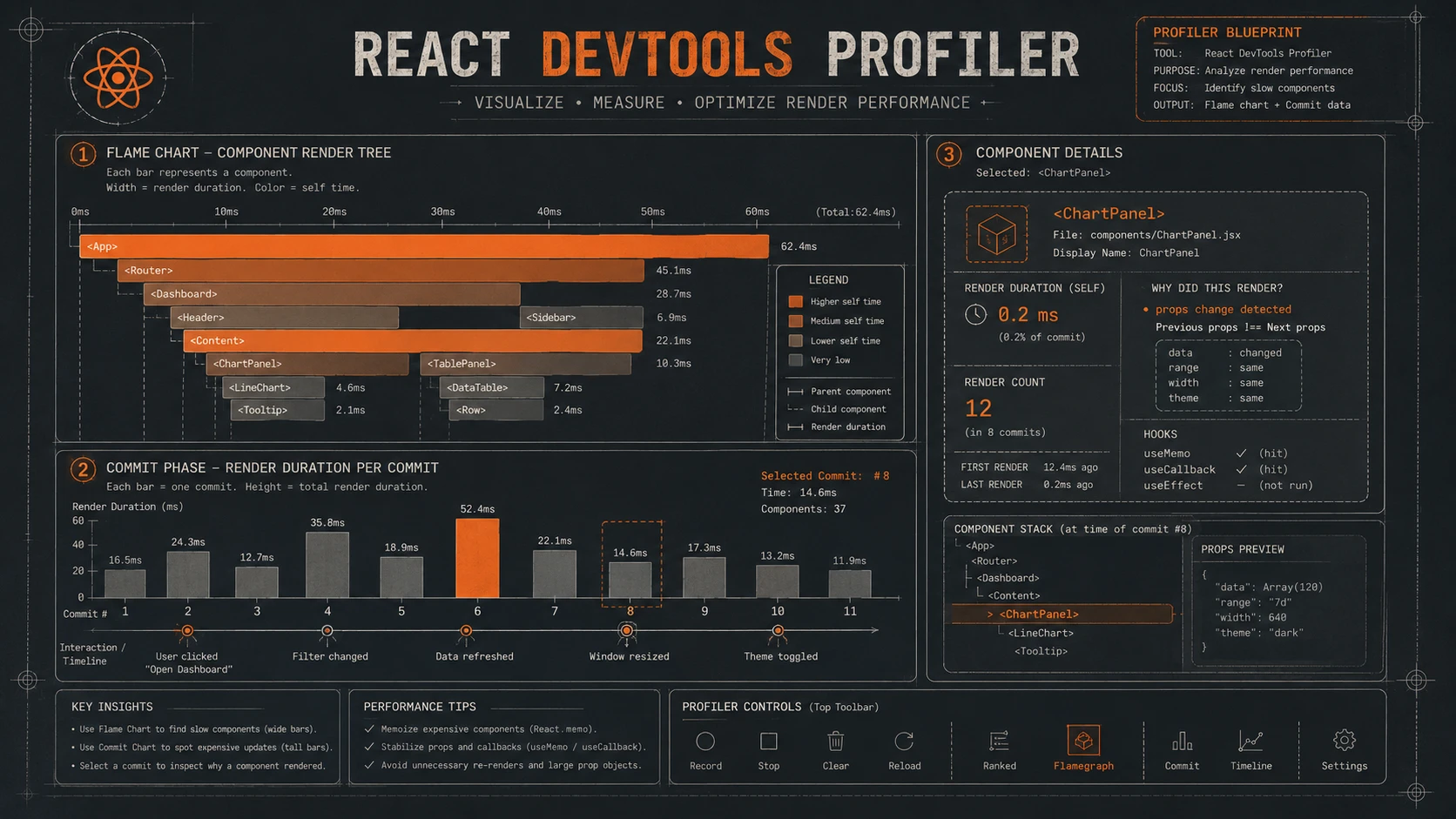
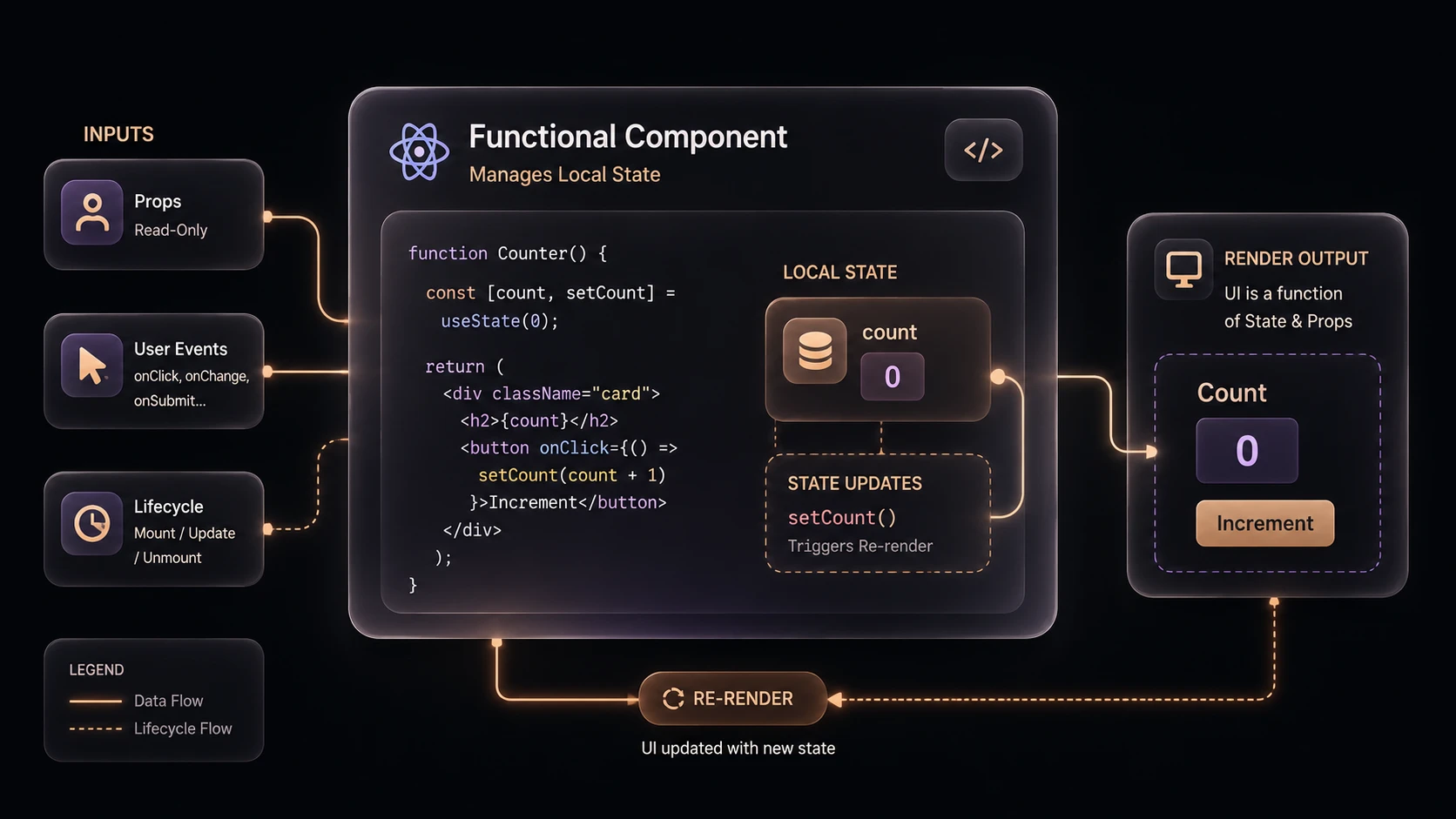
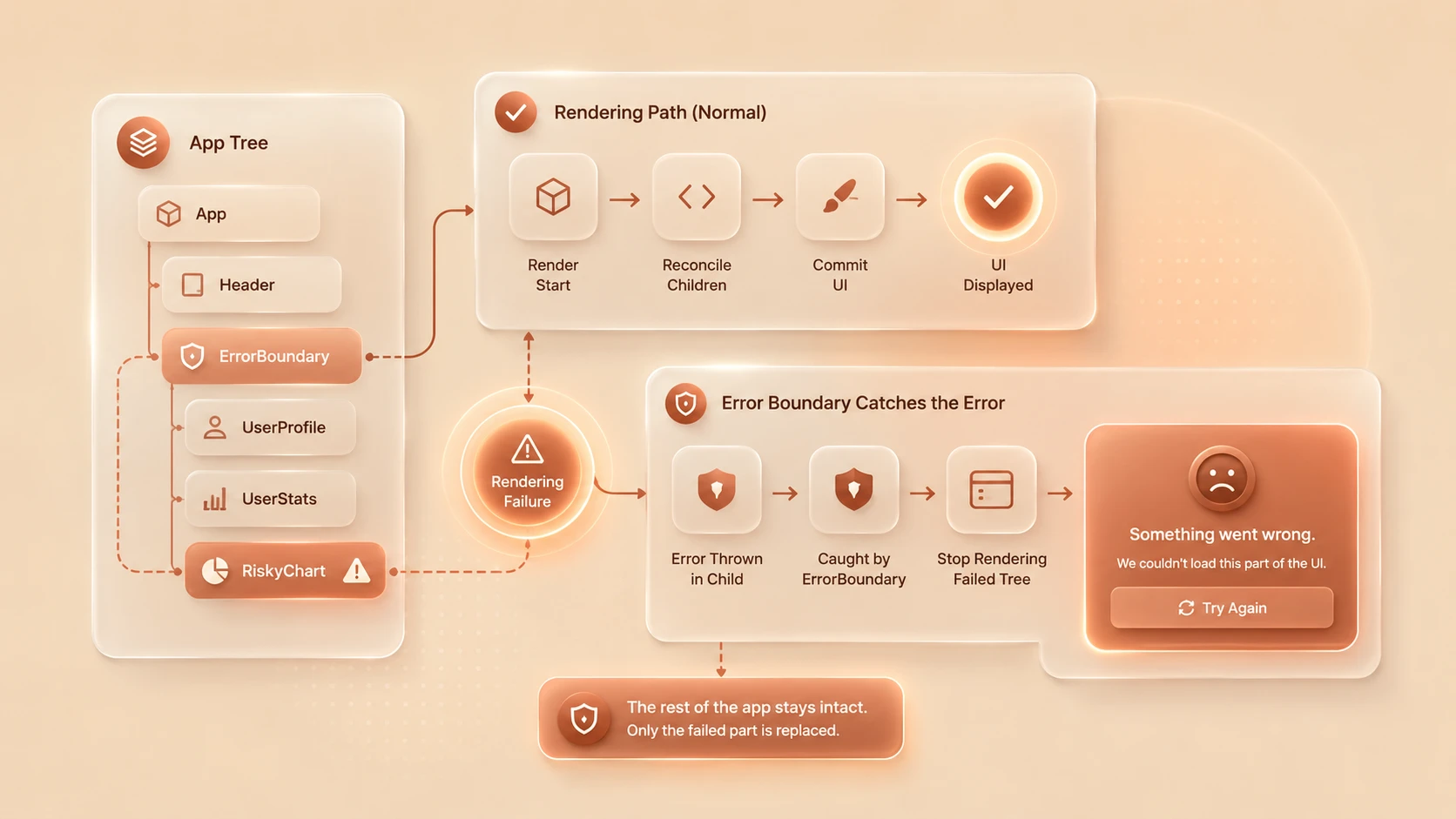
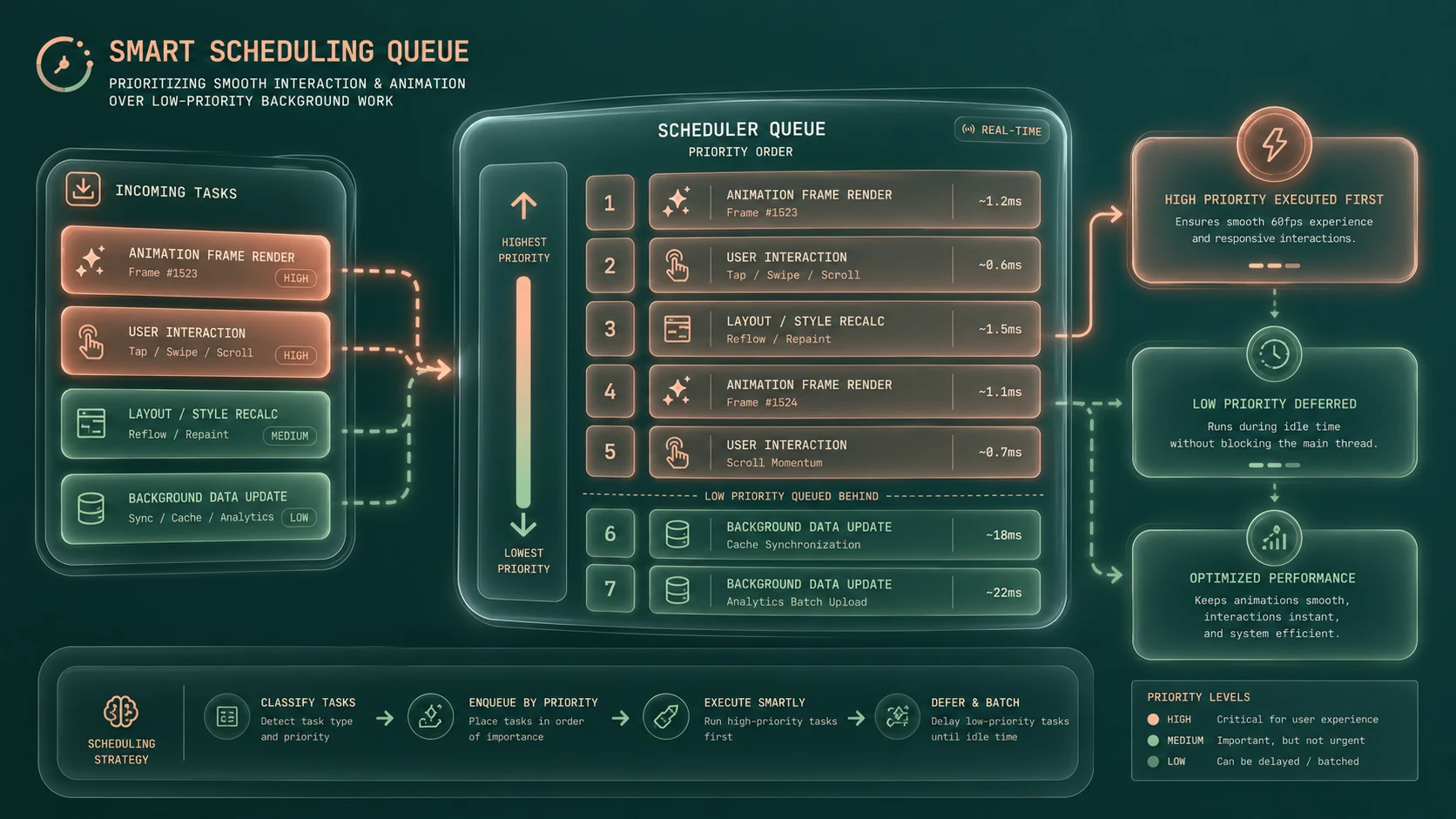
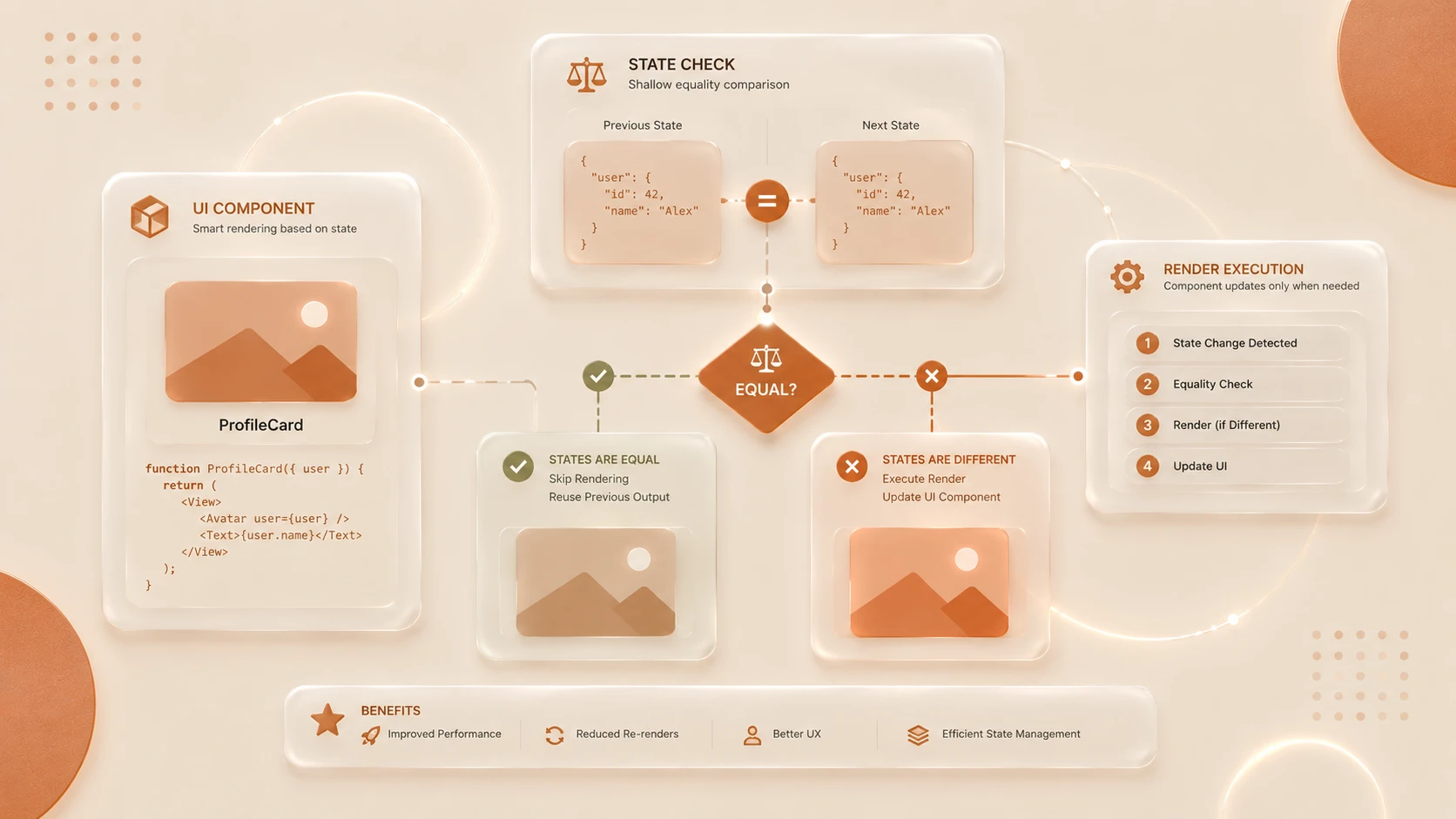
System architecture diagram and conceptual workflow layout for React 16.5: Profiler Integration and Component Render Performance Auditing.
How It Works
A simplified profiling workflow appears below.
Application Interaction
          |
React Fiber Scheduler
          |
Profiler Component
          |
Render Metrics Collected
          |
React Developer Tools
          |
Performance Analysis
Rendering metrics are gathered during component updates and made available for performance investigation.
Enterprise Use Cases
Enterprise Dashboards
Large administrative interfaces benefit from identifying frequently re-rendered components.
Software-as-a-Service Platforms
Customer-facing applications can measure rendering costs as features continue expanding.
Financial Applications
Low-latency interfaces benefit from understanding rendering overhead during frequent data updates.
Design Systems
Shared component libraries can be benchmarked before widespread organizational adoption.
Continuous Performance Engineering
Development teams can incorporate rendering analysis into regular application optimization activities.
Performance Considerations
React 16.5 focuses directly on rendering performance analysis.
Organizations should evaluate:
- ◆Component render duration.
- ◆Render frequency.
- ◆Commit timing.
- ◆State update patterns.
- ◆Component hierarchy complexity.
- ◆Memoization opportunities.
Profiling should be performed using representative application workloads rather than isolated demonstrations.
Security Considerations
The Profiler API focuses on application diagnostics rather than security.
Organizations should continue implementing:
- ◆Authentication.
- ◆Authorization.
- ◆Secure API communication.
- ◆Input validation.
- ◆Dependency management.
- ◆Secure deployment practices.
Performance measurement complements secure software engineering but does not replace it.
Scalability
React 16.5 strengthens scalability by improving application observability.
Advantages include:
- ◆Measurable rendering performance.
- ◆Better optimization guidance.
- ◆Improved developer productivity.
- ◆Easier maintenance.
- ◆More predictable performance tuning.
These characteristics become increasingly valuable as enterprise applications continue growing.
Best Practices
Organizations adopting React 16.5 should:
- ◆Profile representative production workflows.
- ◆Measure before optimizing.
- ◆Focus optimization on expensive rendering paths.
- ◆Keep component responsibilities well defined.
- ◆Reduce unnecessary state updates.
- ◆Benchmark performance after architectural changes.
- ◆Use React Developer Tools during regular development.
Evidence-based optimization produces more reliable performance improvements than speculative refactoring.
Common Mistakes
| Mistake | Business Impact |
|---|---|
| Optimizing components without profiling | Wasted engineering effort |
| Profiling unrealistic workloads | Misleading conclusions |
| Assuming every render is a performance issue | Unnecessary complexity |
| Ignoring component hierarchy design | Long-term maintenance challenges |
| Measuring only JavaScript execution | Incomplete performance analysis |
| Treating profiling as a one-time activity | Missed optimization opportunities |
Successful performance engineering requires continuous measurement rather than isolated optimization efforts.
Technology Comparison
| Characteristic | Earlier React Releases | React 16.5 |
|---|---|---|
| Rendering Analysis | Browser profiling tools primarily | Integrated Profiler API |
| Component Timing | Limited React-specific metrics | React-aware render measurements |
| Fiber Integration | Internal scheduling | Scheduling with profiling support |
| Performance Diagnostics | Manual investigation | Standardized measurement workflow |
| Enterprise Performance Engineering | External tooling focused | Native profiling capabilities |
React 16.5 provides a more structured approach to identifying rendering inefficiencies within complex applications.
Adoption Strategy
Organizations should introduce React 16.5 through an incremental performance engineering strategy.
- 1.Upgrade React dependencies.
- 2.Install the latest React Developer Tools.
- 3.Profile critical application workflows.
- 4.Identify expensive rendering paths.
- 5.Prioritize measurable optimization opportunities.
- 6.Establish performance benchmarking as part of Continuous Integration and release validation.
This approach ensures that optimization efforts remain data-driven and aligned with business priorities.
Limitations
As of August 2018, organizations should recognize several considerations.
- ◆Profiling identifies rendering costs but does not automatically resolve them.
- ◆Performance improvements remain dependent on application architecture.
- ◆Profiling should be conducted using representative workloads.
- ◆Development teams require familiarity with React rendering behavior.
- ◆Browser-level performance analysis remains valuable alongside React-specific tooling.
These considerations should guide enterprise performance engineering strategies.
Looking Ahead
From the perspective of August 2018, React 16.5 represents an important advancement in framework-level performance engineering. By introducing the Profiler API and improving integration with React Developer Tools, the React team has provided developers with standardized mechanisms for understanding rendering behavior rather than relying solely on intuition or generic browser diagnostics.
Combined with the Fiber architecture introduced in React 16, these profiling capabilities establish a stronger foundation for optimizing increasingly sophisticated enterprise applications. Organizations building large React codebases should view React 16.5 not simply as another feature release, but as a significant step toward measurable, repeatable, and data-driven UI performance optimization.