Introduction
Over the past two years, Angular has undergone a significant architectural transformation. The transition from AngularJS to the component-based Angular platform introduced a modern framework designed for enterprise-scale applications, improved maintainability, and better performance. With Angular 5.0, the framework shifts its focus from major architectural redesigns toward improving developer productivity, runtime efficiency, and production deployment.
Enterprise web applications continue growing in size as organizations adopt Single Page Applications (SPAs) for customer portals, internal business systems, dashboards, and Software-as-a-Service (SaaS) platforms. Larger applications naturally introduce longer build times, larger JavaScript bundles, and increasing complexity around offline support and deployment optimization.
Angular 5.0 addresses many of these concerns by introducing Build Optimizer, improvements to the Ahead-of-Time (AoT) compiler, official Progressive Web App support through Angular Service Worker, and enhancements designed to reduce bundle size while improving application startup performance.
For enterprise architects, Angular 5.0 represents an evolutionary release focused on making production applications smaller, faster, and easier to deploy.
Industry Background
Modern enterprise front-end applications increasingly include:
- ◆Customer self-service portals
- ◆Enterprise dashboards
- ◆CRM platforms
- ◆Financial applications
- ◆E-commerce systems
- ◆Progressive Web Apps
- ◆Mobile-first business applications
- ◆Cloud-hosted SaaS platforms
As JavaScript applications become more sophisticated, development teams require frameworks capable of supporting maintainability, performance, and long-term scalability.
The Business Problem
Large Angular applications commonly encounter:
- ◆Large production bundles
- ◆Increasing build times
- ◆Slow initial page loads
- ◆Limited offline functionality
- ◆Complex deployment pipelines
- ◆Mobile performance challenges
Organizations require better tooling to optimize production deployments while maintaining developer productivity.
Understanding Angular 5.0
Angular 5.0 continues the framework's emphasis on component-based architecture while introducing improvements aimed at production optimization and Progressive Web App development.
Primary objectives include:
- ◆Smaller production bundles
- ◆Faster builds
- ◆Better compiler optimization
- ◆Improved mobile performance
- ◆Official PWA support
- ◆Enhanced developer experience
Rather than introducing a new programming model, Angular 5.0 refines existing application architecture.
Core Architecture
| Component | Responsibility |
|---|---|
| Components | User interface building blocks |
| Modules | Organize application features |
| Router | Client-side navigation |
| Dependency Injection | Service management |
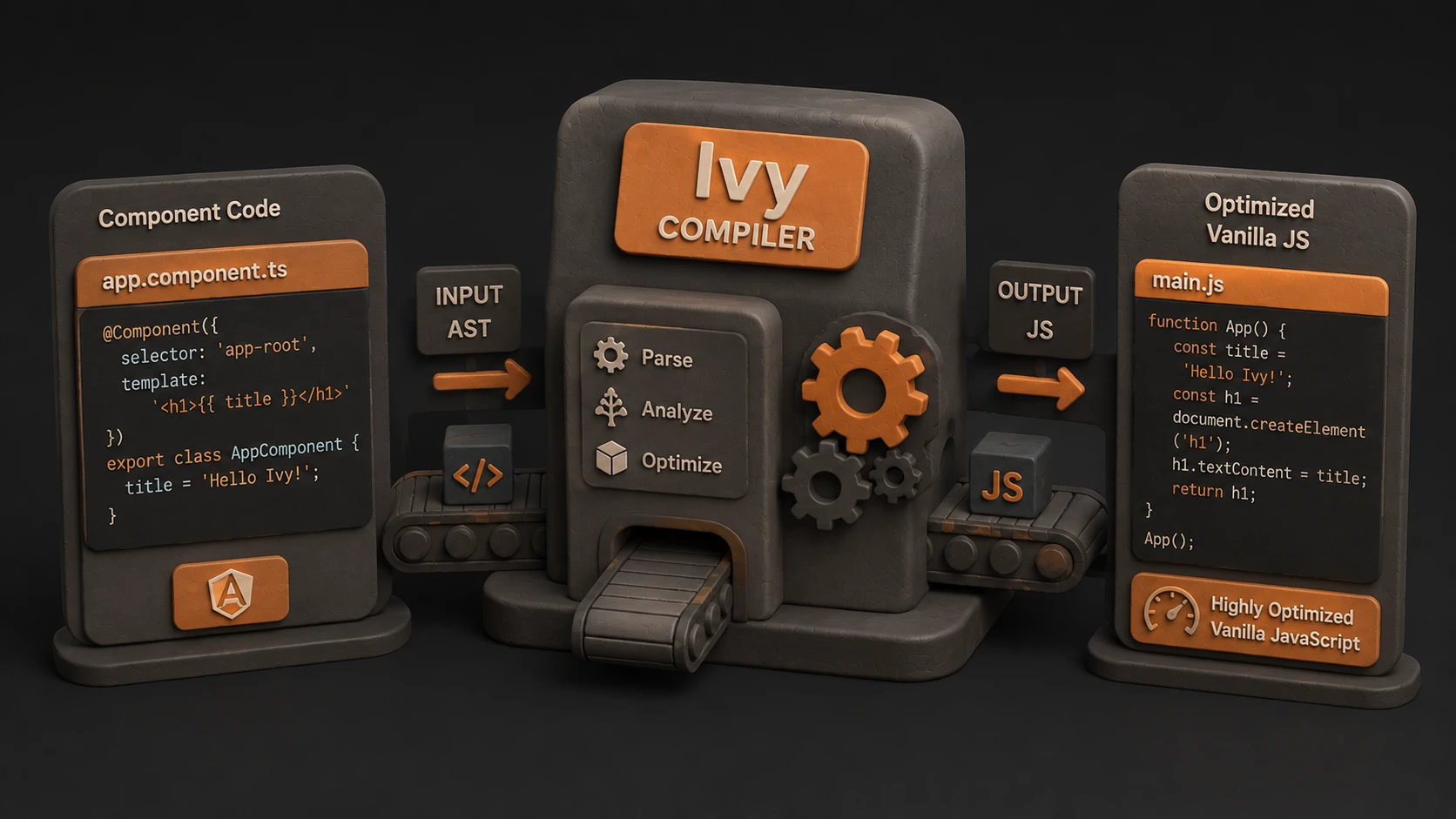
| Angular Compiler | Template compilation |
| Build Optimizer | Production bundle optimization |
| Angular Service Worker | Offline application support |
These components continue forming the foundation of Angular enterprise applications.
How Angular 5.0 Works
A typical application workflow includes:
- 1.Developers create components and services.
- 2.Angular compiles templates.
- 3.Build Optimizer prepares production bundles.
- 4.Ahead-of-Time compilation generates optimized application code.
- 5.Service Worker support enables offline caching where configured.
- 6.Browser executes optimized JavaScript bundles.
- 7.Users interact with a responsive Single Page Application.
This workflow reduces runtime work while improving deployment efficiency.
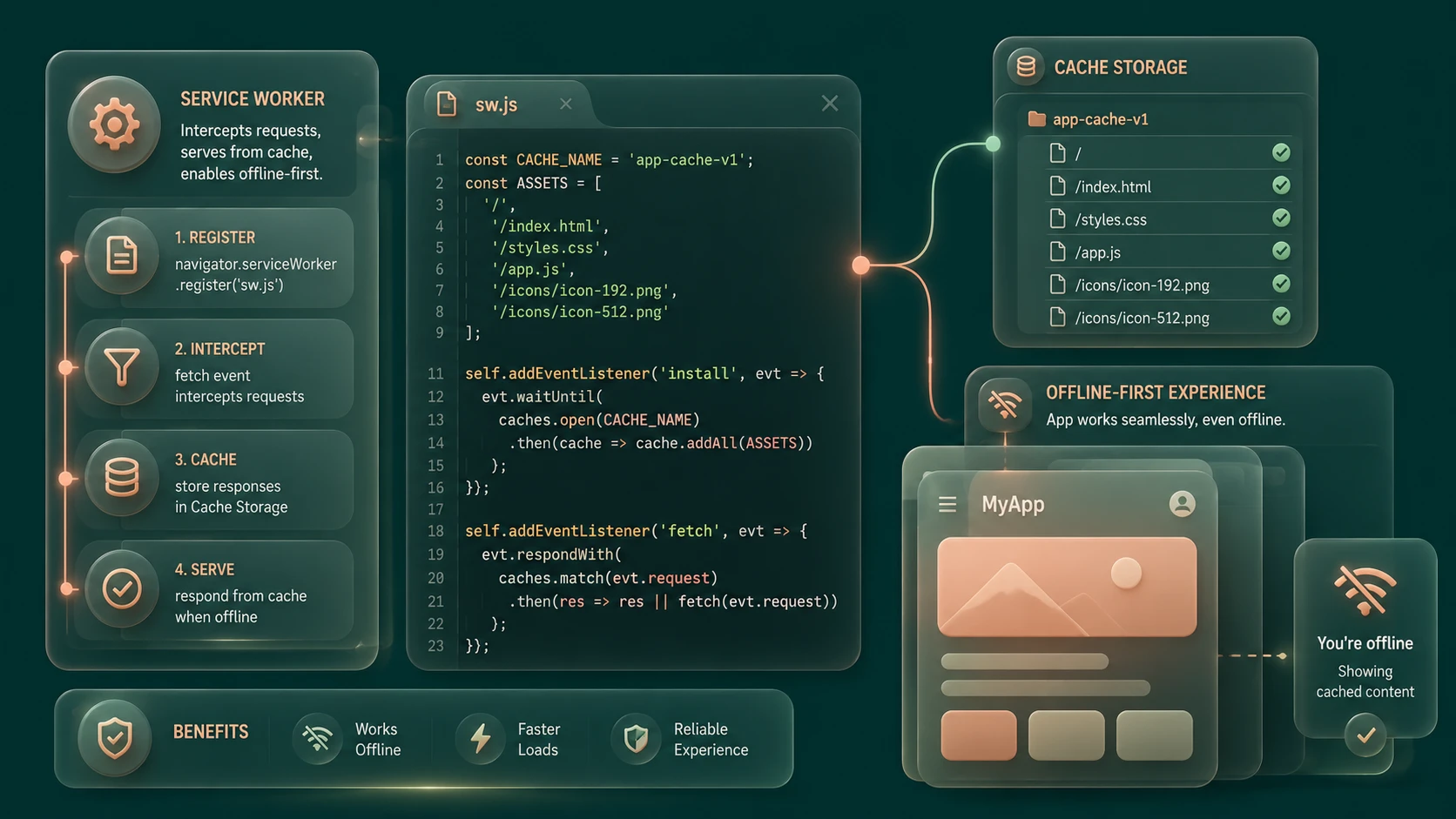
Progressive Web App Support
// ngsw-config.json service worker configuration for offline caching in Angular 5
{
  "index": "/index.html",
  "assetGroups": [
    {
      "name": "app",
      "installMode": "prefetch",
      "resources": {
        "files": [
          "/favicon.ico",
          "/index.html",
          "/*.css",
          "/*.js"
        ]
      }
    }
  ]
}
One of Angular 5.0's most significant additions is official support for Progressive Web Apps.
Angular Service Worker provides an officially supported mechanism for caching application resources and improving reliability.
Enterprise advantages include:
- ◆Offline application support
- ◆Faster repeat visits
- ◆Improved application responsiveness
- ◆Better mobile user experience
- ◆Reduced network dependency
This allows Angular applications to take advantage of emerging browser capabilities while remaining deployable as traditional web applications.
Build Optimizer
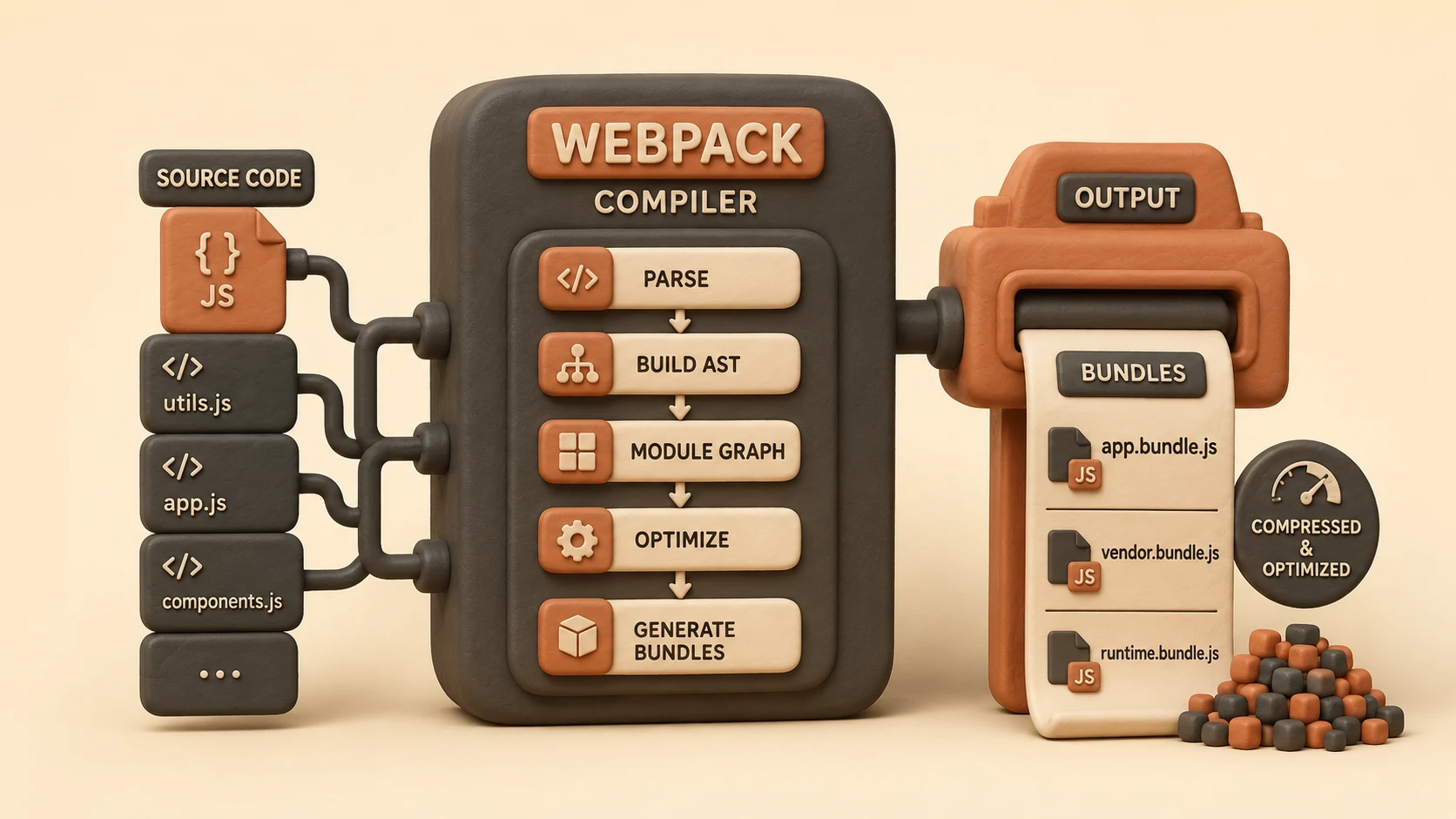
Build Optimizer is designed to improve production bundle efficiency.
Its objectives include:
- ◆Removing unnecessary framework metadata
- ◆Improving tree shaking effectiveness
- ◆Reducing generated JavaScript
- ◆Producing smaller deployment artifacts
Smaller bundles contribute to faster downloads and improved startup performance.
Compiler Improvements
Angular 5.0 introduces compiler enhancements intended to improve application performance and build efficiency.
Key improvements include:
- ◆Faster Ahead-of-Time compilation
- ◆Improved template processing
- ◆Better production optimization
- ◆Reduced generated code
Compiler improvements help development teams produce more efficient production deployments.
Key Features
Official Service Worker Integration
Angular provides built-in support for Progressive Web App development through official tooling.
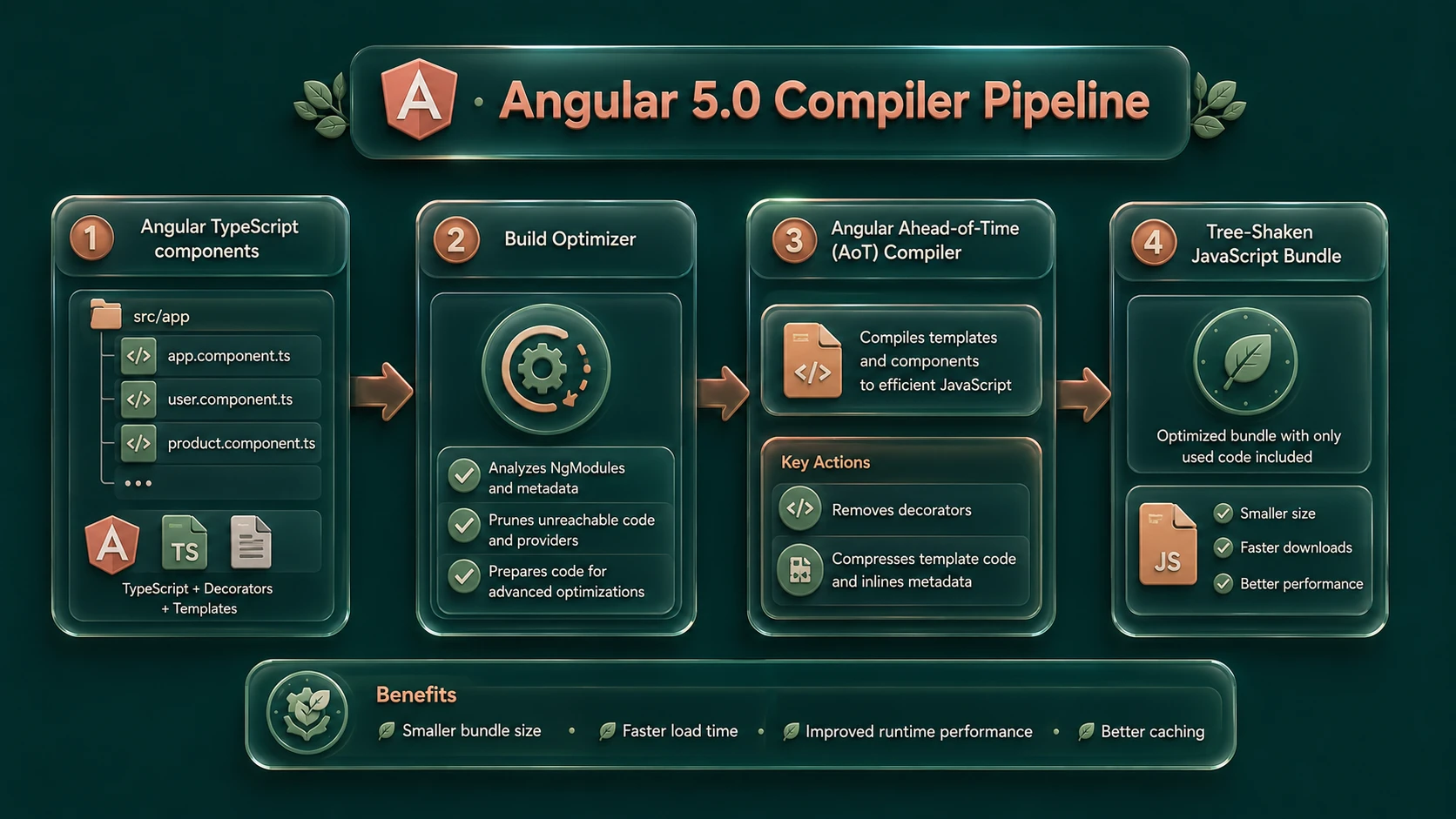
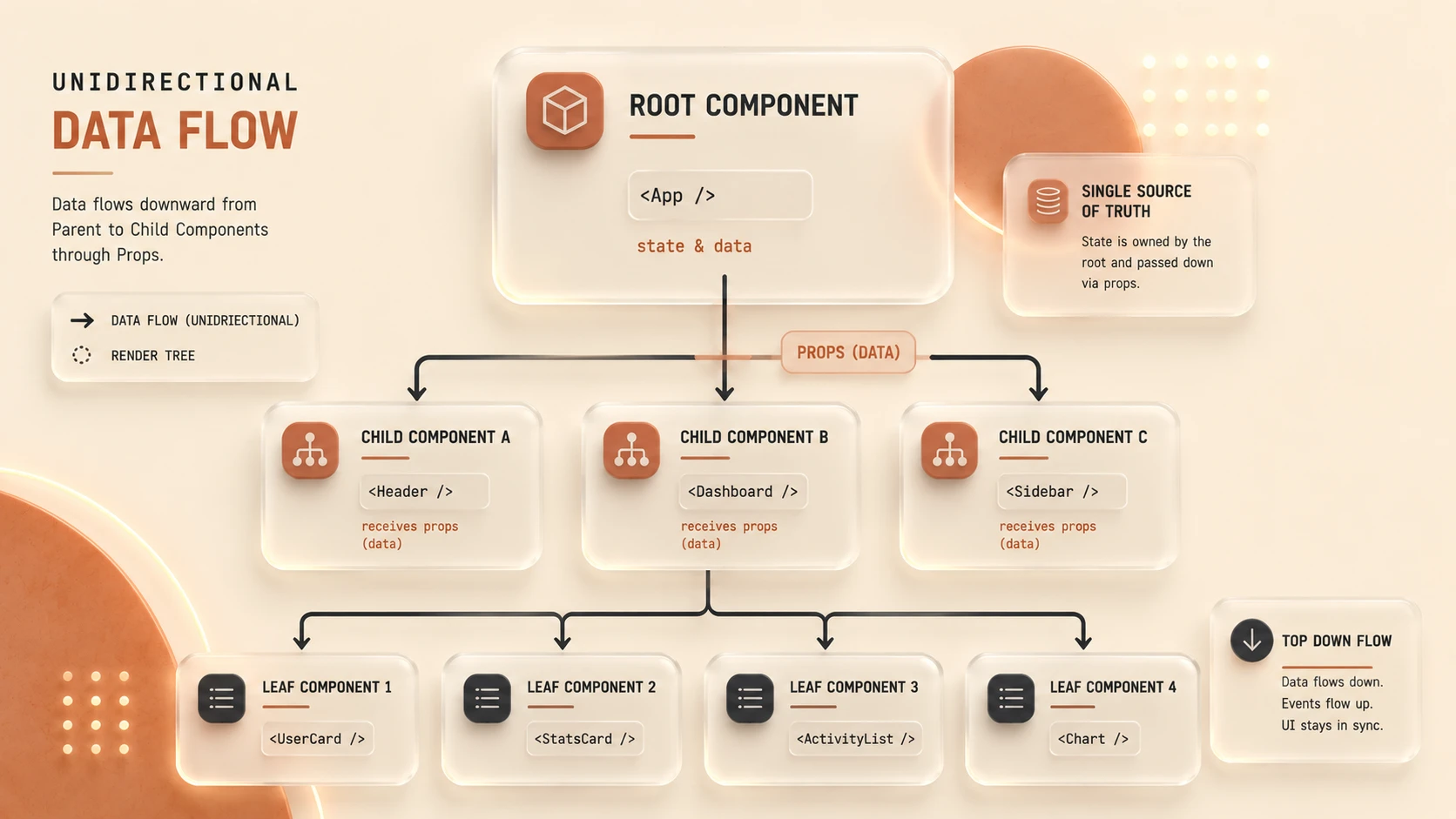
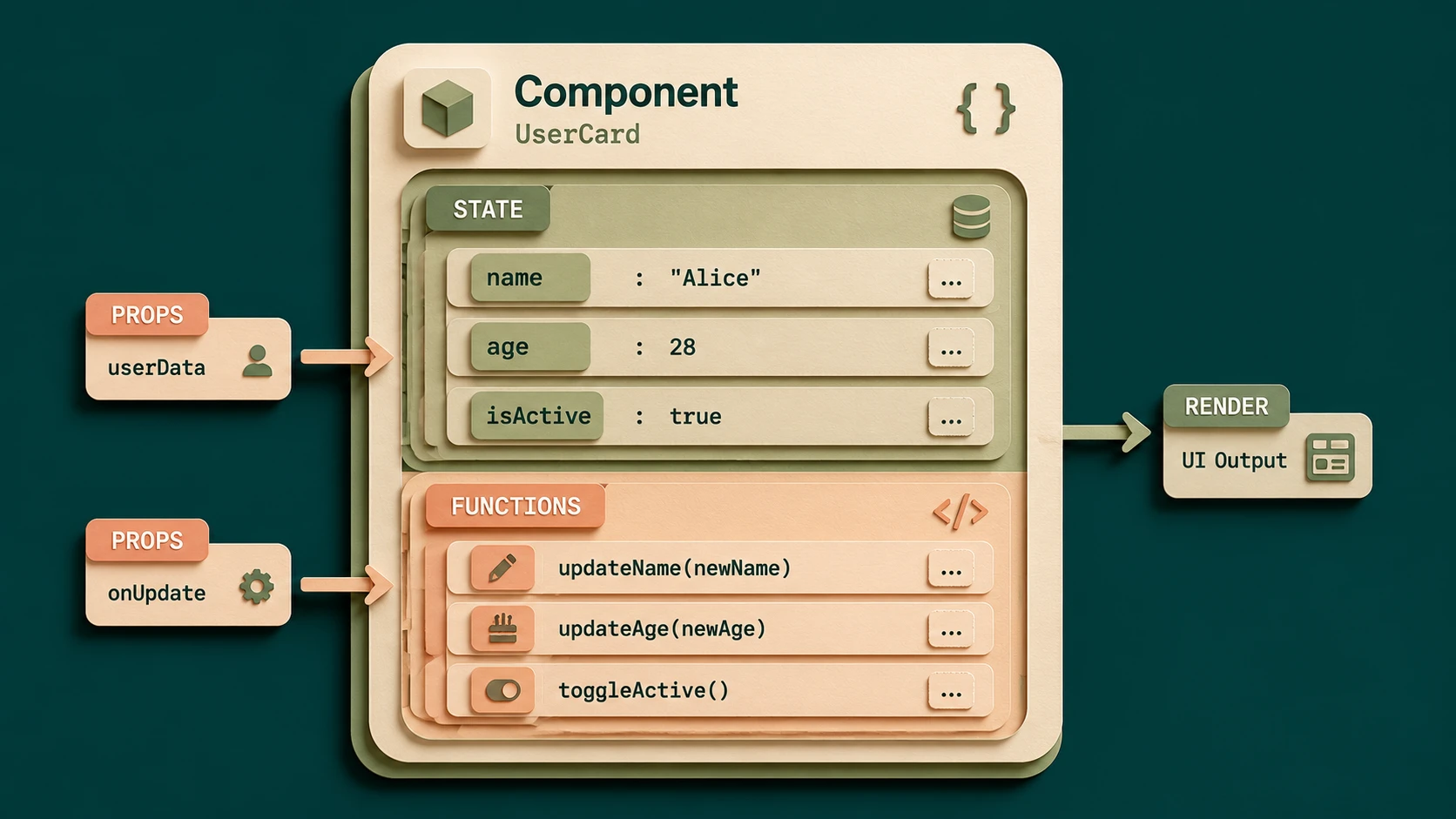
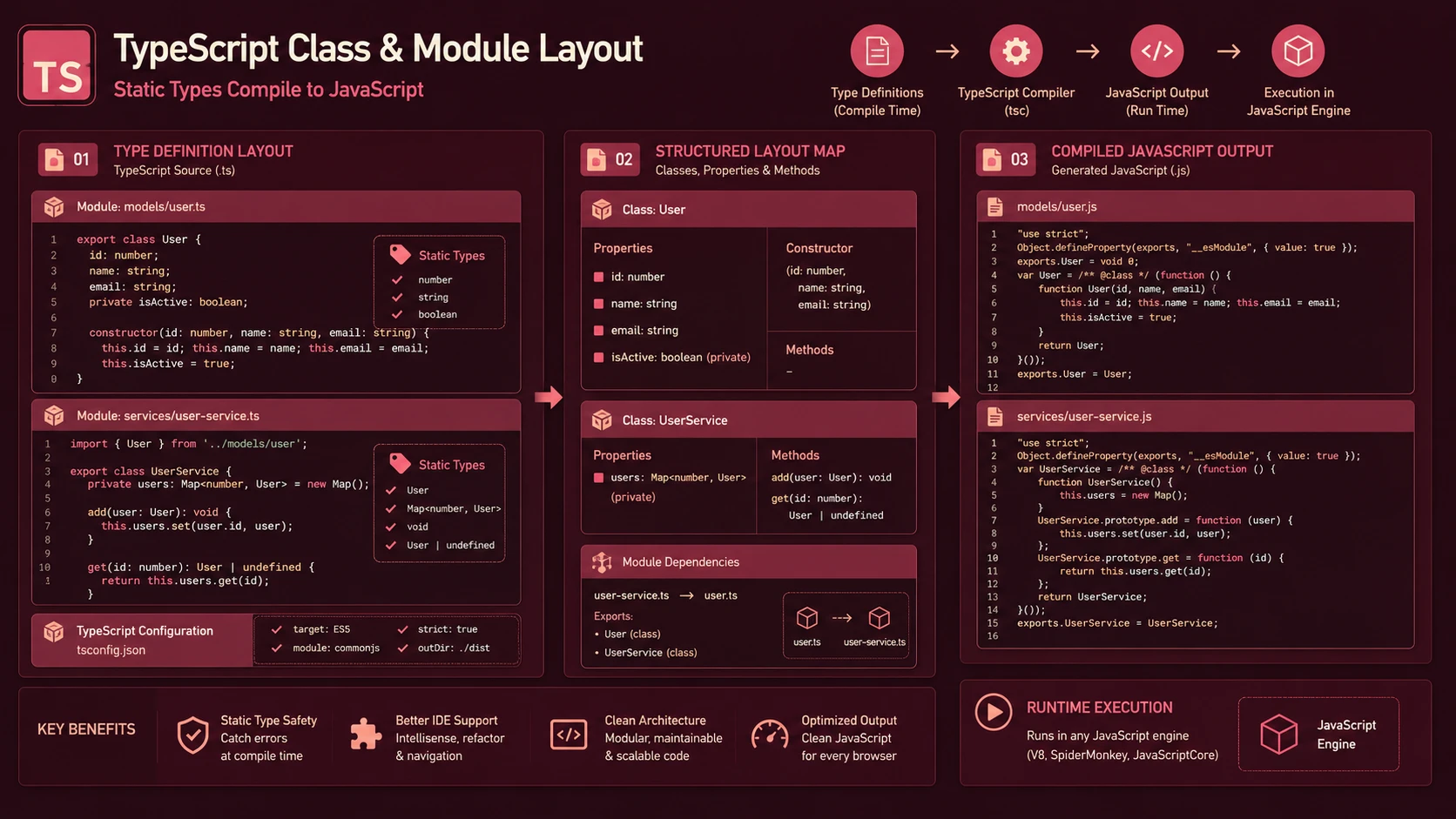
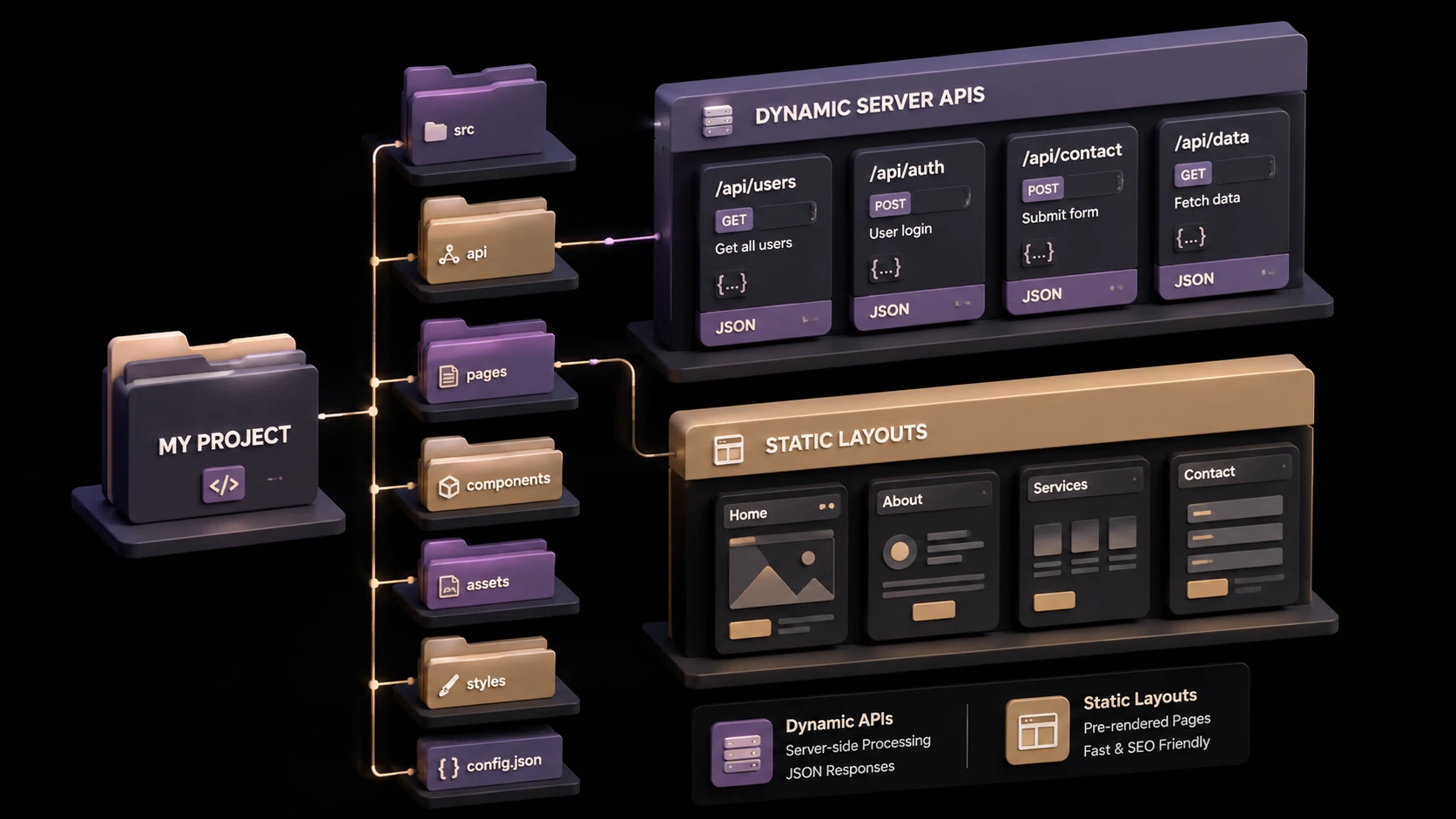
System architecture diagram and conceptual workflow layout for Angular 5.0: Progressive Web App Features and Compiler Optimizations.
Smaller Production Bundles
Build Optimizer works alongside modern JavaScript tooling to reduce deployment size.
Improved Compiler Performance
Compilation becomes faster while producing more efficient application code.
Enhanced Build Pipeline
Angular CLI continues simplifying enterprise application development and deployment.
Production-Oriented Optimization
Angular 5.0 emphasizes deployment quality rather than introducing disruptive architectural changes.
Enterprise Use Cases
Enterprise Dashboards
Improved bundle optimization reduces application startup time.
Customer Portals
Offline support enhances usability under unreliable network conditions.
SaaS Applications
Smaller production bundles reduce bandwidth consumption while improving user experience.
Mobile Business Applications
Progressive Web App capabilities improve reliability for mobile users.
Internal Enterprise Platforms
Improved build tooling simplifies long-term maintenance across multiple development teams.
Performance Considerations
Angular 5.0 focuses heavily on production performance.
Enterprise teams should evaluate:
- ◆Bundle size
- ◆Initial page load
- ◆Compilation speed
- ◆Application startup
- ◆JavaScript execution
- ◆Browser caching effectiveness
Real-world benchmarking remains essential because application architecture continues influencing overall performance.
Security Considerations
Angular continues supporting secure application development practices.
Organizations should implement:
- ◆HTTPS deployment
- ◆Authentication
- ◆Authorization
- ◆Input validation
- ◆Secure API communication
- ◆Dependency management
Progressive Web App features should be deployed using secure origins as required by modern browser security models.
Scalability
Angular 5.0 supports enterprise scalability through:
- ◆Modular architecture
- ◆Component reuse
- ◆Dependency Injection
- ◆Production optimization
- ◆Angular CLI automation
- ◆Maintainable project organization
These capabilities simplify development across large engineering organizations.
Best Practices
- ◆Enable Ahead-of-Time compilation for production.
- ◆Use Build Optimizer during release builds.
- ◆Adopt Angular Service Worker where offline support provides business value.
- ◆Organize applications into feature modules.
- ◆Keep components focused and reusable.
- ◆Monitor production bundle size.
- ◆Automate build validation within continuous integration.
- ◆Benchmark performance after each production release.
Common Mistakes
| Mistake | Enterprise Impact |
|---|---|
| Deploying development builds to production | Larger bundles and slower performance |
| Ignoring production optimization settings | Reduced application efficiency |
| Caching inappropriate resources | Stale application behavior |
| Building oversized feature modules | Longer load times |
| Poor dependency management | Increased maintenance complexity |
| Neglecting performance monitoring | Difficult optimization planning |
Technology Comparison
| Capability | Angular 4 | Angular 5 |
|---|---|---|
| Component Architecture | Yes | Yes |
| Ahead-of-Time Compilation | Supported | Improved |
| Build Optimizer | No | Yes |
| Angular Service Worker | Limited | Official Support |
| Bundle Optimization | Good | Better |
| Production Performance | Strong | Improved |
Adoption Strategy
- 1.Upgrade existing Angular applications incrementally.
- 2.Validate third-party library compatibility.
- 3.Enable production optimizations.
- 4.Evaluate Progressive Web App requirements.
- 5.Test Service Worker behavior carefully.
- 6.Measure production bundle improvements.
- 7.Standardize Angular CLI build processes.
- 8.Expand adoption across enterprise projects.
Limitations
As of November 2017, Angular 5.0 significantly improves production tooling but Progressive Web App deployment still depends on browser support for Service Workers and related web platform capabilities. Organizations should continue testing across supported browsers and validate offline scenarios before deploying business-critical applications.
Looking Ahead
From the perspective of November 2017, Angular 5.0 demonstrates the framework's increasing maturity as an enterprise development platform. Rather than introducing disruptive architectural changes, this release focuses on optimizing production deployments, improving compiler efficiency, and embracing Progressive Web App technologies. These enhancements position Angular as a strong choice for organizations building scalable, high-performance web applications capable of delivering reliable user experiences across desktop and mobile environments.